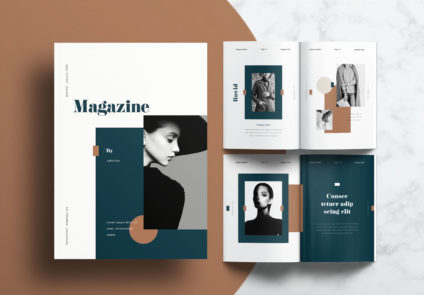
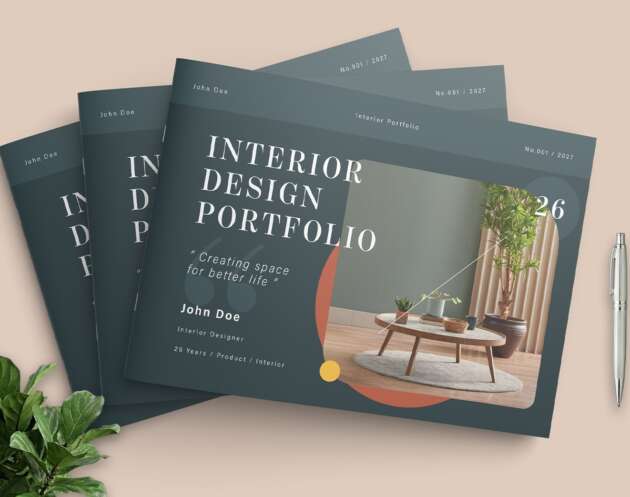
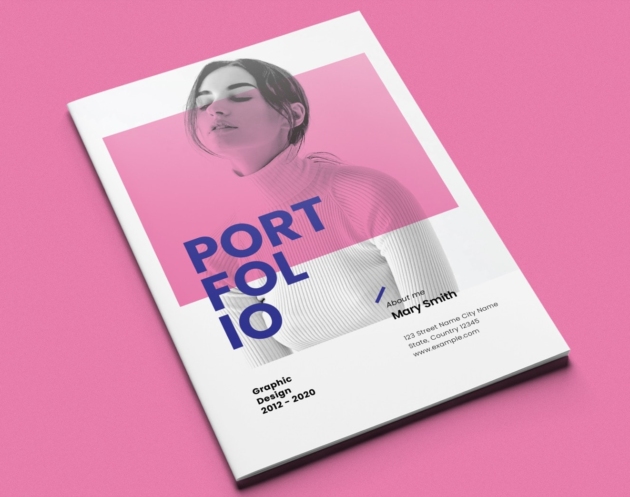
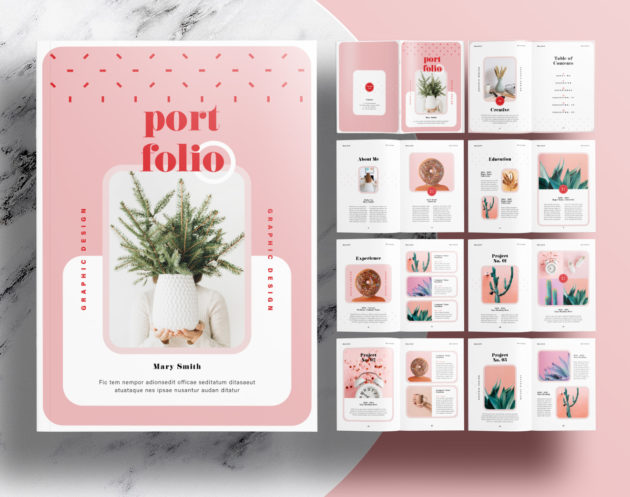
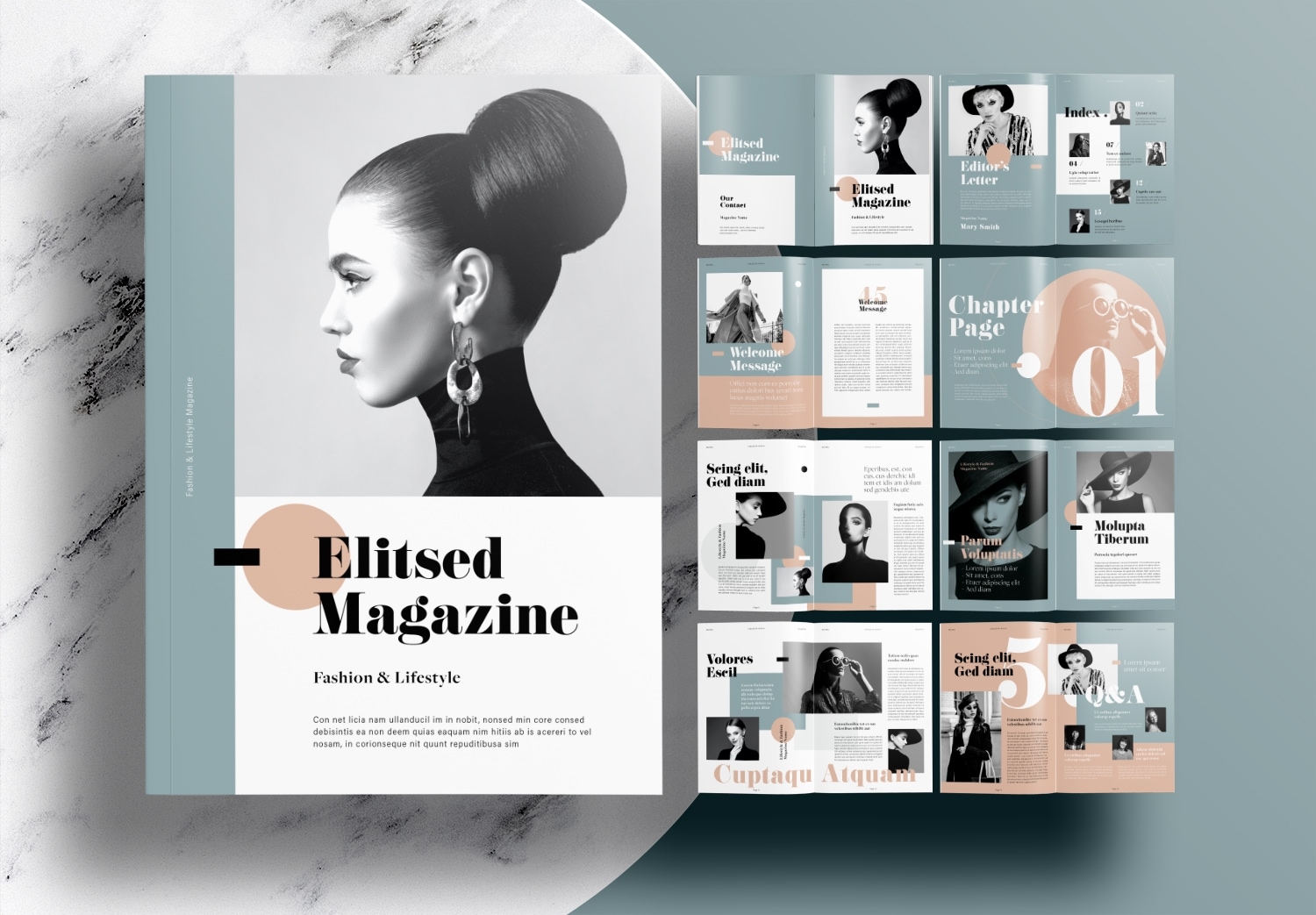
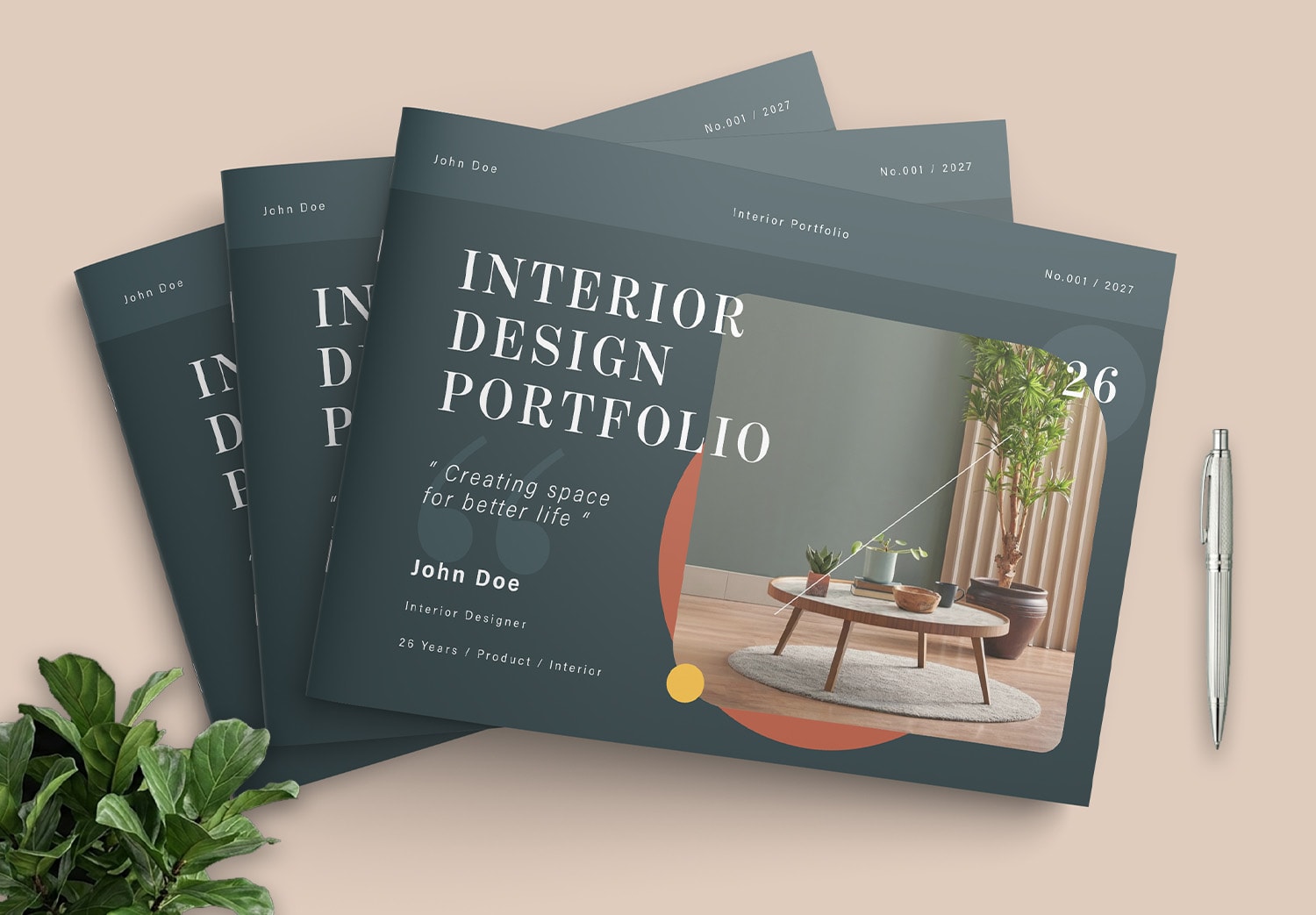
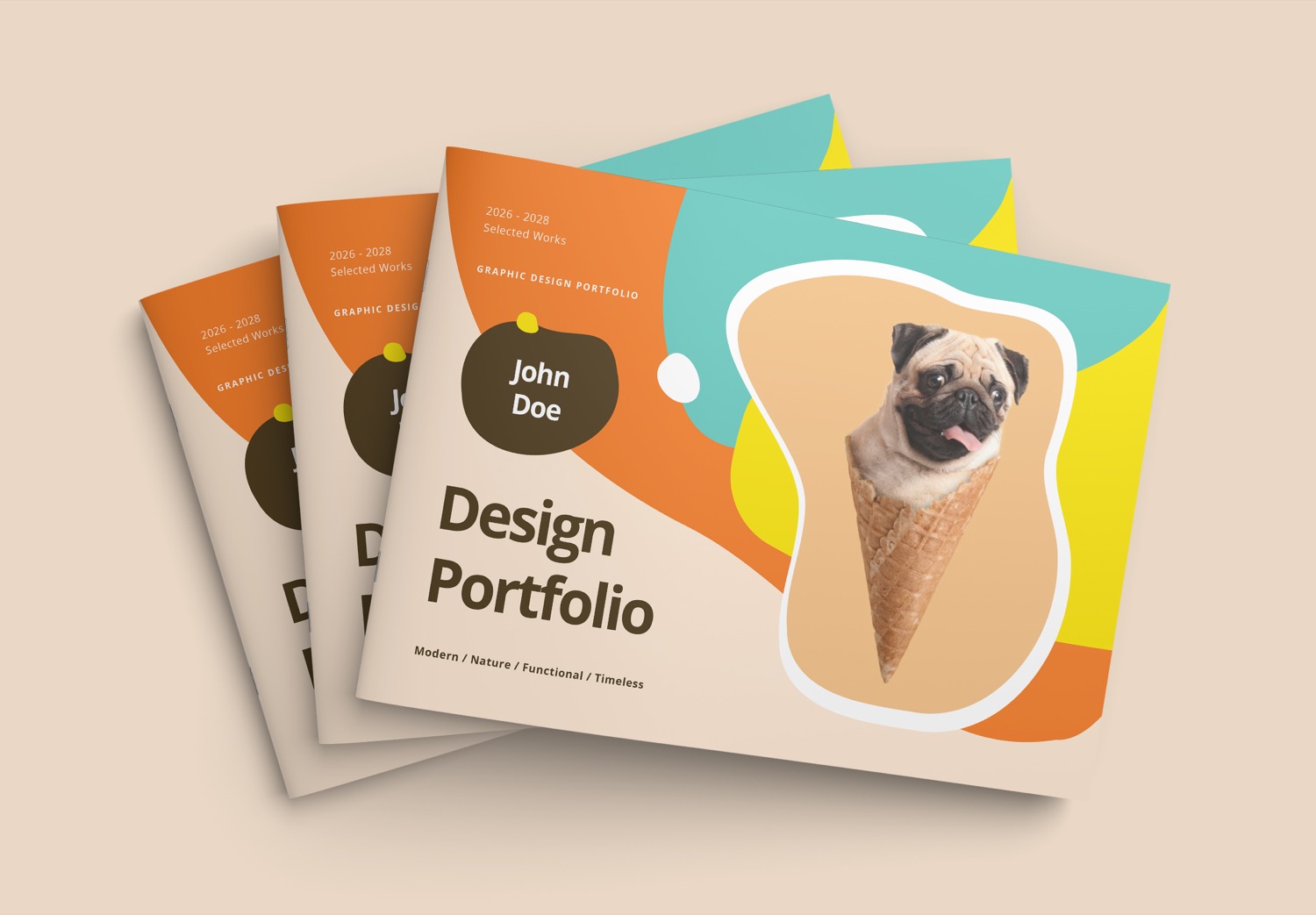
Free Landscape Portfolio Brochure Layout Template with Turquoise and Orange Accents
A good portfolio is the beginning of new opportunities
In today’s highly competitive world, a portfolio has become an important tool for communicating your identity, creativity, and professionalism within just a few minutes. Whether you use it for job applications, project proposals, client presentations, university applications, or personal branding, a strong portfolio can help you stand out. This is especially important for creative fields such as Graphic Design, Branding, UI/UX Design, Interior Design, Architecture, Illustration, and Photography. A well-designed portfolio can help you stand out from other applicants or competitors.
Save Time with a Professionally Designed Template
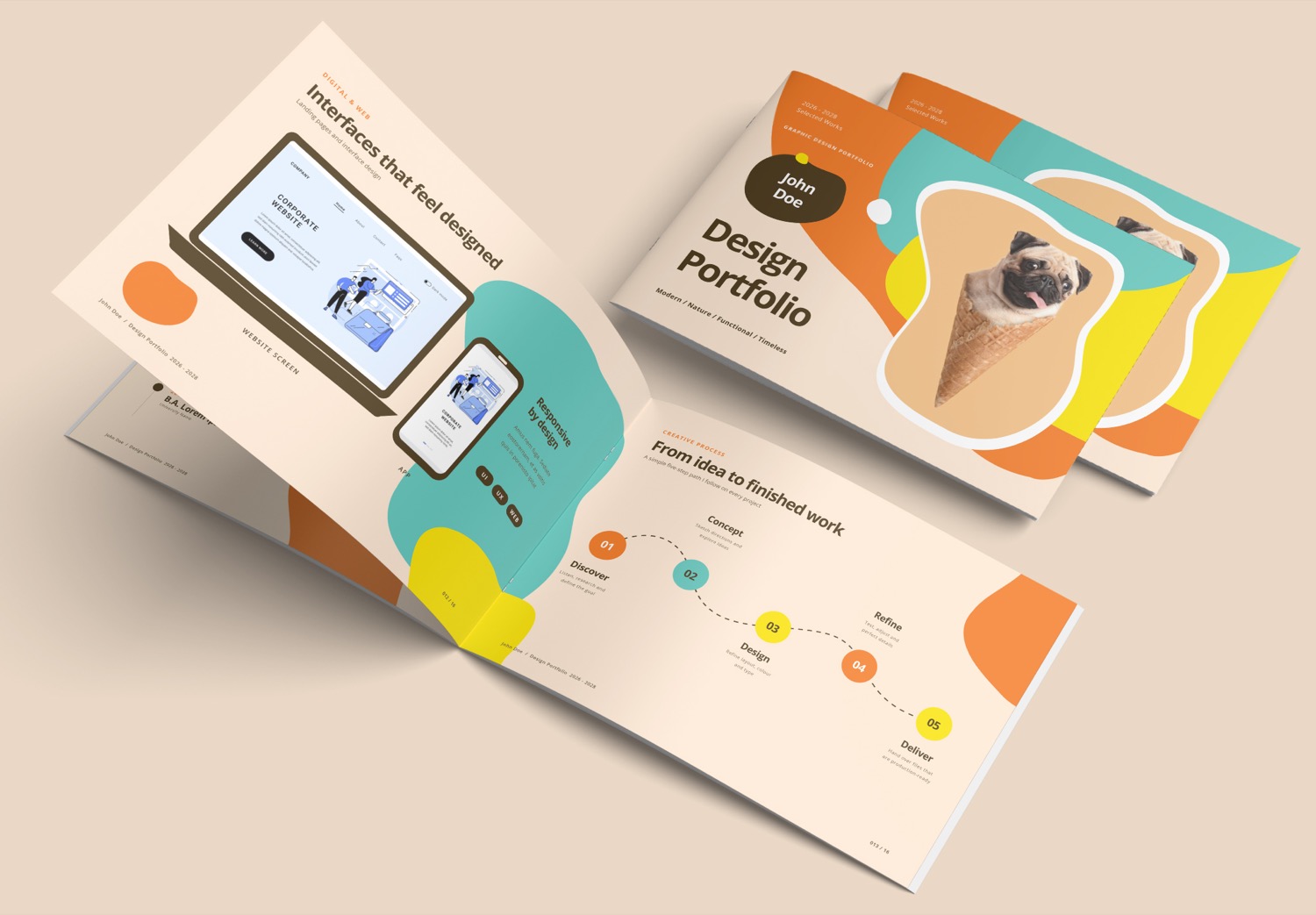
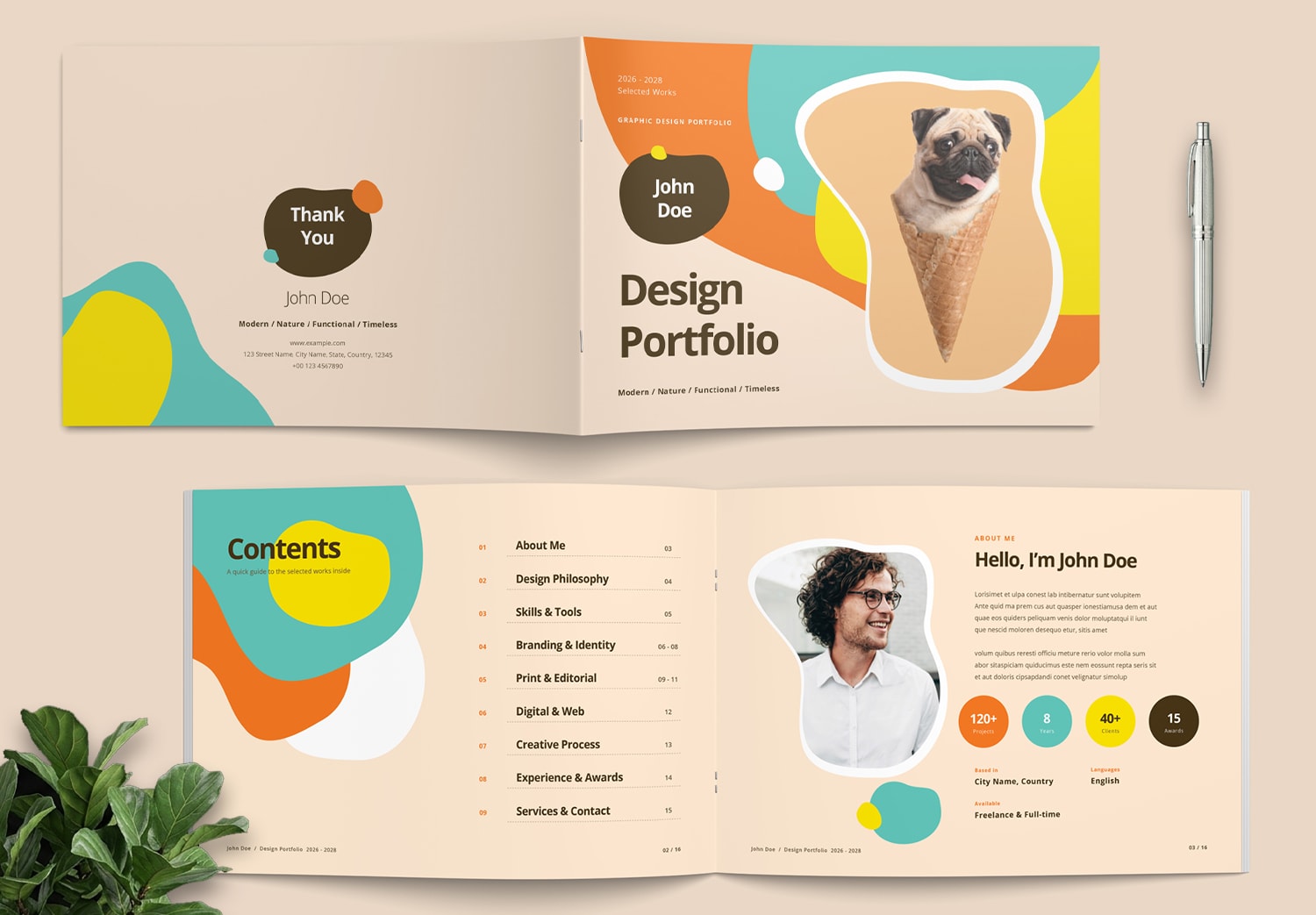
This Landscape Portfolio Layout Template is designed by Sirisako, a professional graphic designer on Adobe Stock. The template features a thoughtful structure that helps organize information clearly, with carefully selected colors, typography, and design elements that create a modern and professional portfolio presentation.
This template design is based on the Turquoise And Tangerine color palette from ColorXD. It features free-form shapes in orange, turquoise, yellow, and brown, combined with a cream background to create a warm, bright, and welcoming look. The lively color palette gives the portfolio a creative and modern style while keeping the layout clean and professional.
The template is designed for designers, students creating their first portfolio, freelancers, studio owners, and business owners who want to present their work with a unique identity.
Complete Pages for a Well-Organized Portfolio Presentation
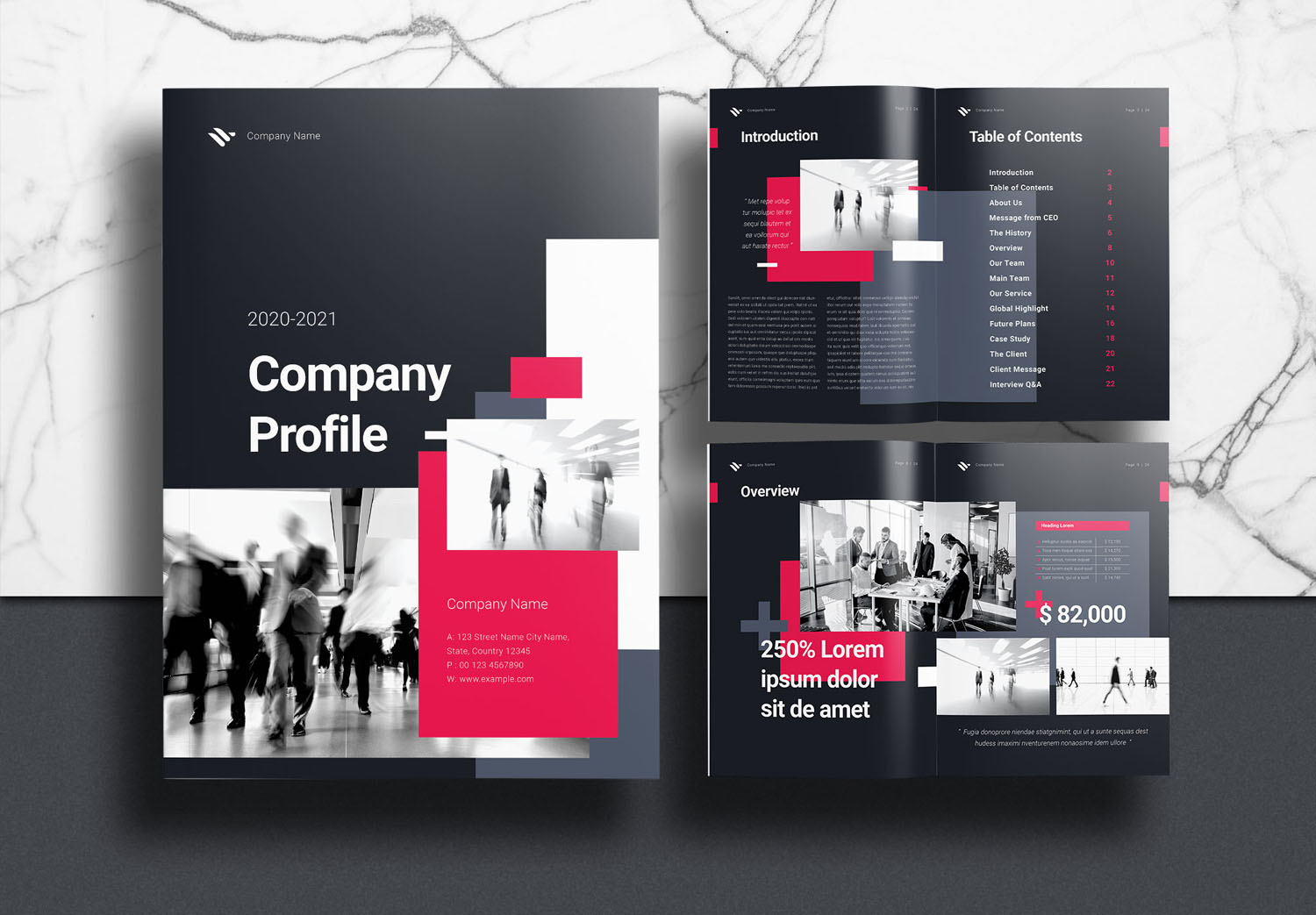
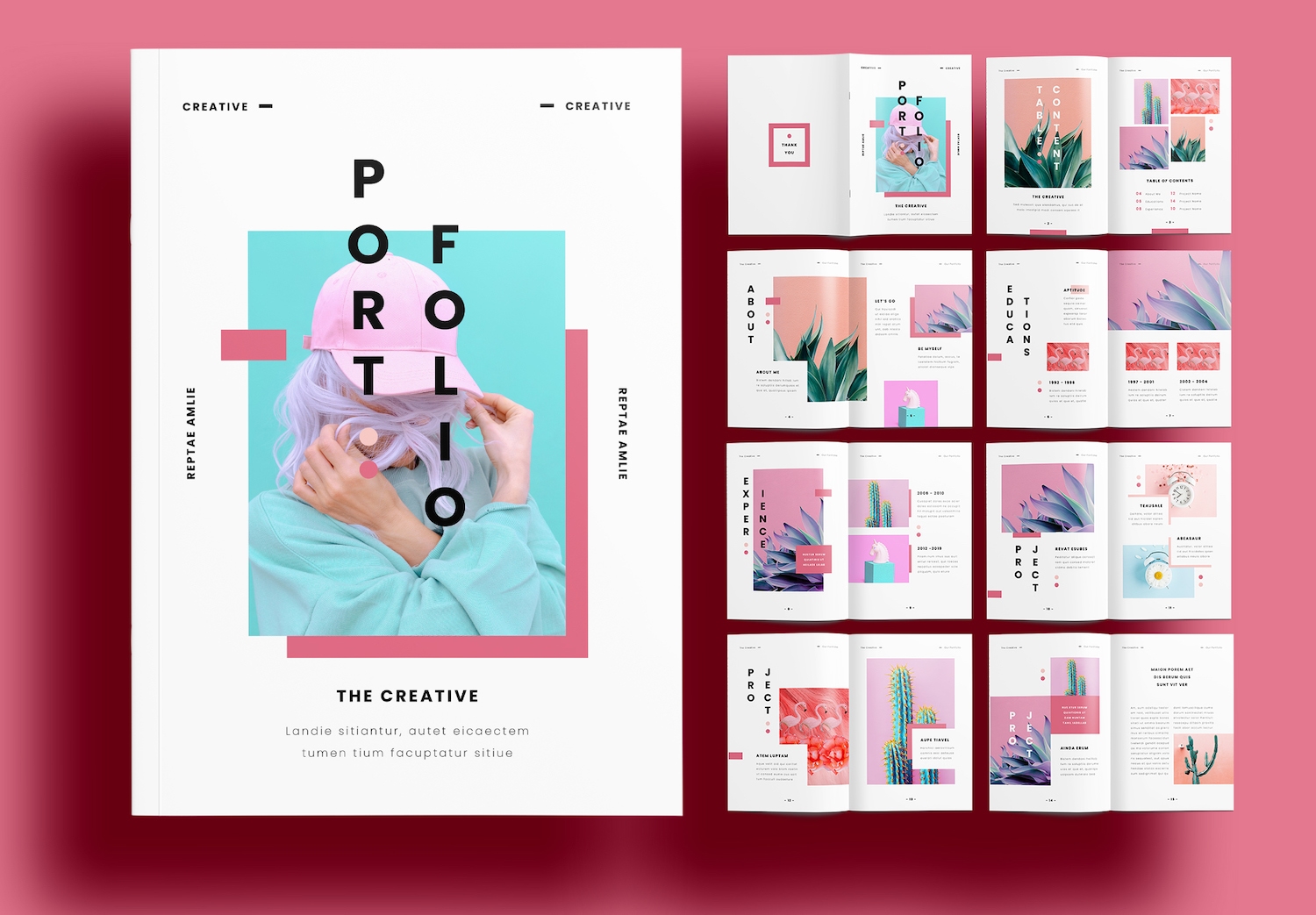
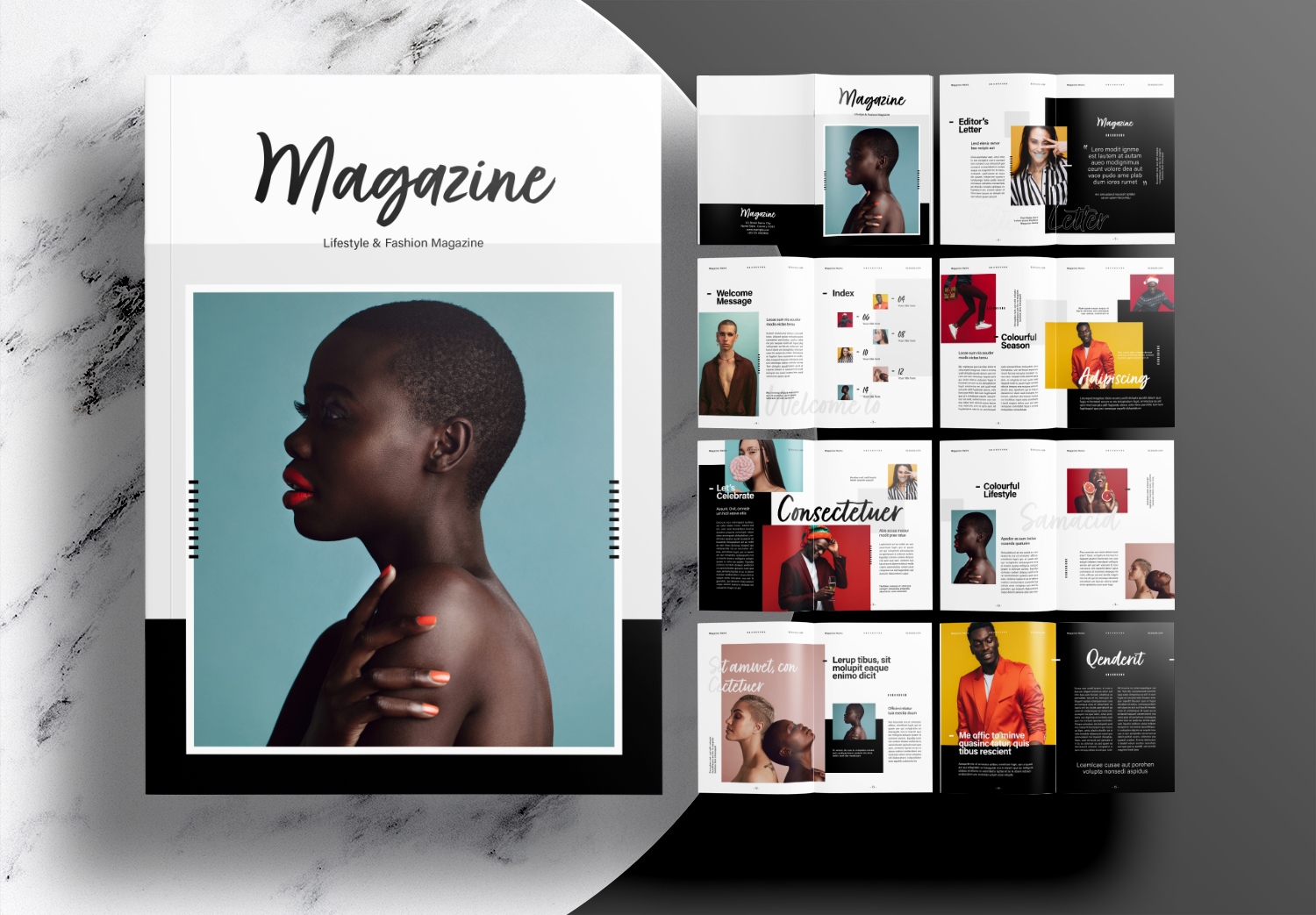
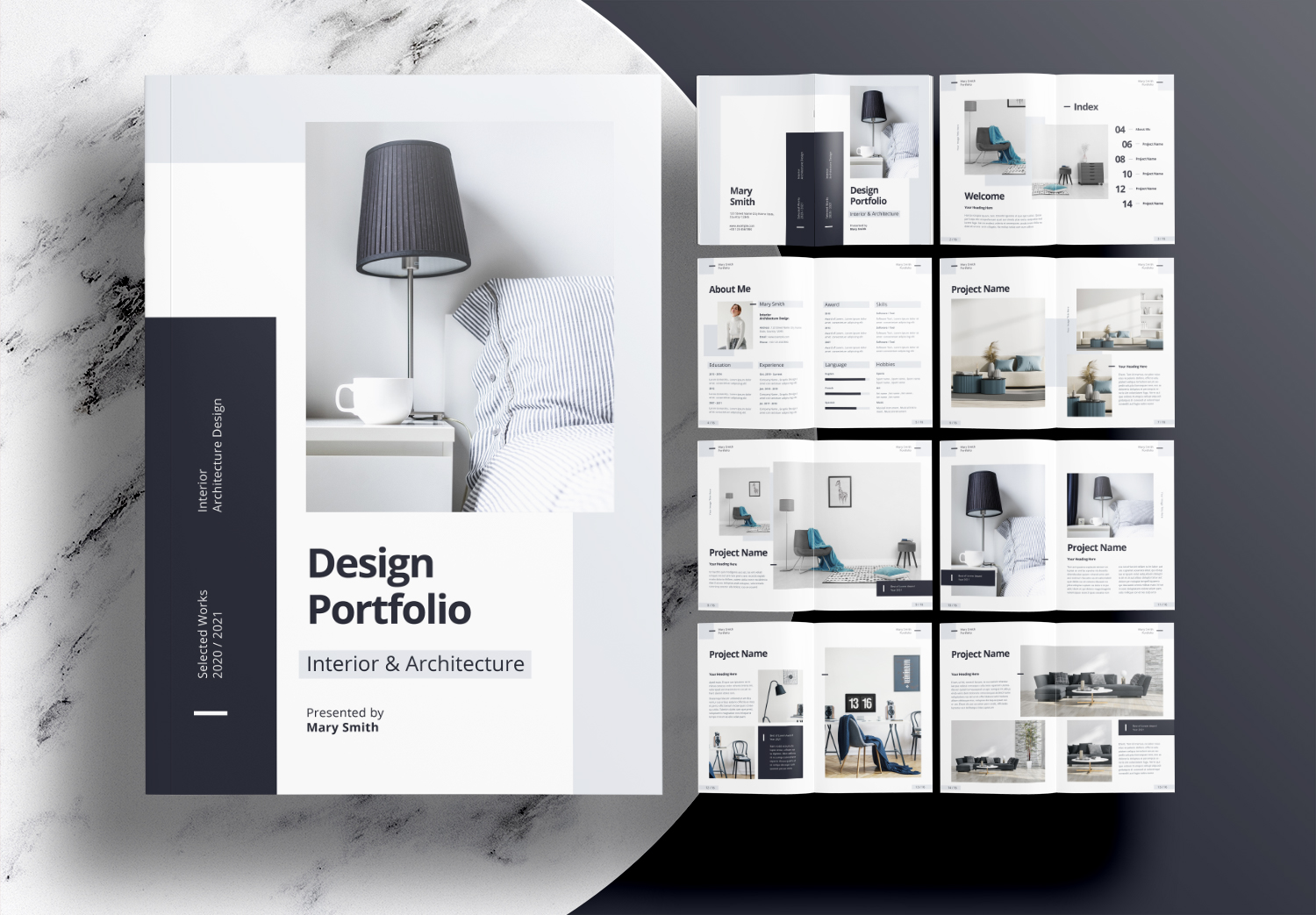
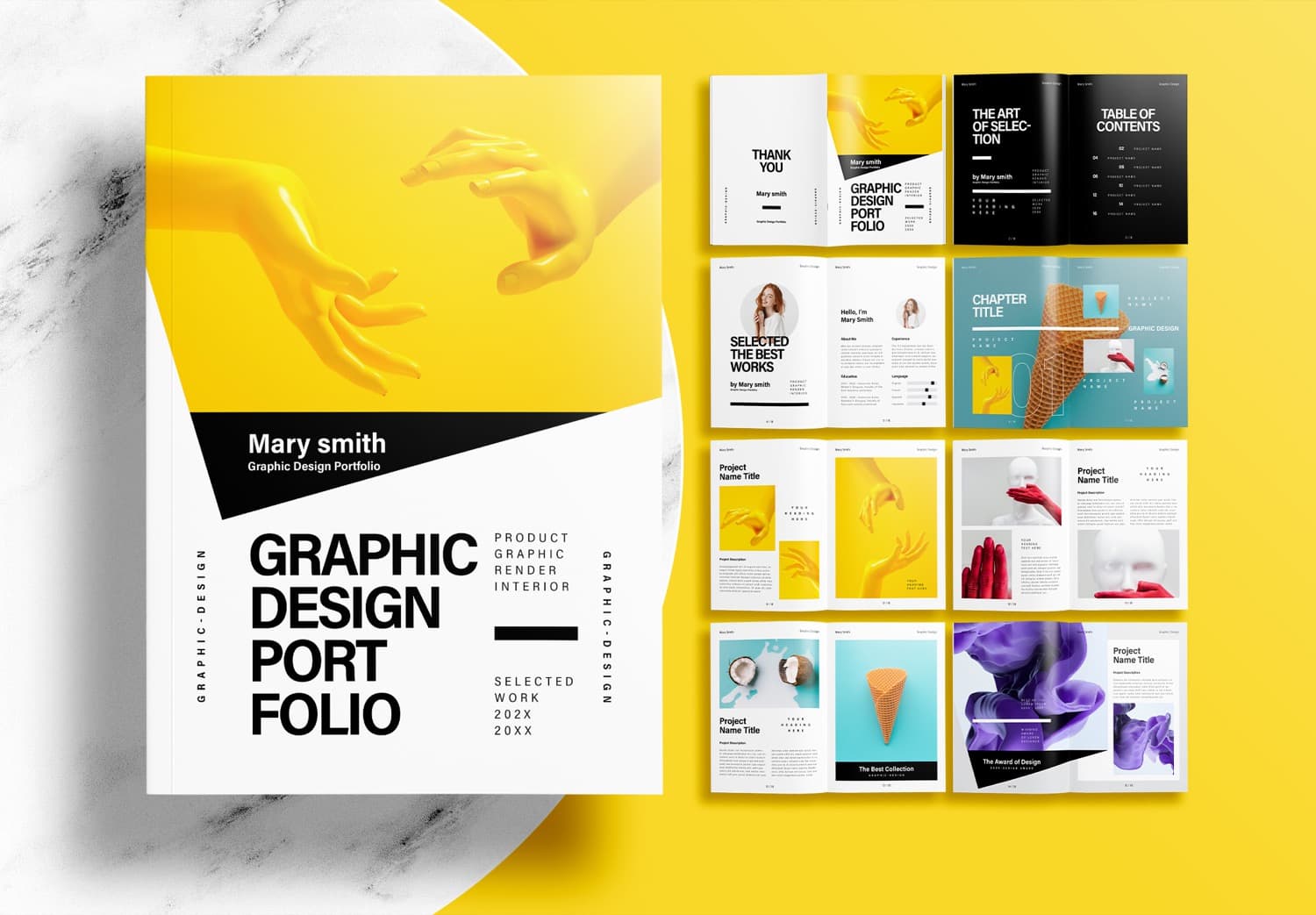
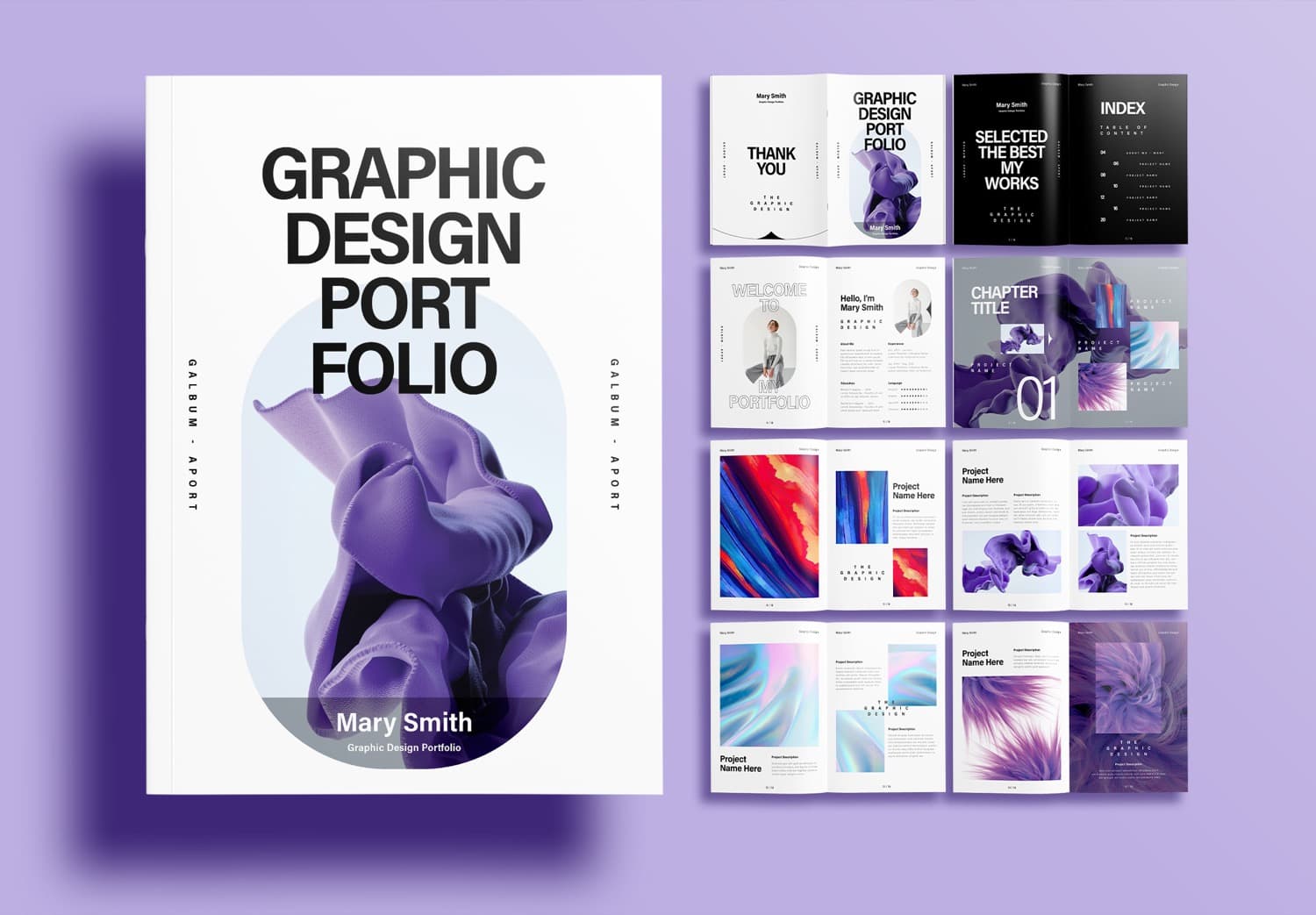
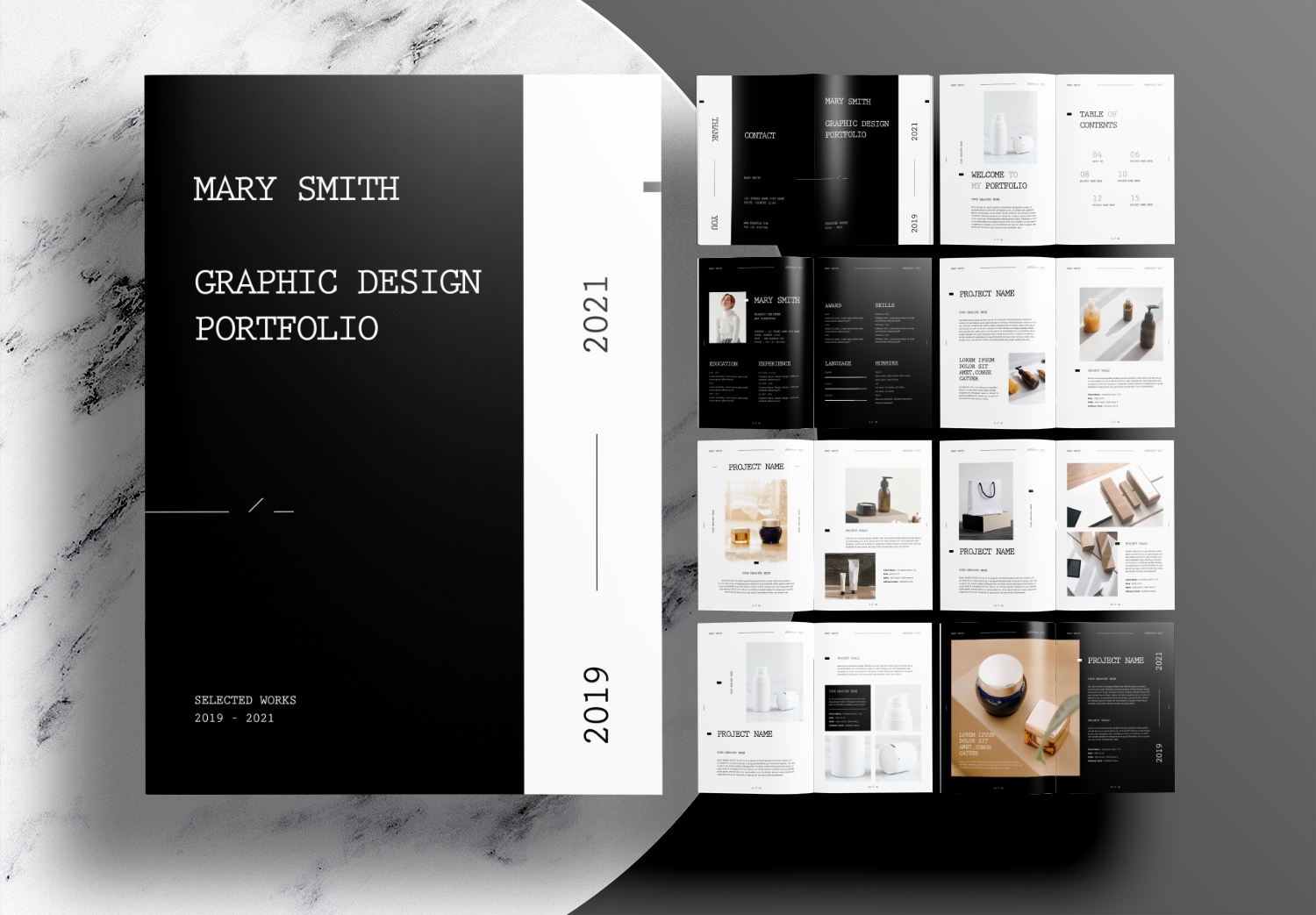
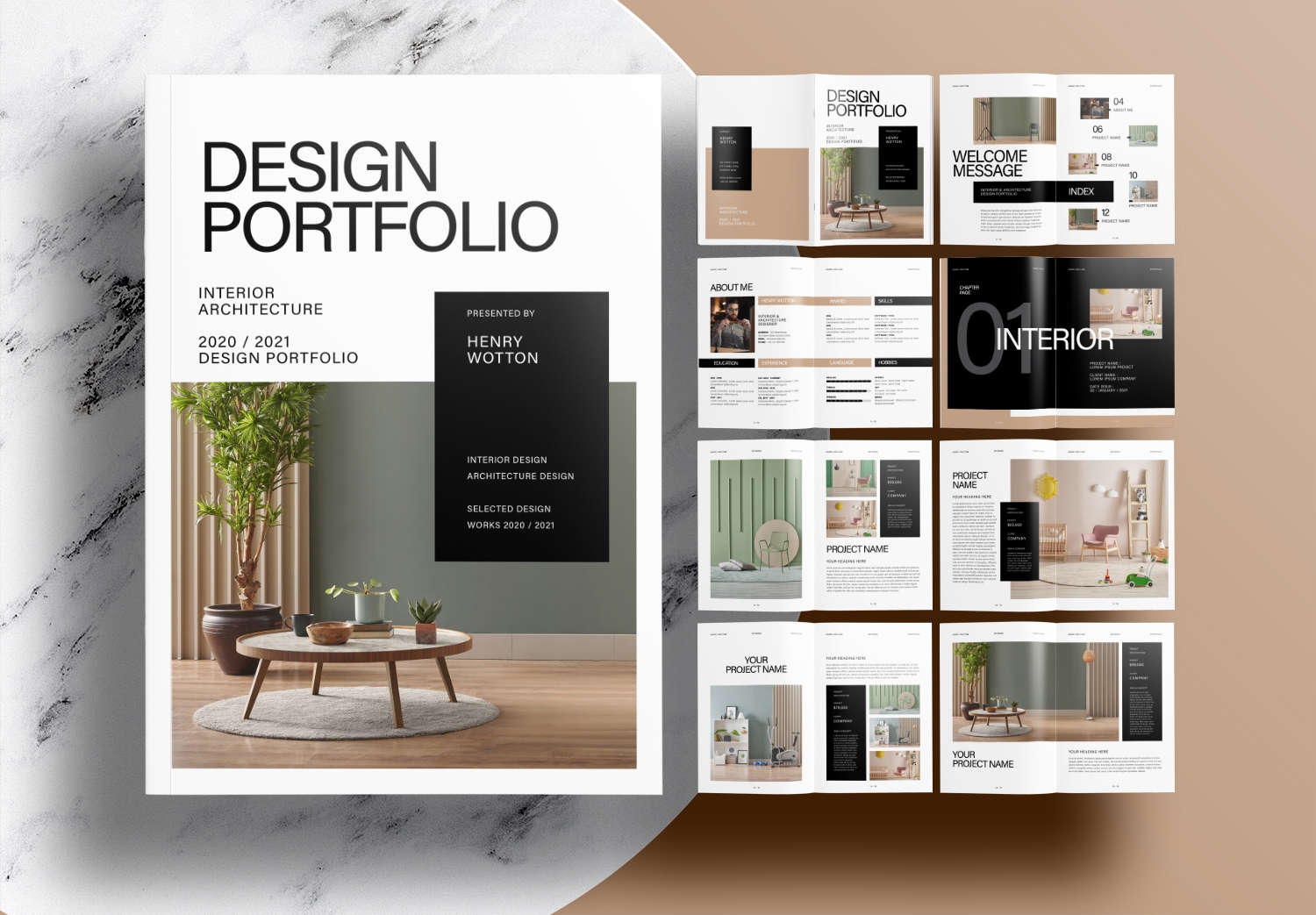
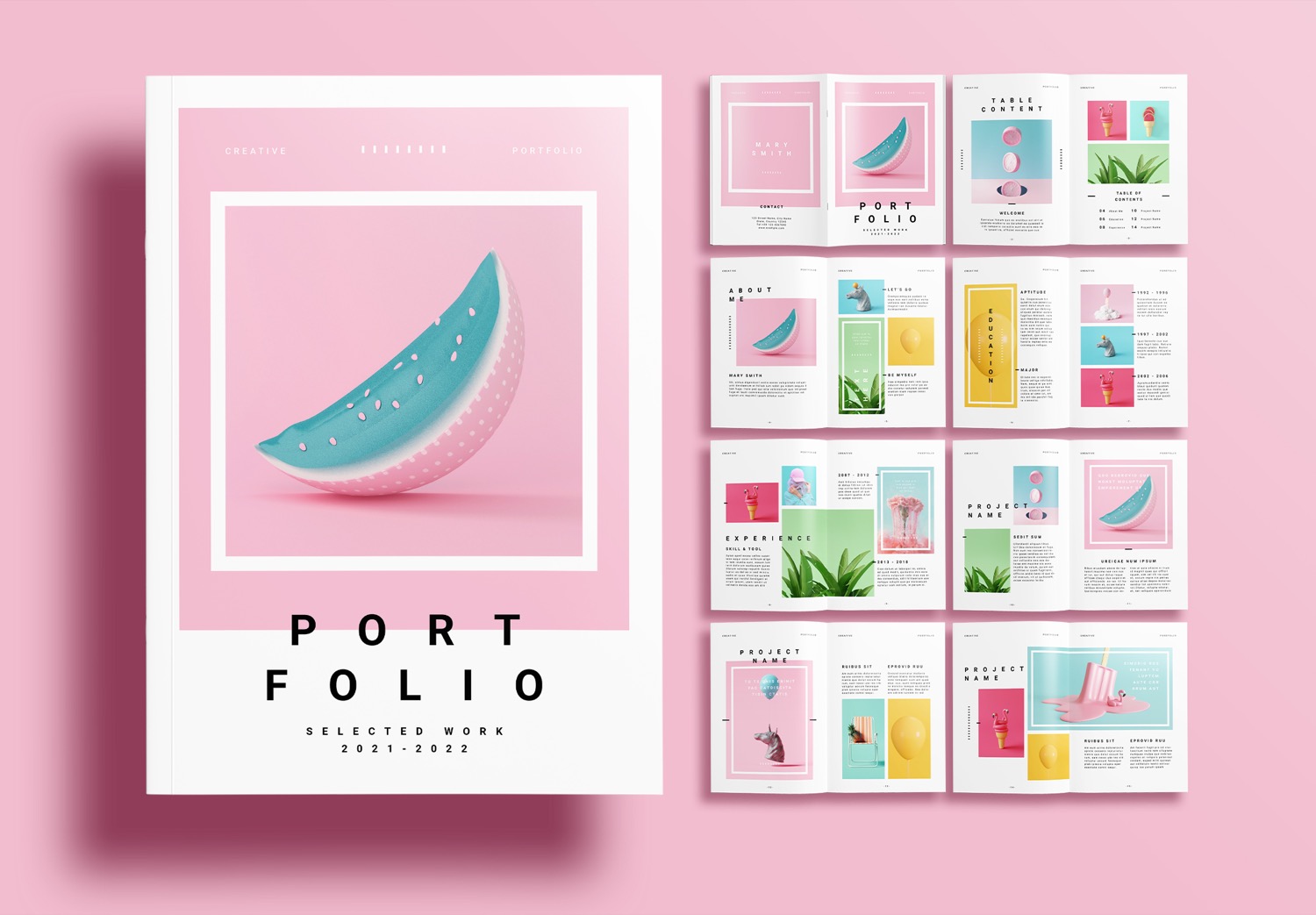
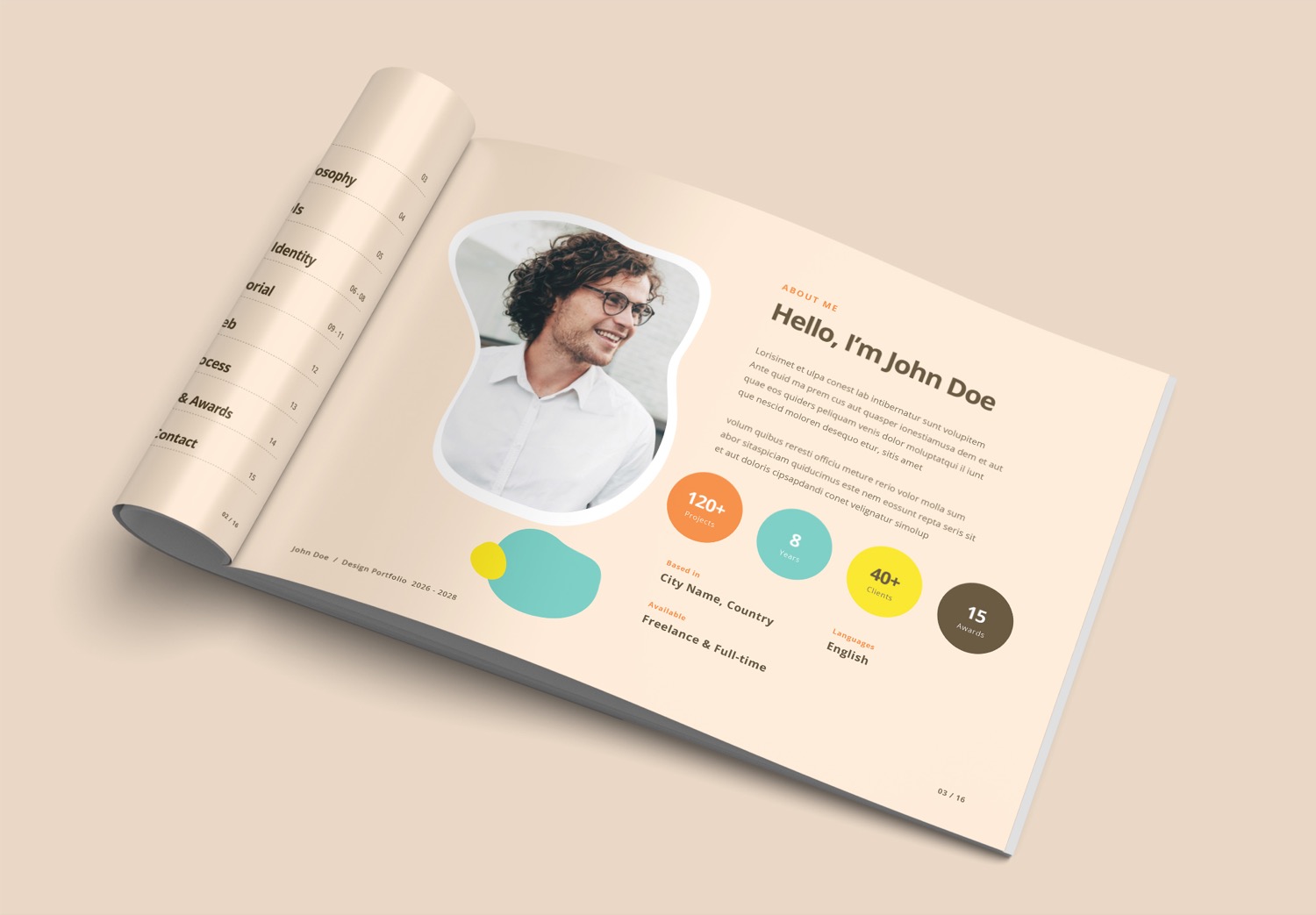
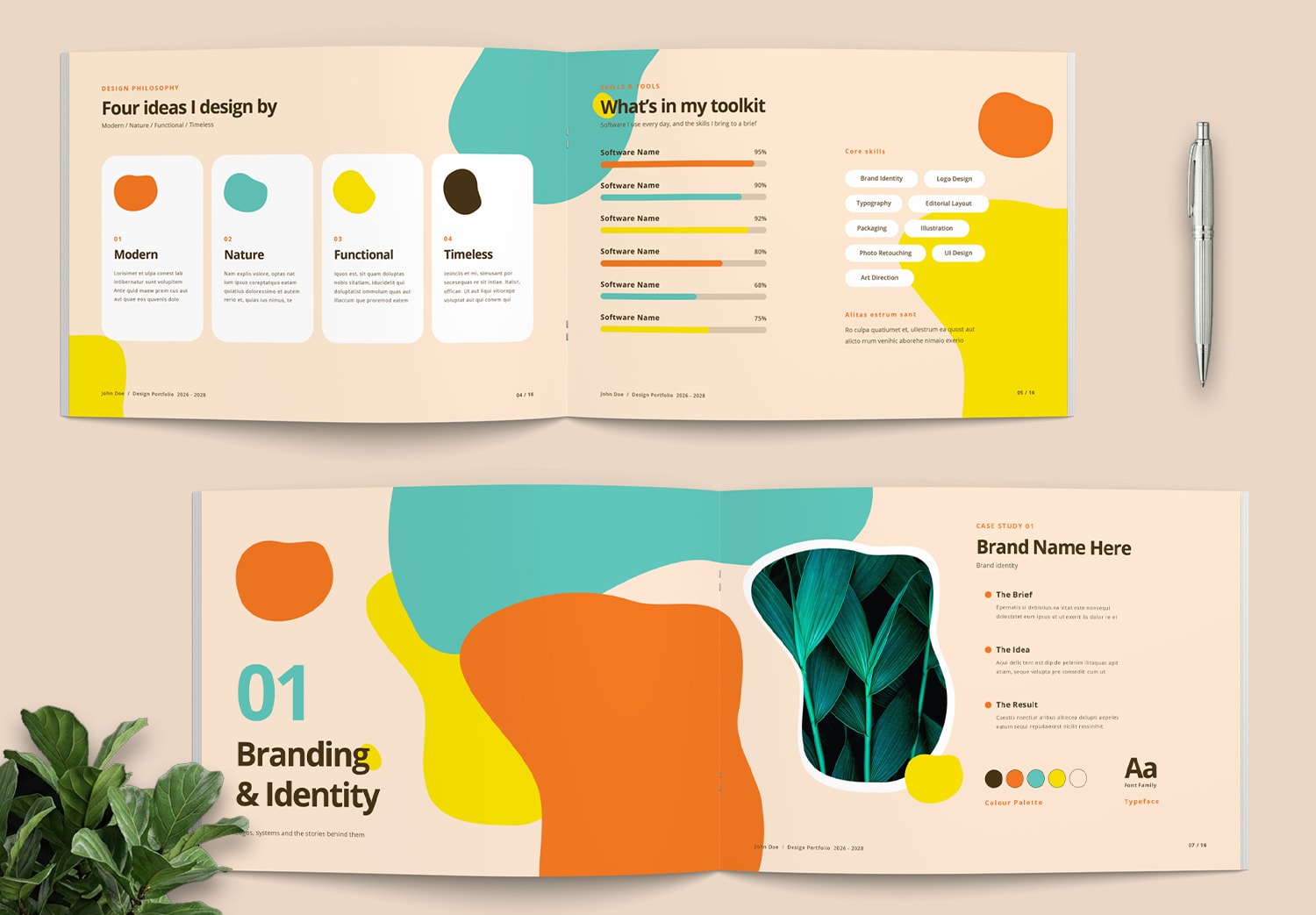
This template includes all essential pages for presenting your work in a clear and organized way. It features an eye-catching cover, an easy-to-read table of contents, and an introduction page with personal information and work skills. It also includes concept pages, design philosophy, and a skills section with charts and percentage bars to present information clearly.
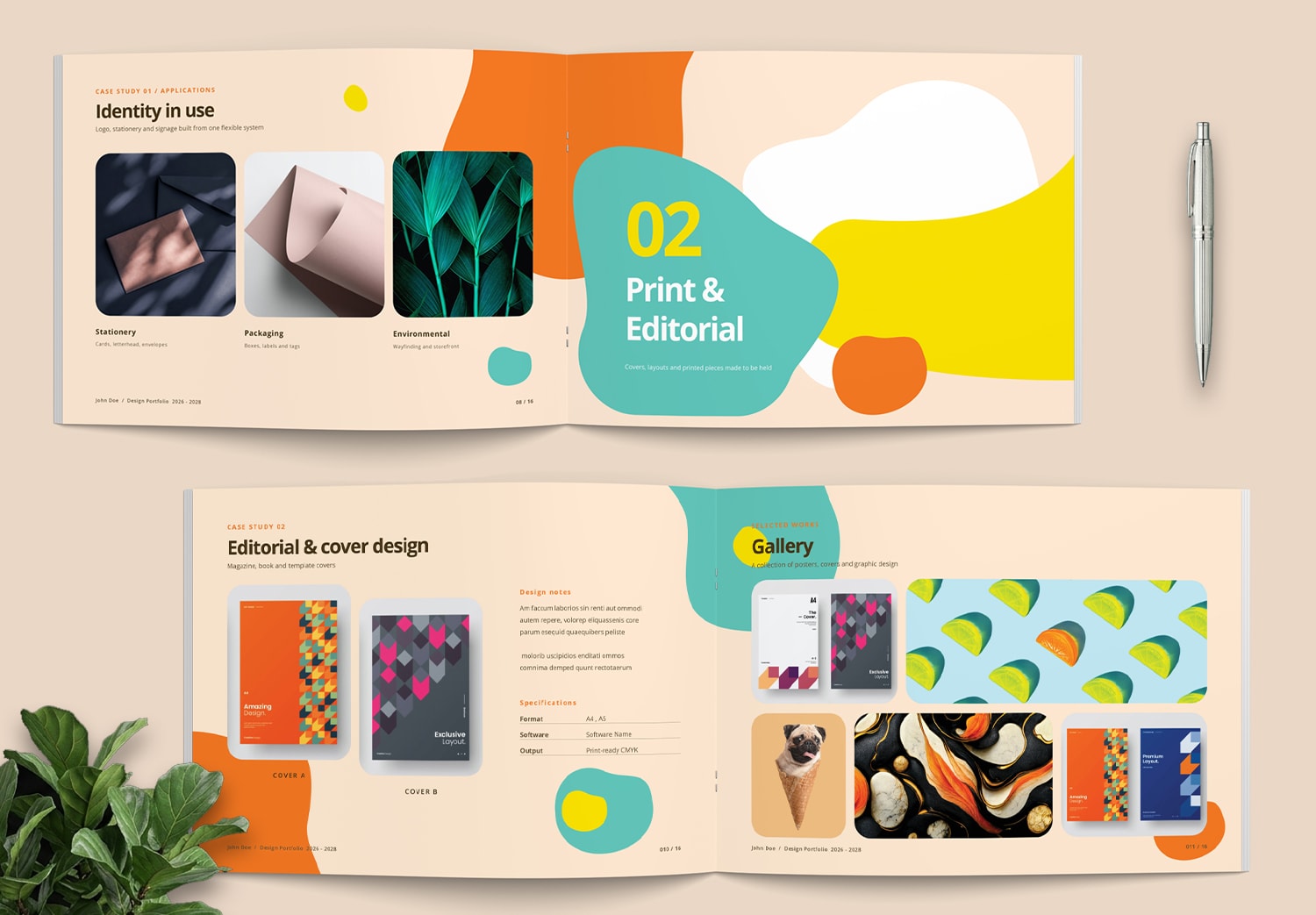
The template also includes chapter divider pages to clearly separate each section of the portfolio, project presentation pages, and gallery layouts that support both large images and multiple visuals on a single page.
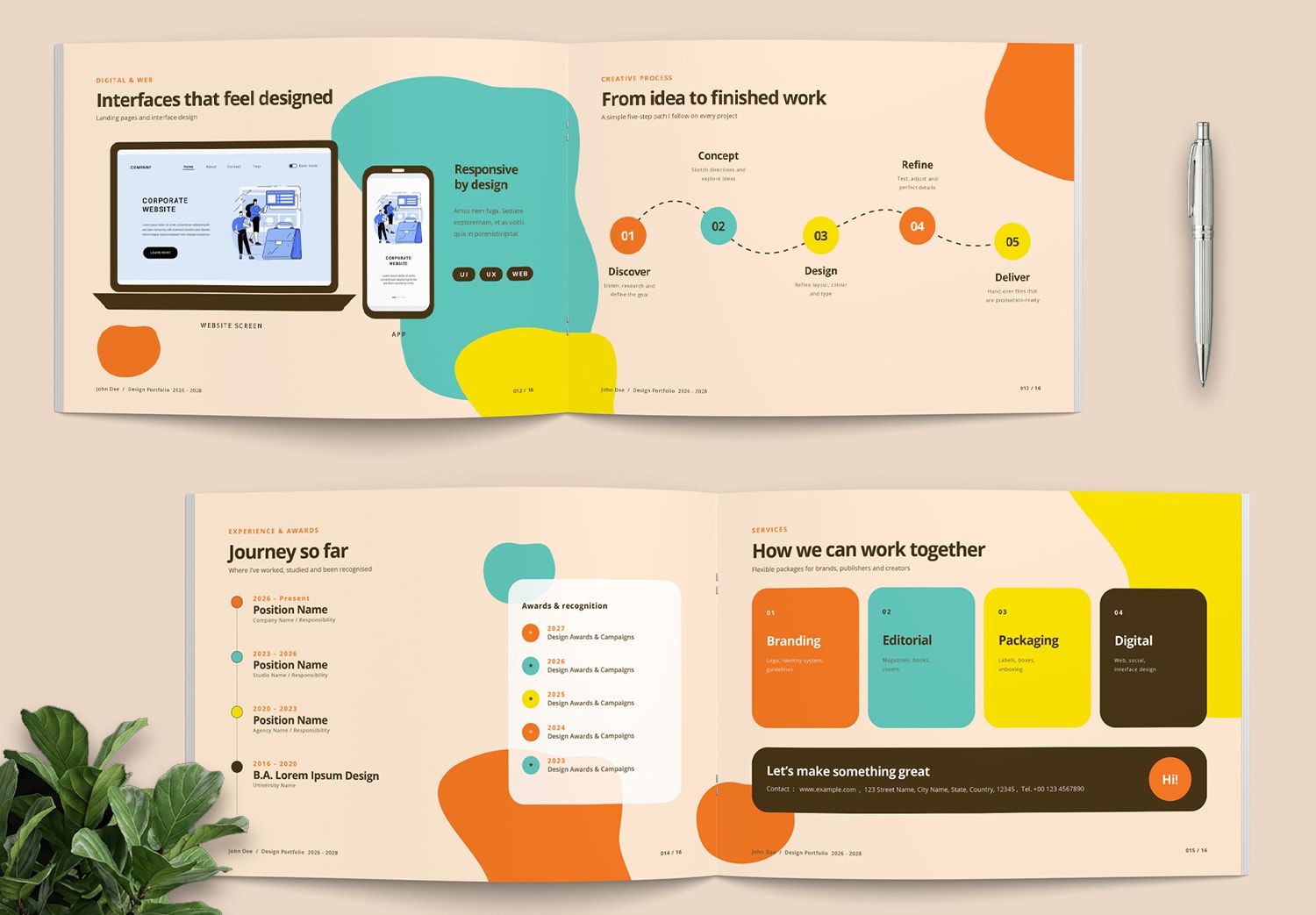
It also provides UI design mockup pages for different devices, a Timeline page showing the workflow from the beginning to the end of a project, experience and career journey pages, as well as service and contact information pages.
Each page has its own unique layout while maintaining the same grid system, color palette, and design elements throughout the entire portfolio. This creates a consistent presentation with a professional look and feel.
Easy to Customize with Free and Full Versions Available
The template files can be easily edited in Adobe InDesign. Every page is built with professional settings that make customization fast and simple. You can replace text, images, colors, and other design elements with just a few clicks.
The template includes many built-in Adobe InDesign features to make editing easier. Paragraph Styles let you update headings and body text consistently throughout the document. Object Styles help you customize design elements while keeping the same visual style across every page. Automatic page numbering updates page numbers instantly, even if you rearrange, add, or remove pages. Image placeholders automatically fit your photos into the frames, saving time and keeping the layout clean. Many other built-in settings are also included to make your editing experience faster and more convenient.
If you have never used Adobe InDesign before, Adobe Creative Cloud is a great place to start. It gives you access to professional design tools and time-saving features that make creating and editing a portfolio much easier.
You can get a free download of this template to start creating your portfolio quickly with the five page free version. And the full version 16 pages is available on Adobe Stock. If you are new for Adobe Stock, you can Get 10 Free Assets for first month, including templates, images, and many other graphic resources, depending on Adobe’s current offer terms. These tools help you work more smoothly and faster.
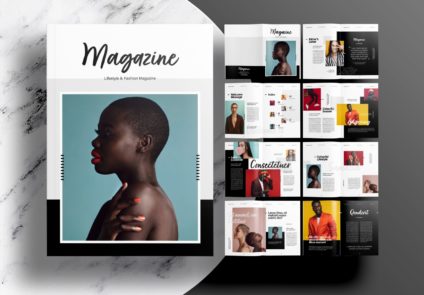
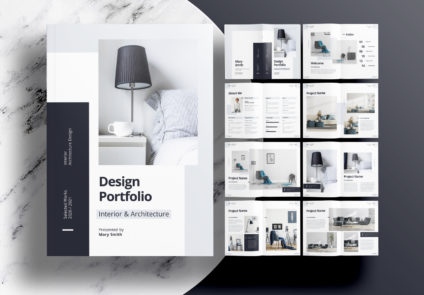
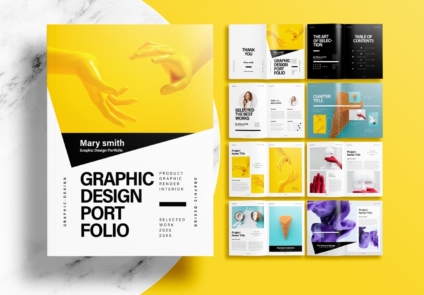
Popular Templates