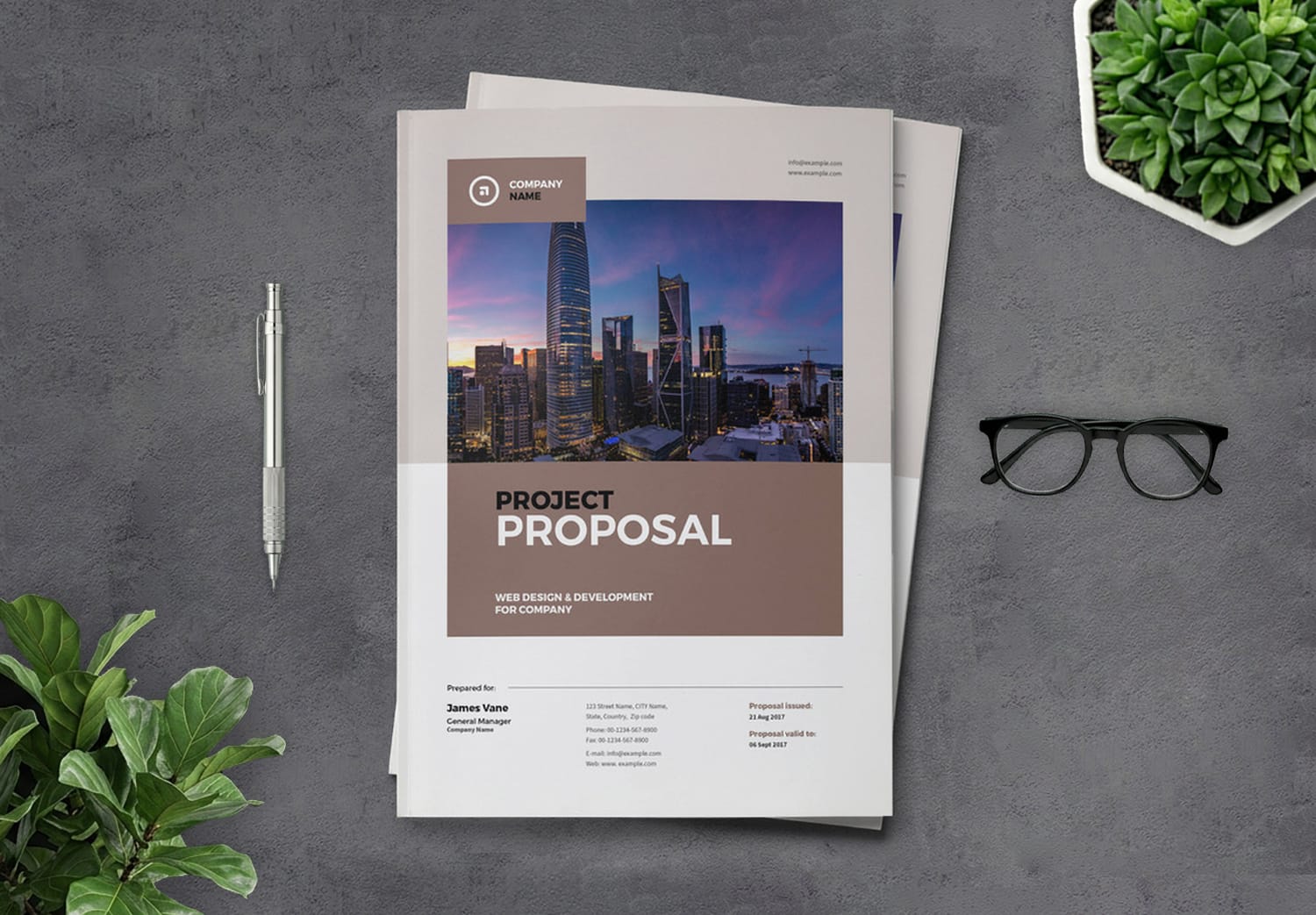
Project Business Proposal InDesign Template with Yellow and Gray Accents
A professional proposal starts with a strong presentation
A project proposal is one of the most important business documents because it does much more than explain a project. It also reflects your company’s professionalism, credibility, vision, and way of working. A well-designed proposal can create a strong first impression on clients, investors, and business partners. It helps them understand your goals, services, workflow, and previous achievements while building confidence in your organization from the very first page.
Save time with a ready-to-use proposal template
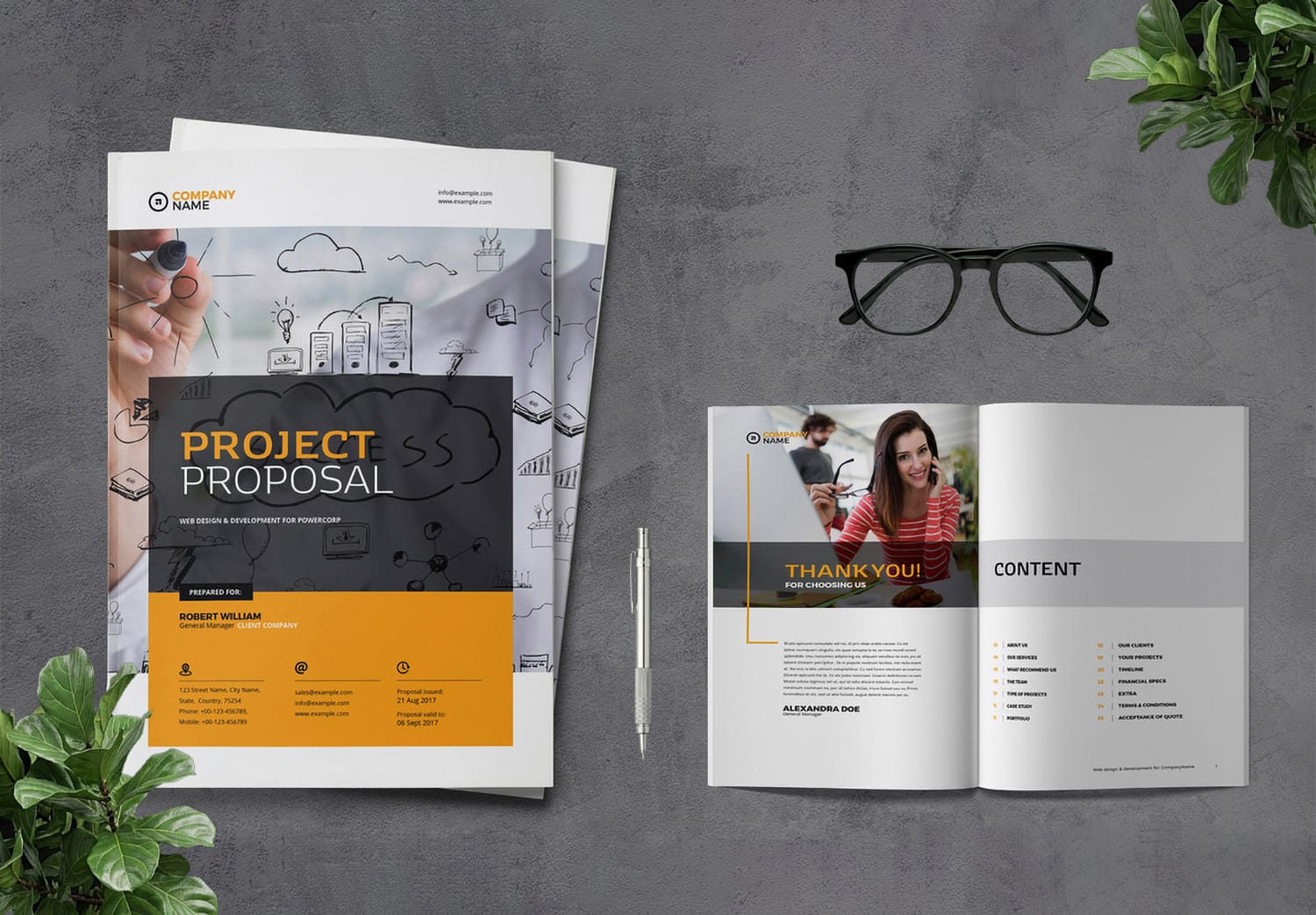
As business competition continues to grow, presenting information clearly and professionally has become more important than ever. Using a ready-made Project Proposal InDesign Template is a smart and efficient way to speed up your workflow while maintaining a high design standard. Instead of spending hours building layouts from scratch. You can focus on your content while using a professionally designed structure that looks modern, trustworthy, and ready for business presentations.
Built by a professional designer for professional results
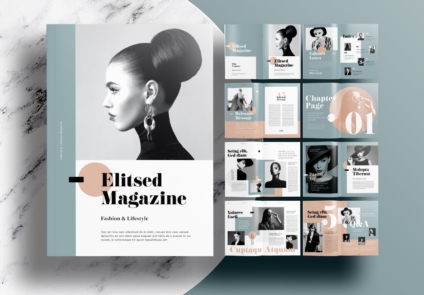
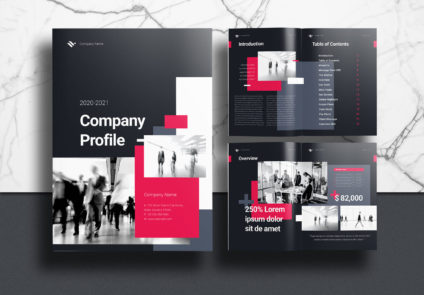
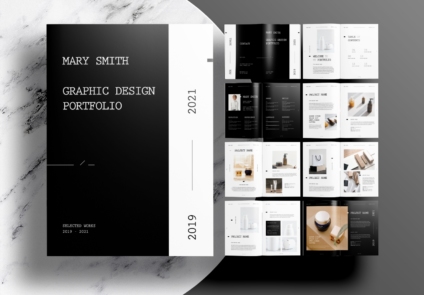
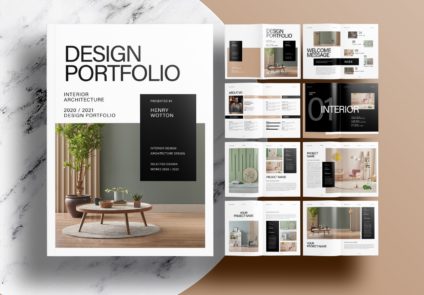
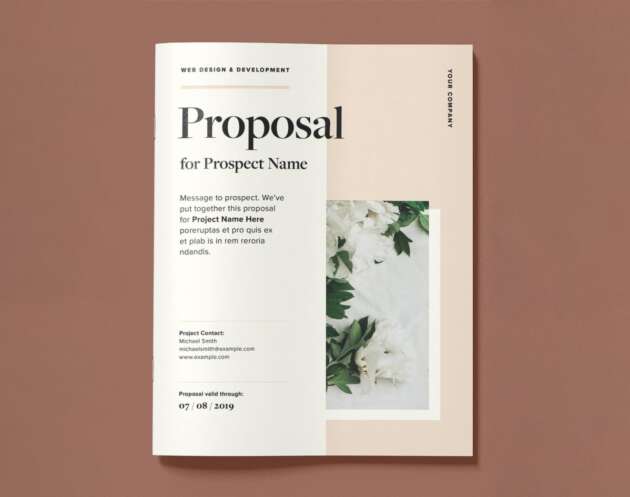
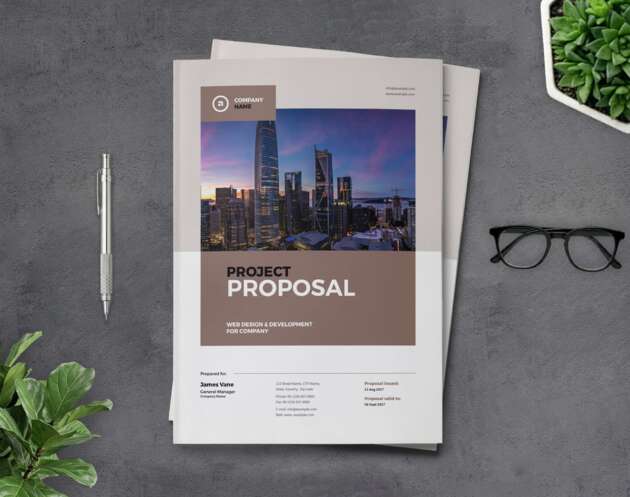
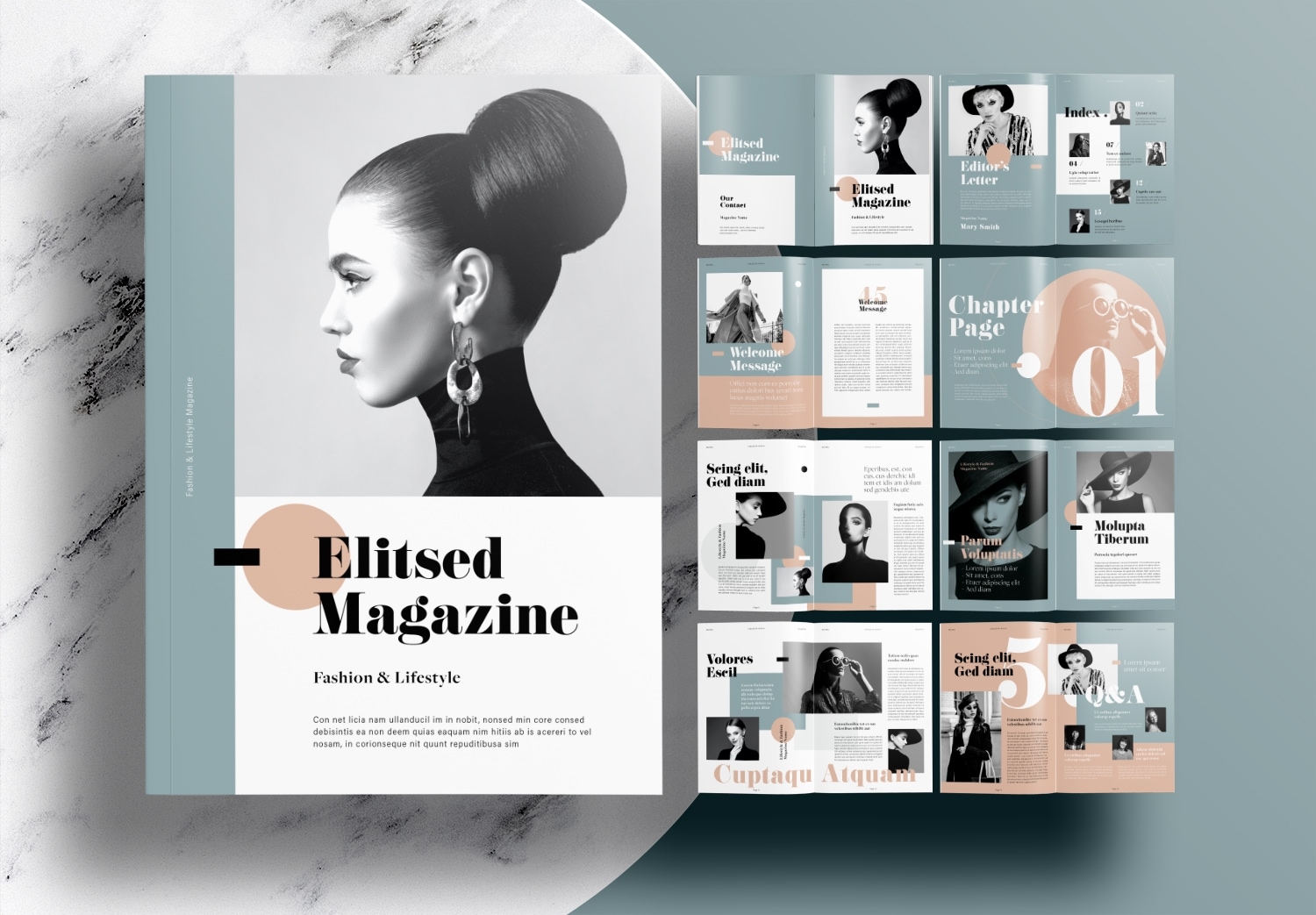
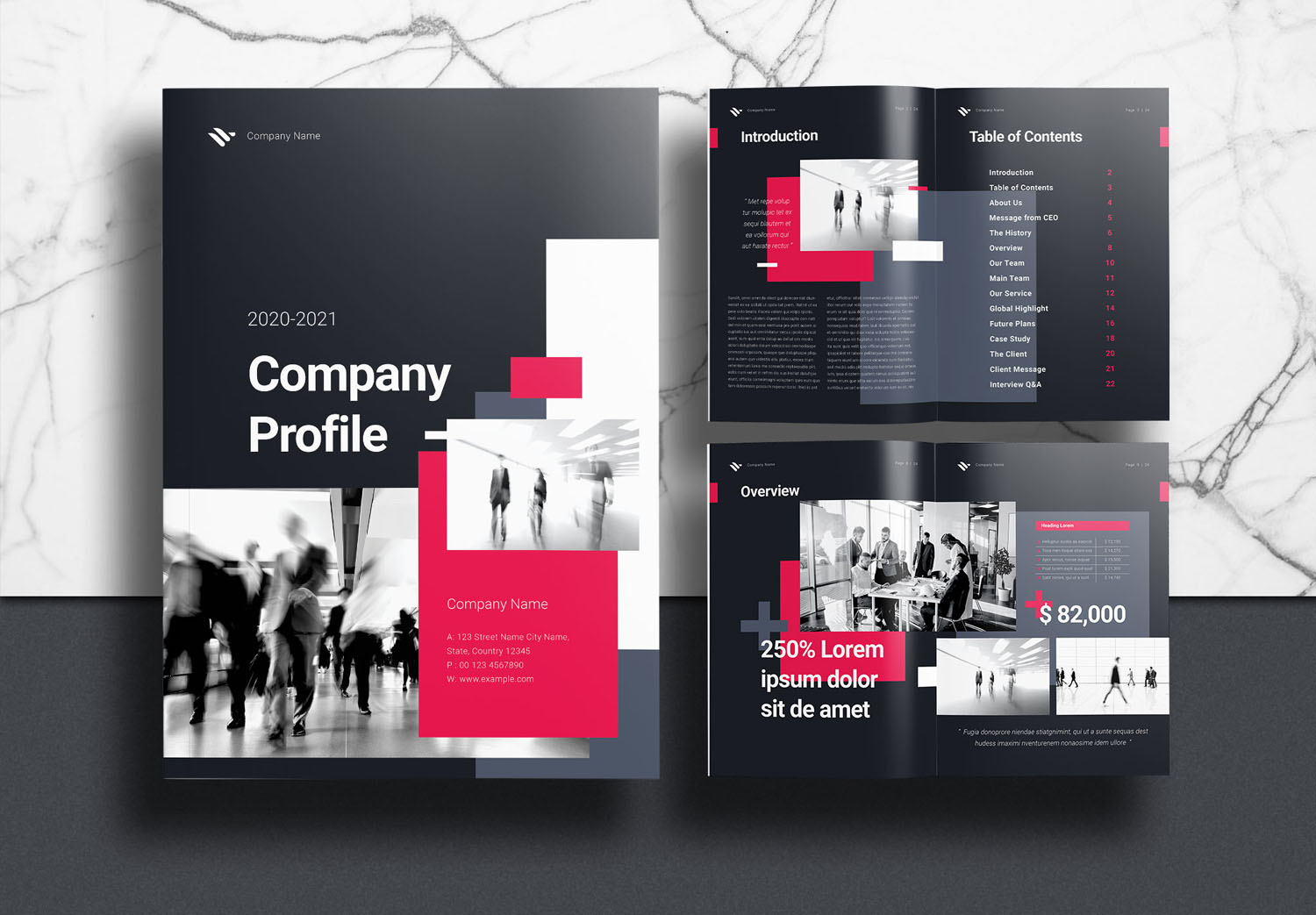
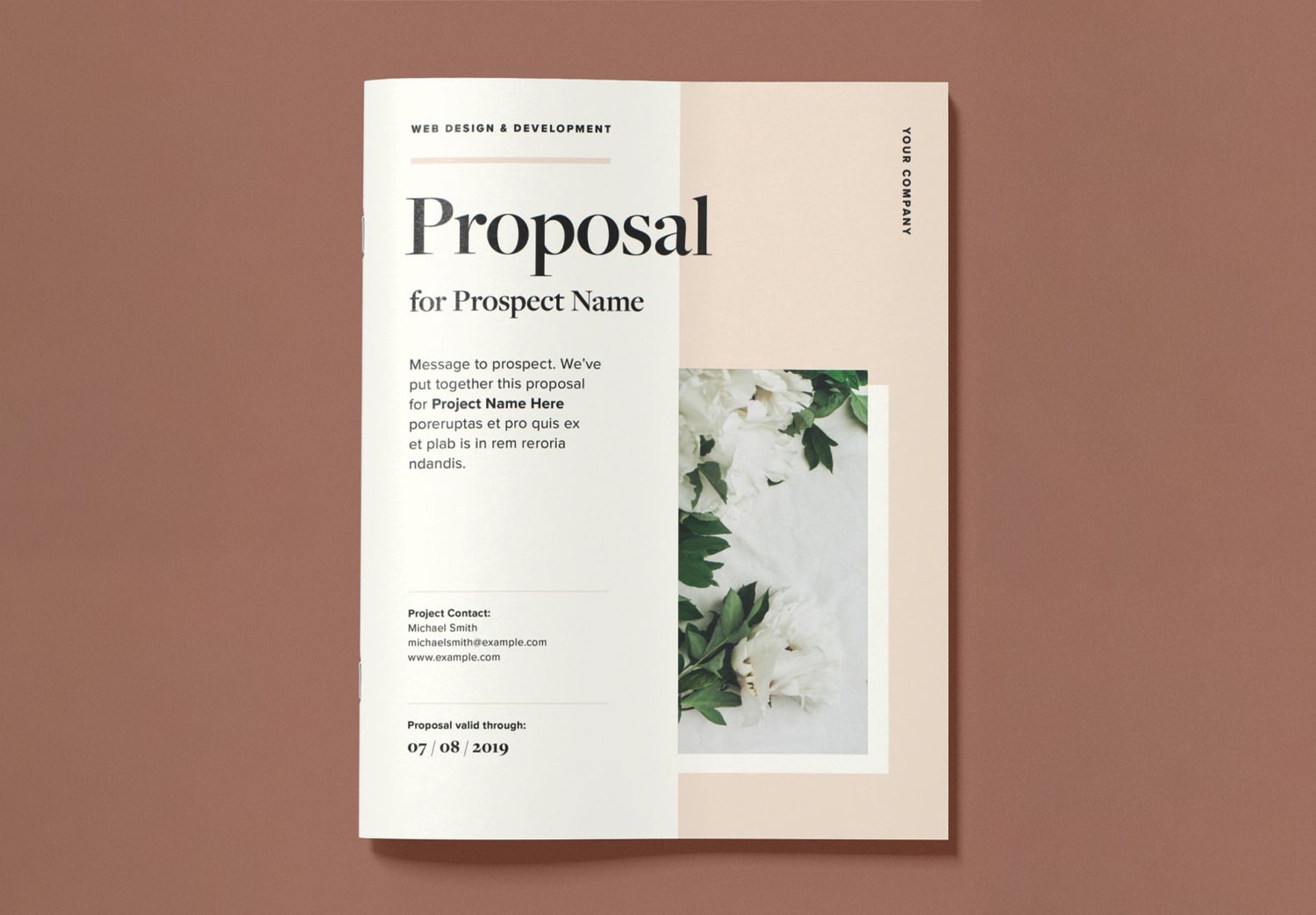
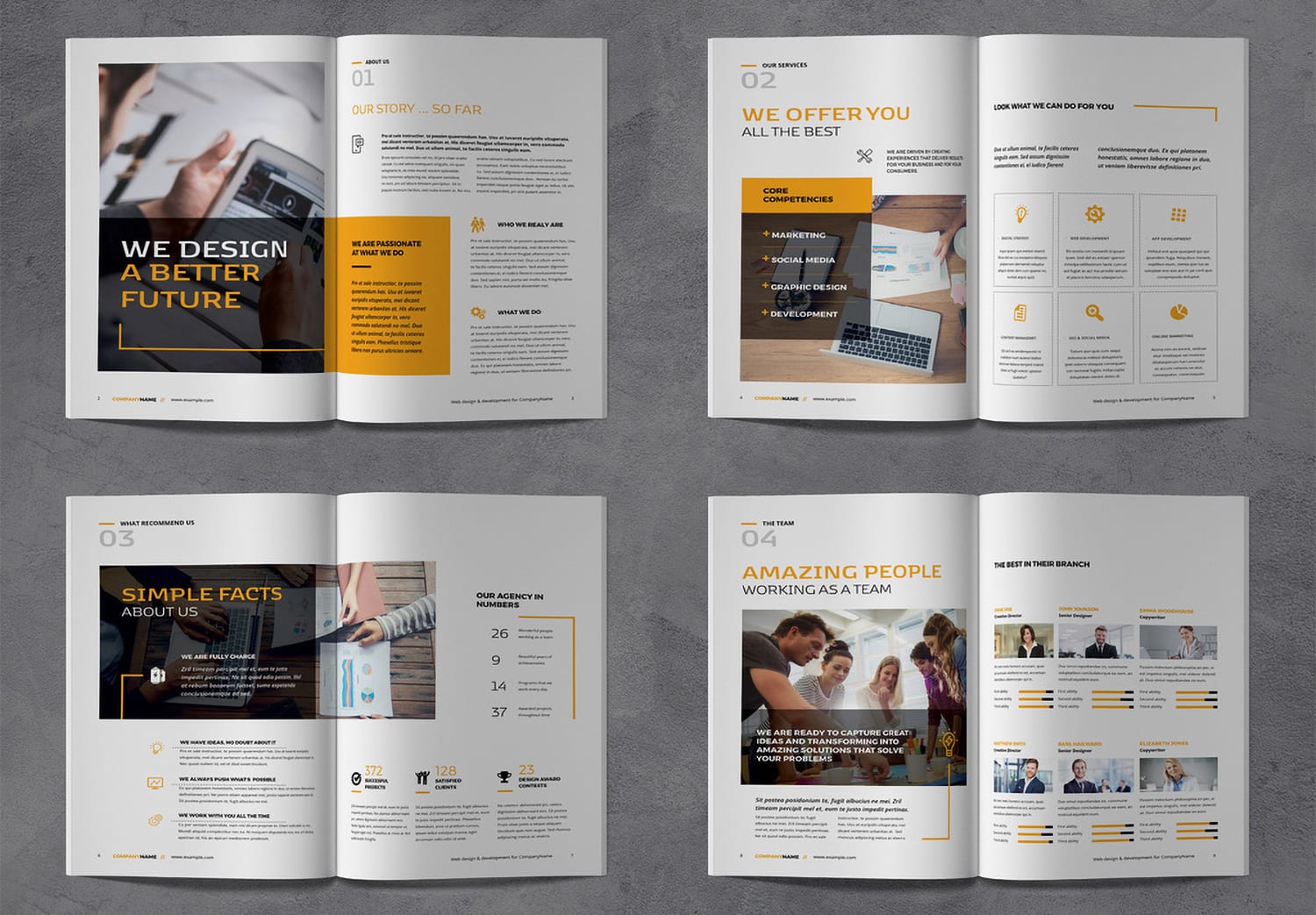
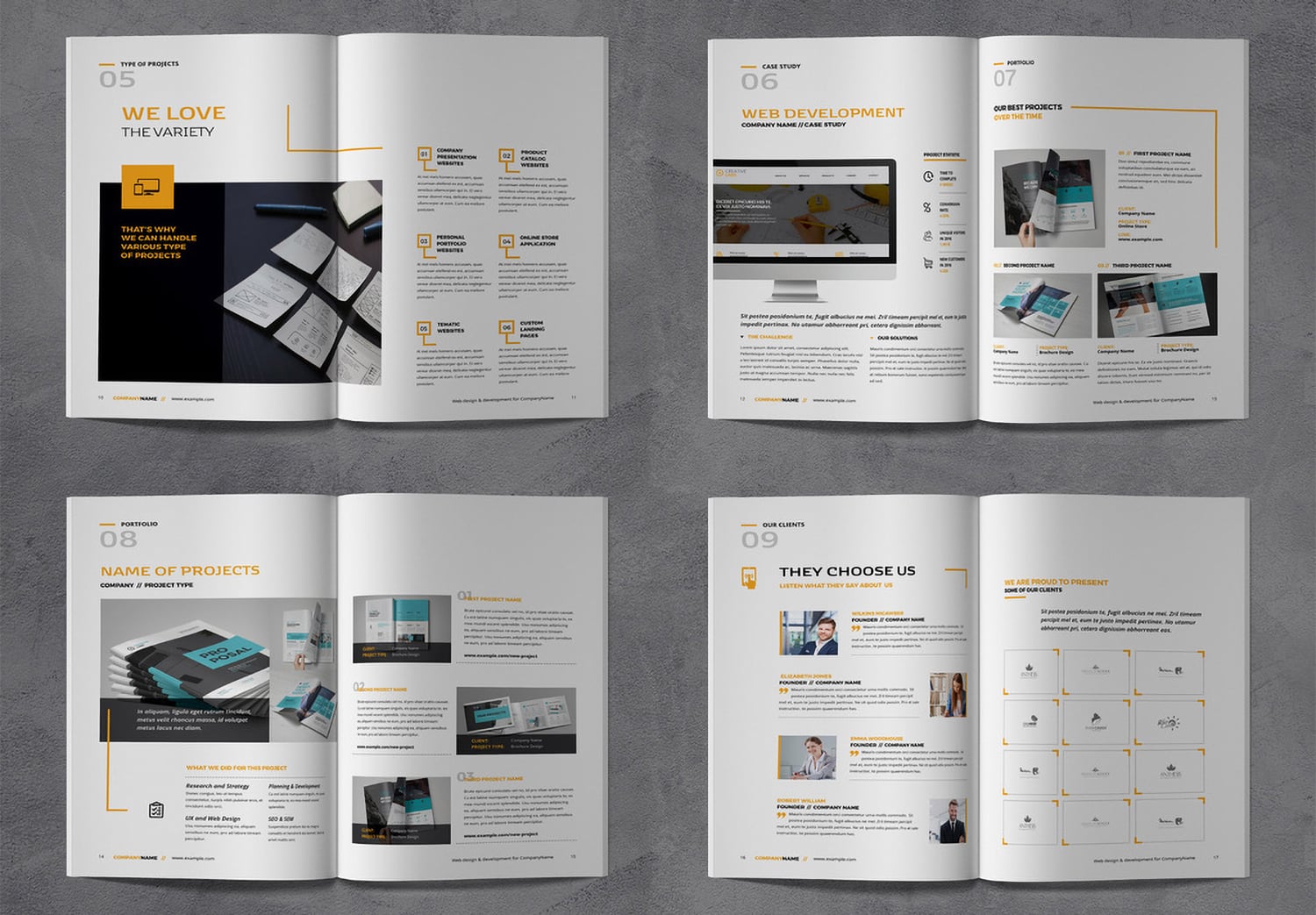
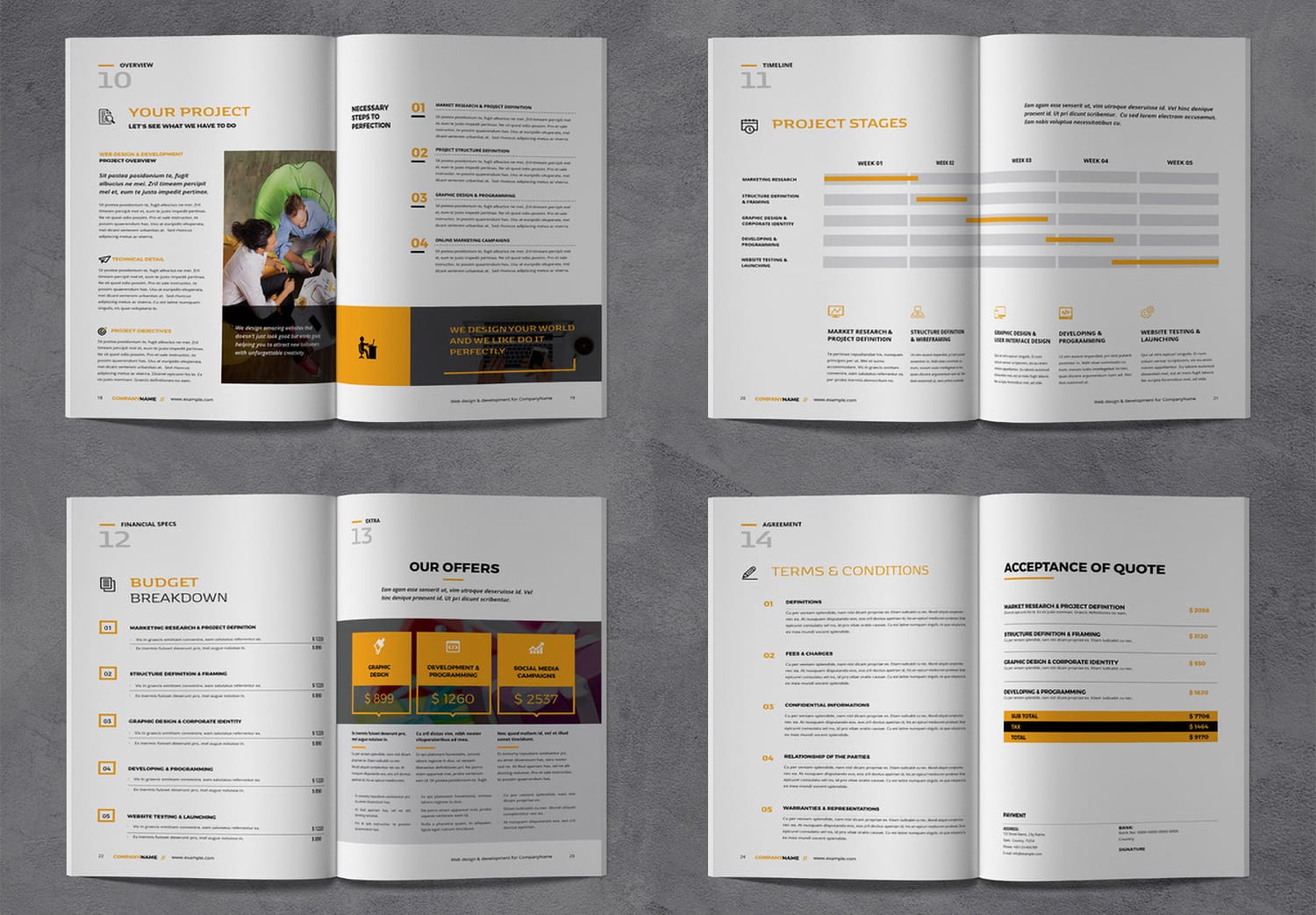
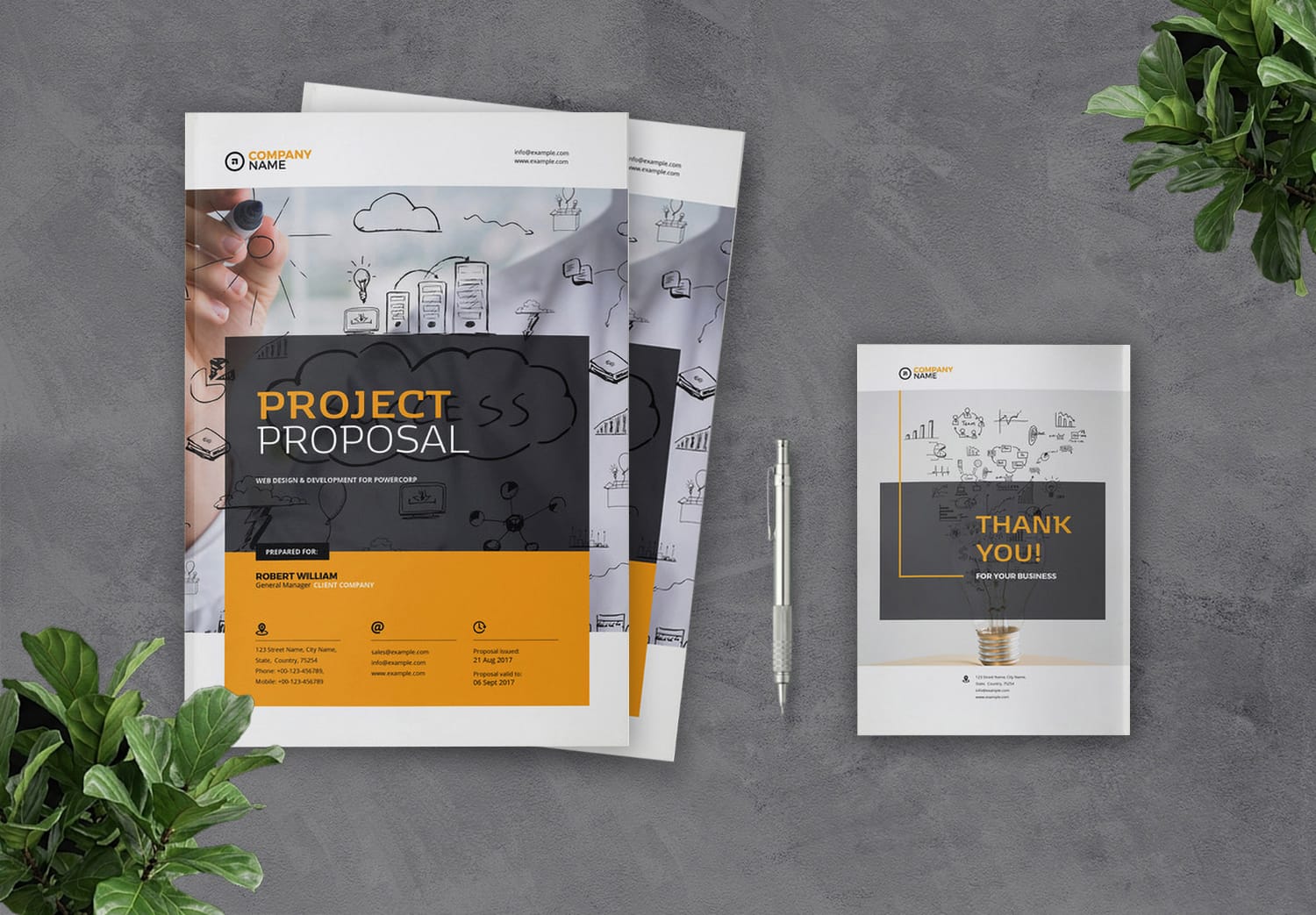
This template is designed by “Valentin Plesa”, a professional graphic designer on Adobe Stock. It is created to help businesses build a stronger and more professional brand image through clear and well-organized presentation layouts. The template includes carefully structured pages covering essential proposal sections. Including the cover page, table of contents, company profile, services, team introduction, portfolio, project budget, and project terms. Every page is arranged with a balanced layout that helps readers follow important information smoothly and understand your proposal more easily.
The template features a combination of Charcoal And Orange color palette. These colors create a professional, modern, and reliable visual identity. Dark gray helps important information stand out and makes the document look more professional. Yellow works as an accent color for headings, icons, and important visual elements, helping guide attention to key information and creating clear focal points on each page. Meanwhile, white provides clean spacing and improves readability throughout the document. The result is a proposal design that feels confident, energetic, and suitable for a wide range of industries, including agencies, consulting firms, technology companies, and large organizations. And if you would like to customize the color palette to better match your business and brand identity, you can use the free Instant Color Palette Tool by ColorXD. It helps you generate color combinations that suit your industry and visual style, making it easier to create a design that feels more professional and aligned with your brand.
Easy to edit and ready for your next project
This template is available through Adobe Stock’s “Get 25 Free Assets” 30-day free trial offer. The template is fully editable in Adobe InDesign, allowing you to easily customize text, images, colors, and design elements to match your brand and project requirements. Simply replace the content with your own information and your proposal will be ready for presentation. If you are new to Adobe Creative Cloud, you can start with a free trial. These tools and benefits can help make the process of creating professional business documents faster and easier.
Popular Templates