Free Creative Graphic Design Portfolio Layout Template
Create a Portfolio That Helps Your Work Stand Out
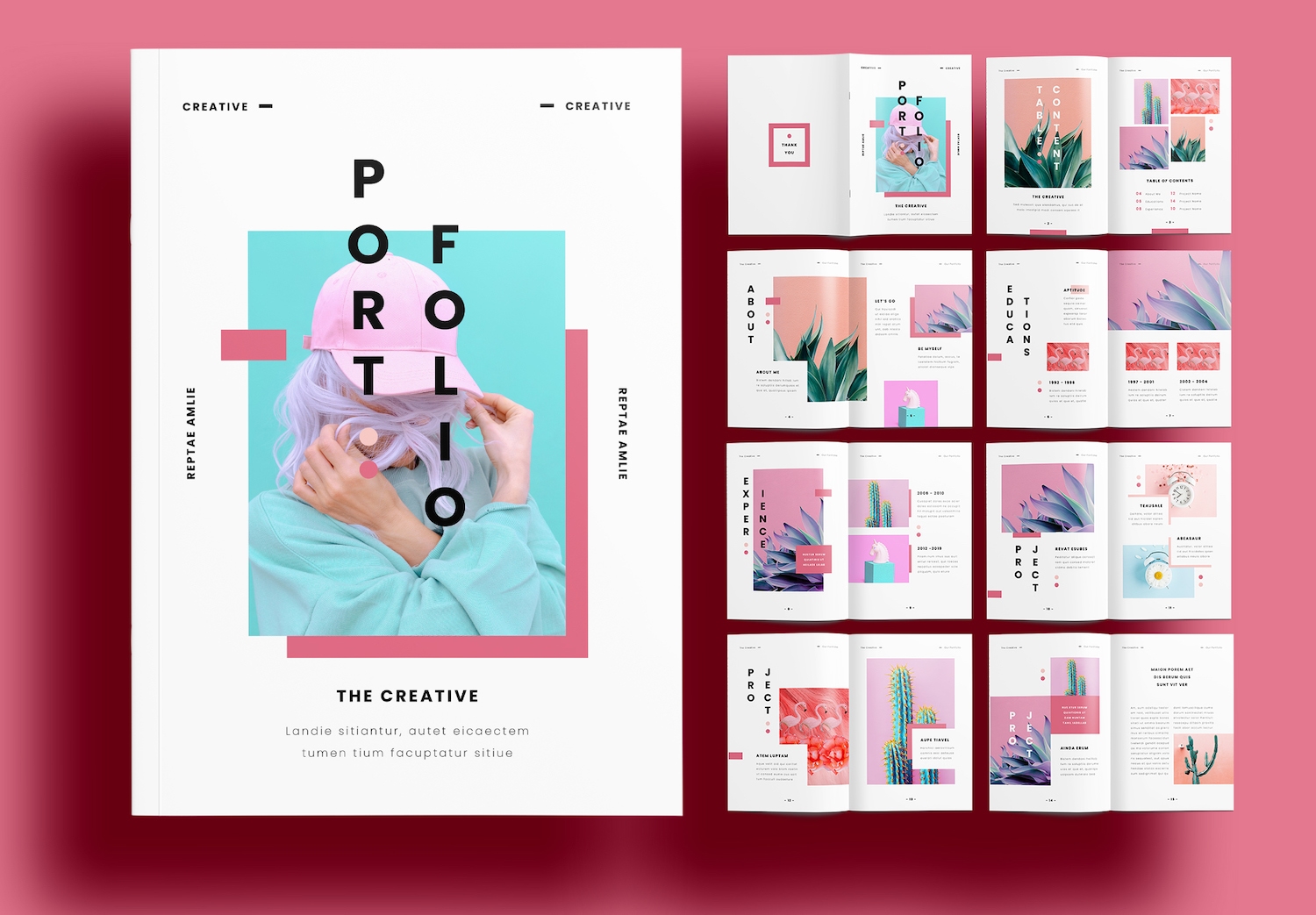
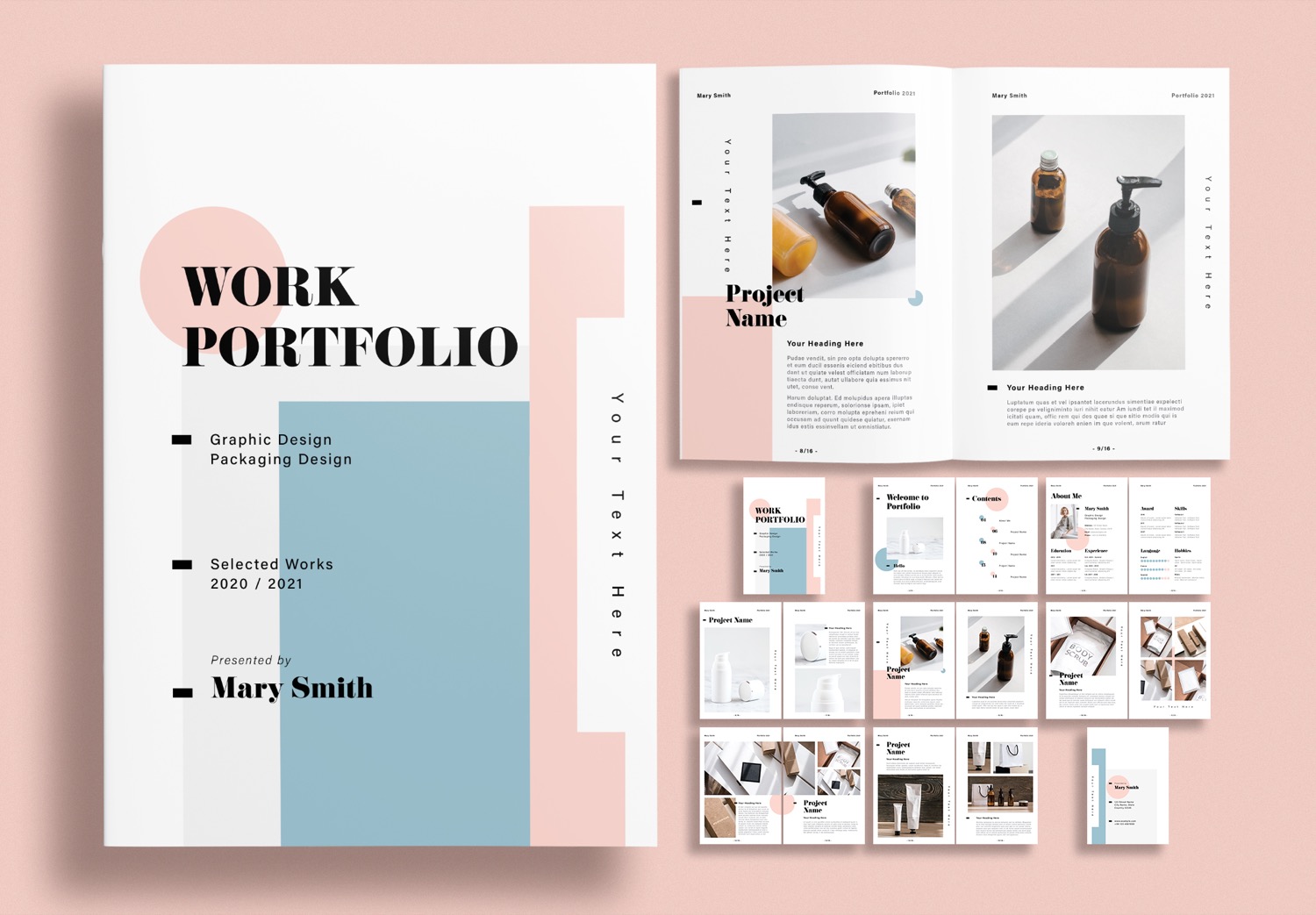
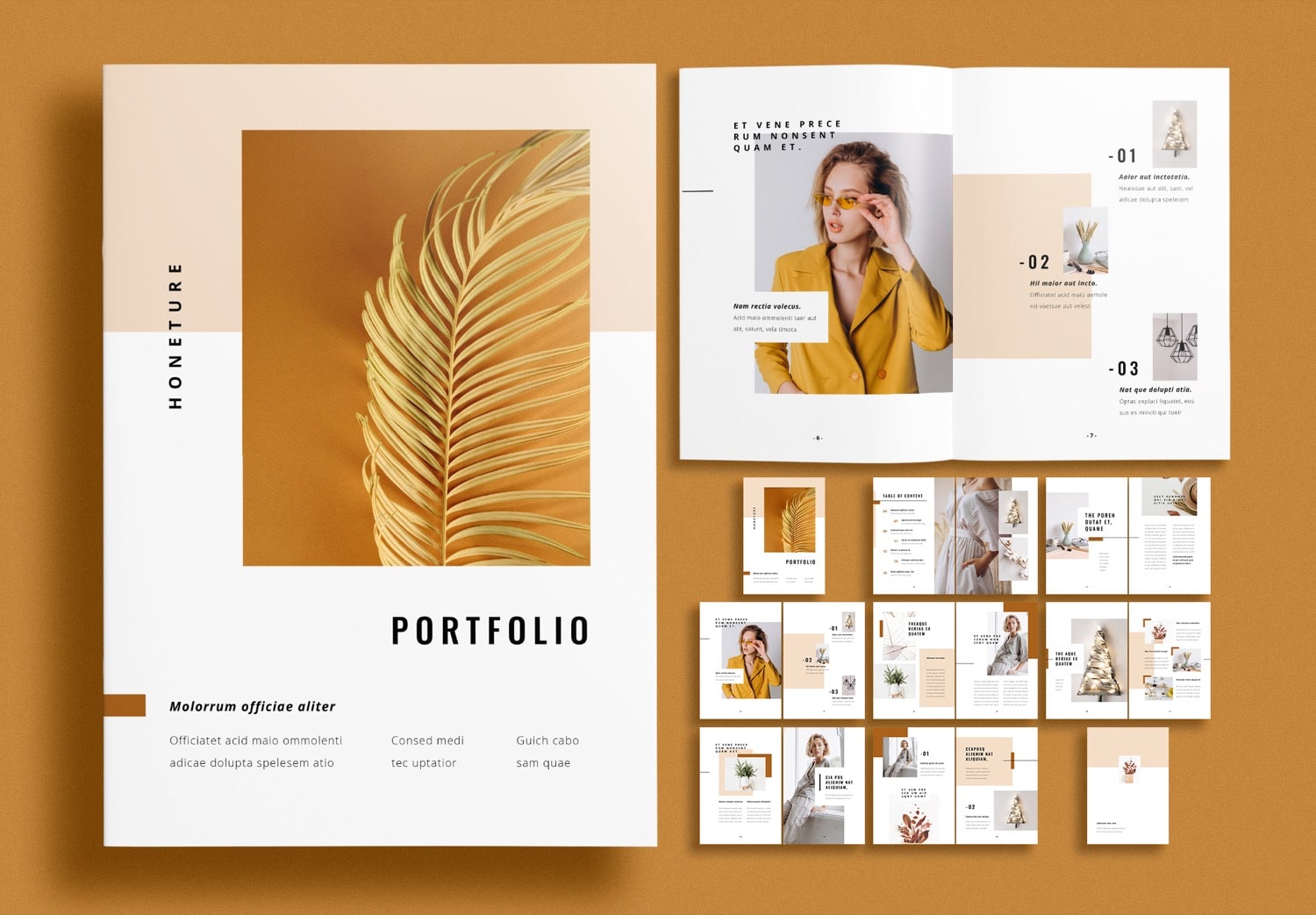
In a competitive creative industry, having a good portfolio is very important. When there are many people with similar skills, how can you make your portfolio stand out? One way to solve this problem is to use a ready-made portfolio template designed by a professional designer. Instead of starting the layout from zero, you can use a prepared structure and focus more on your own work. This Free Creative Graphic Design Portfolio Layout Template is the latest free download from designer Sirisako. It is designed to make portfolio design easier and faster.
Colors That Express Your Creative Style
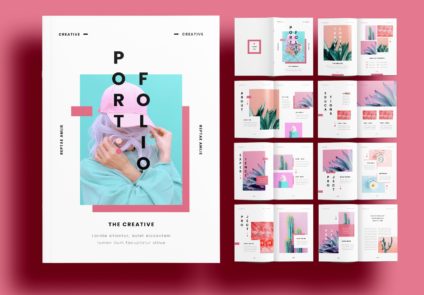
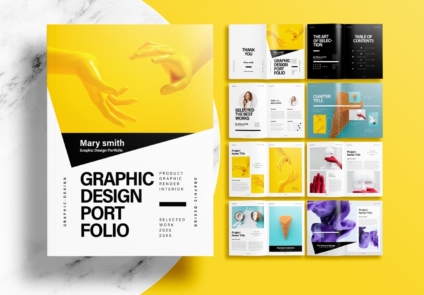
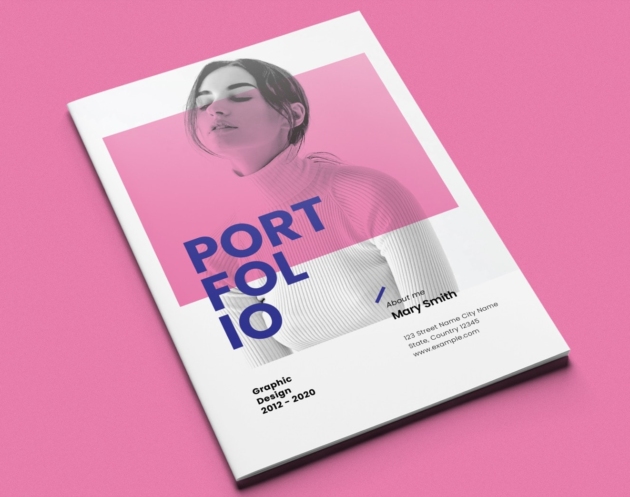
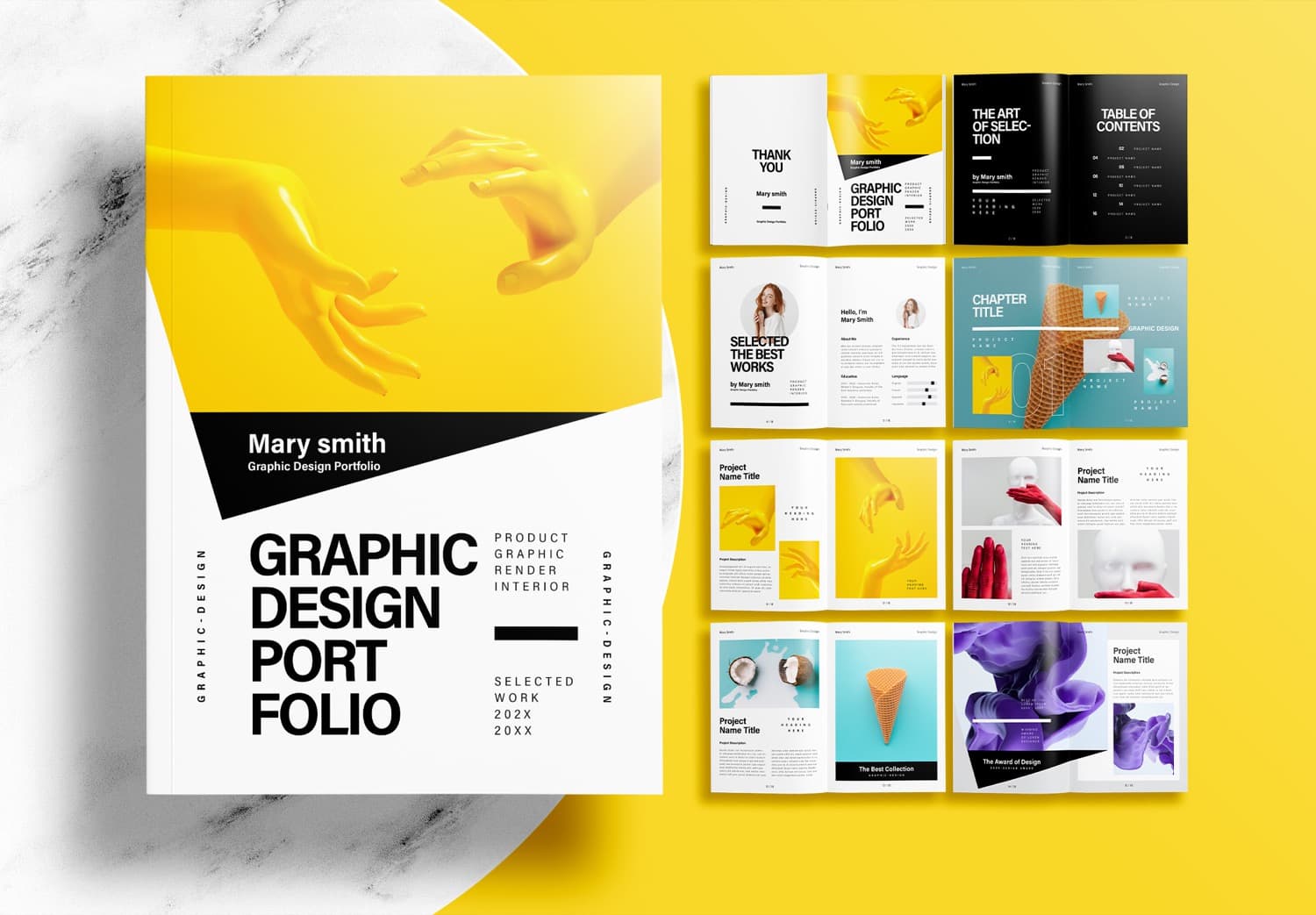
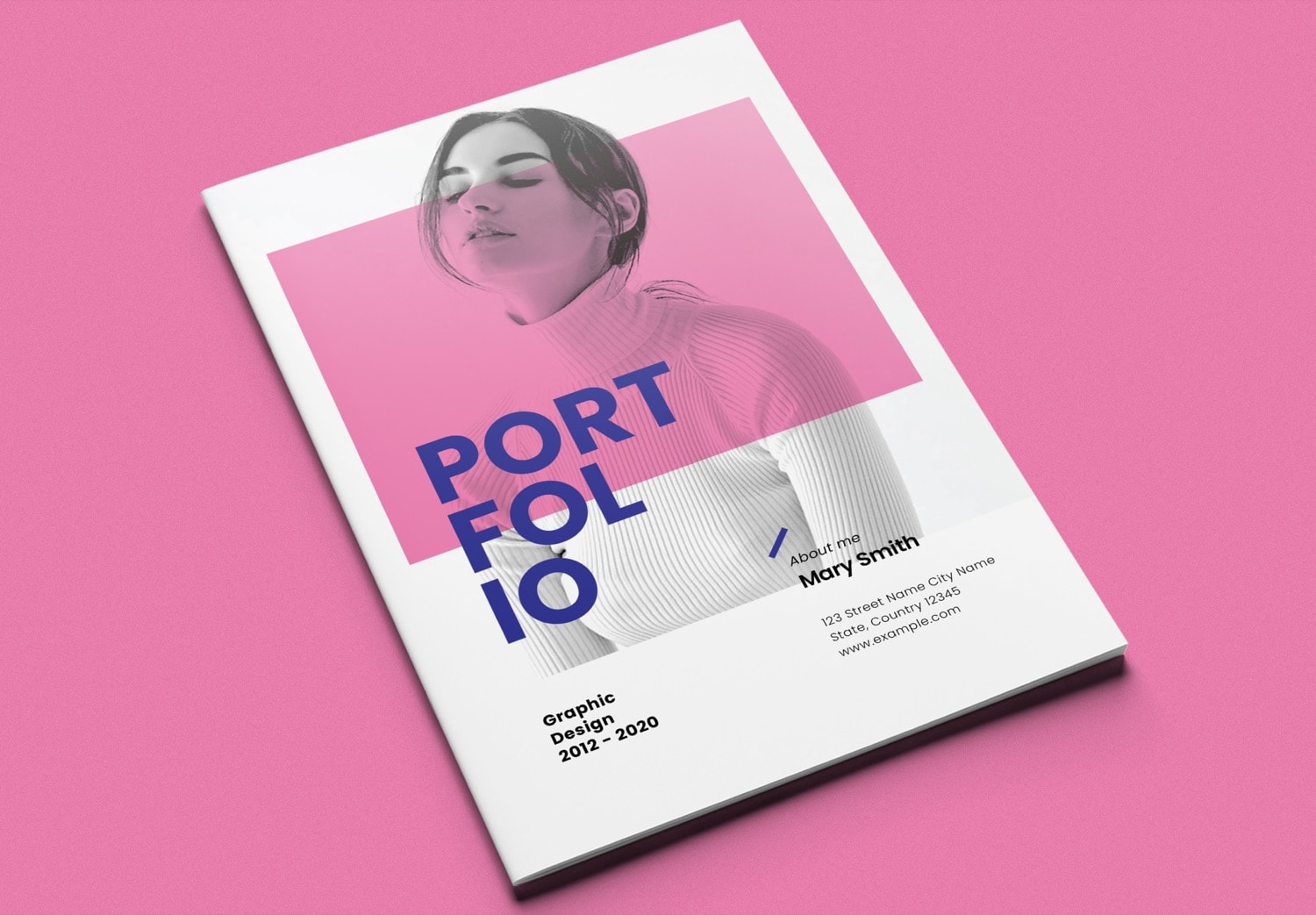
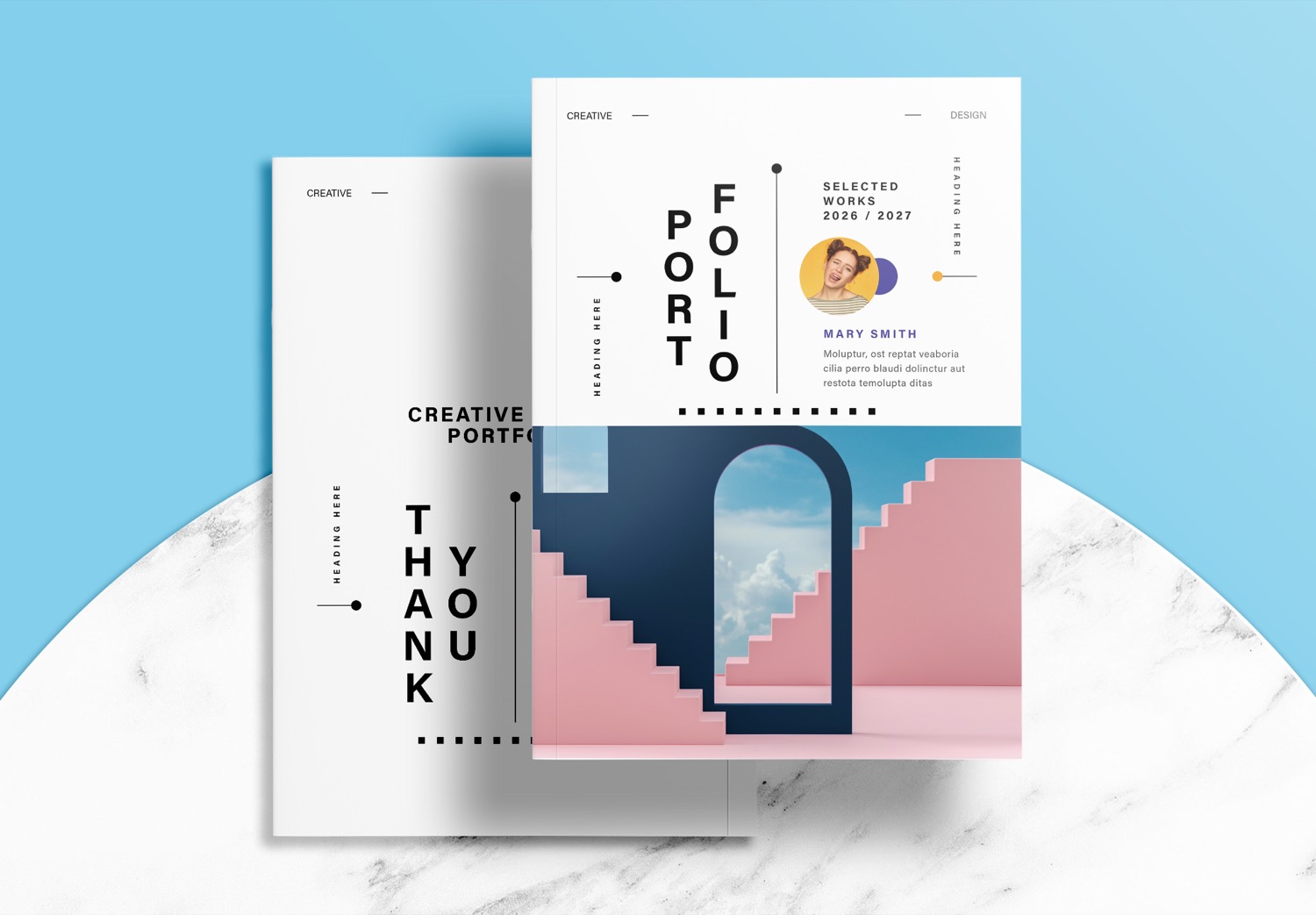
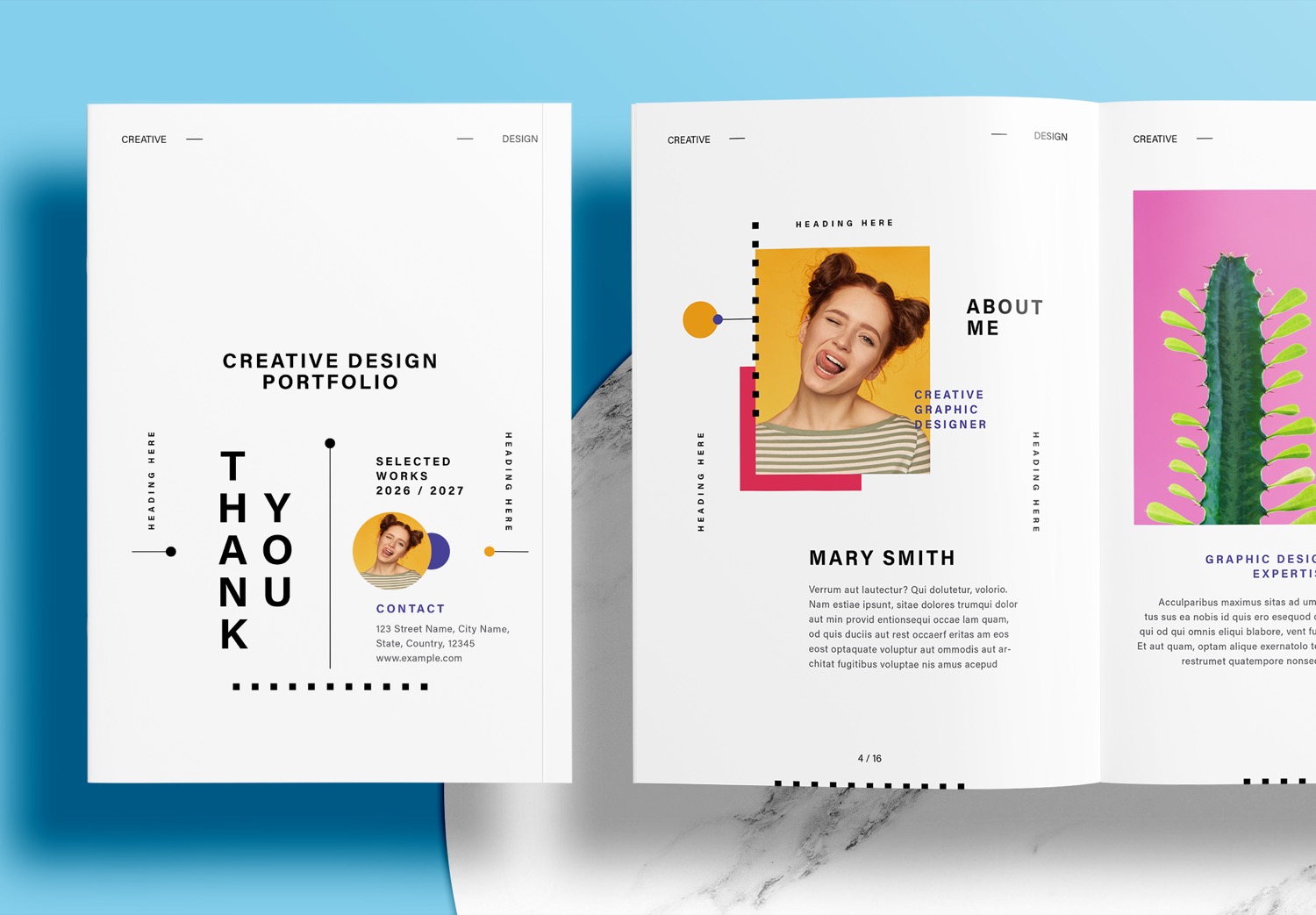
This template is designed with a color Retro Neon SunSet palette of red, yellow, violet, and black, used as small graphic elements on a clean white background to create a unique style. The bold font makes the text easy to read and gives the portfolio a modern, bright, and friendly look.
If you want to change the color palette to better match your style, you can create a new color palette with the free tool from ColorXD. It is easy to generate a color palette and adjust the colors to match your needs. The tool is free to use and is a great choice for creative designers, whether you are working on editorial design or UI design. You can also export your color palette as HEX codes, CSS, or JSON, making it easy to use the colors in your projects.
Start Creating a Beautiful Portfolio with This Template
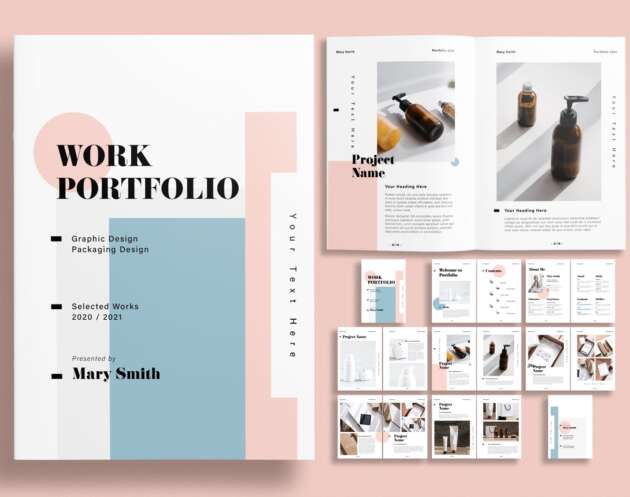
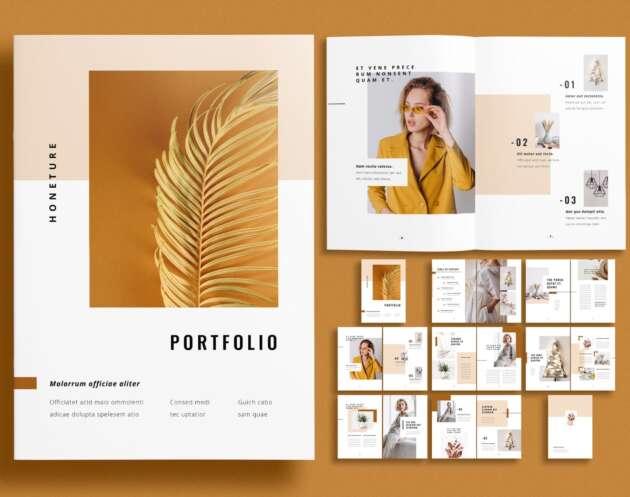
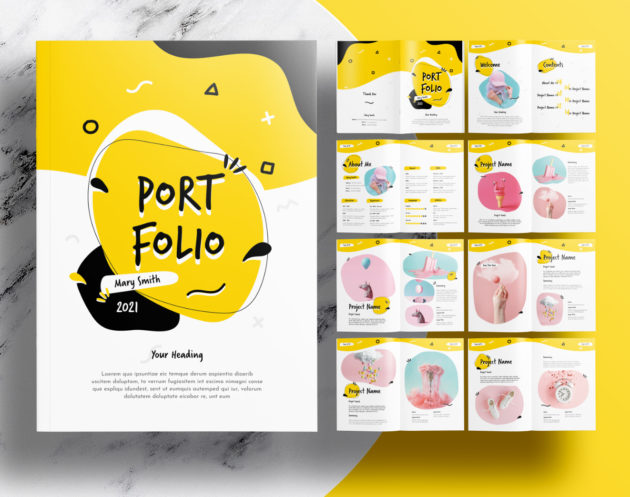
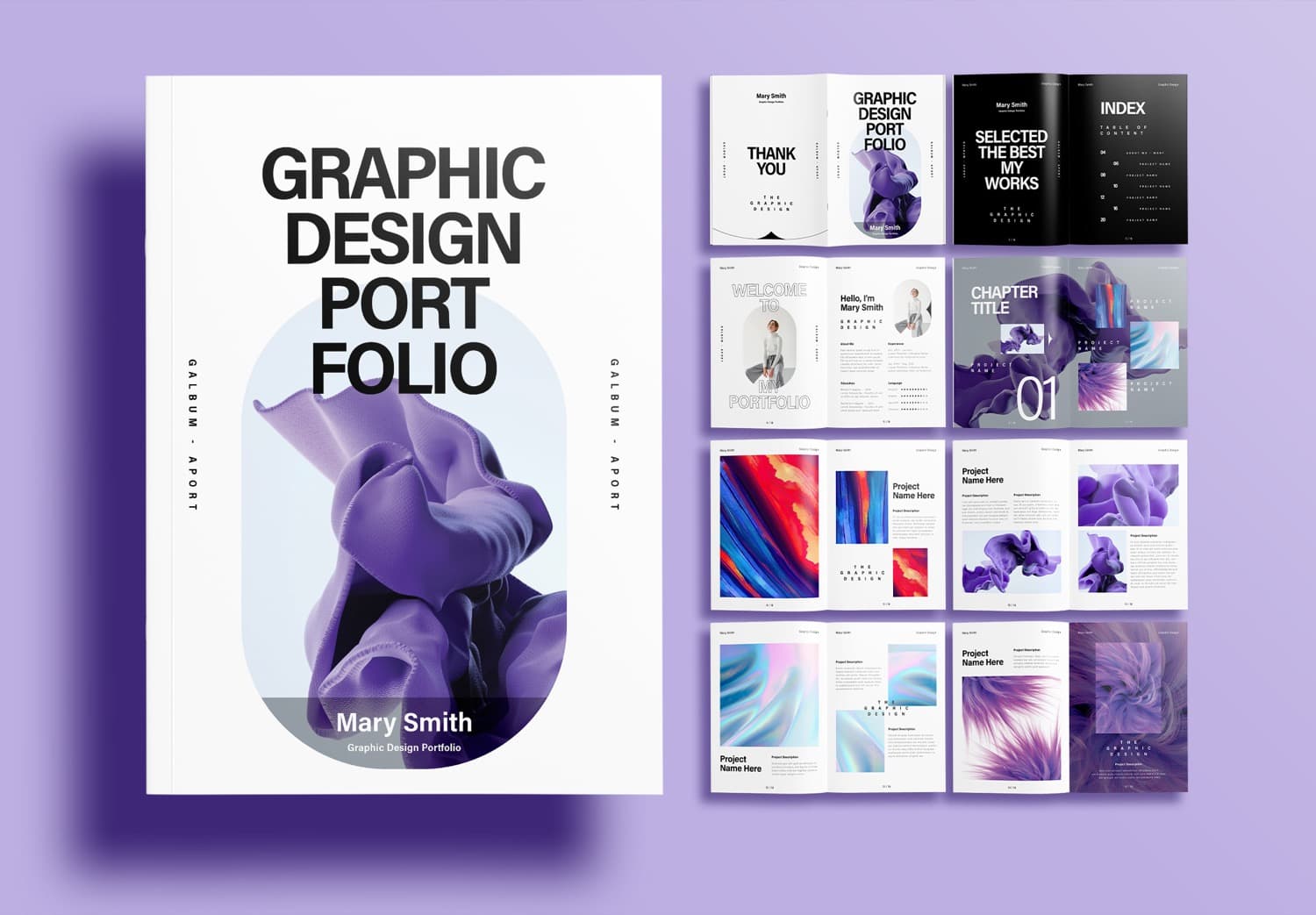
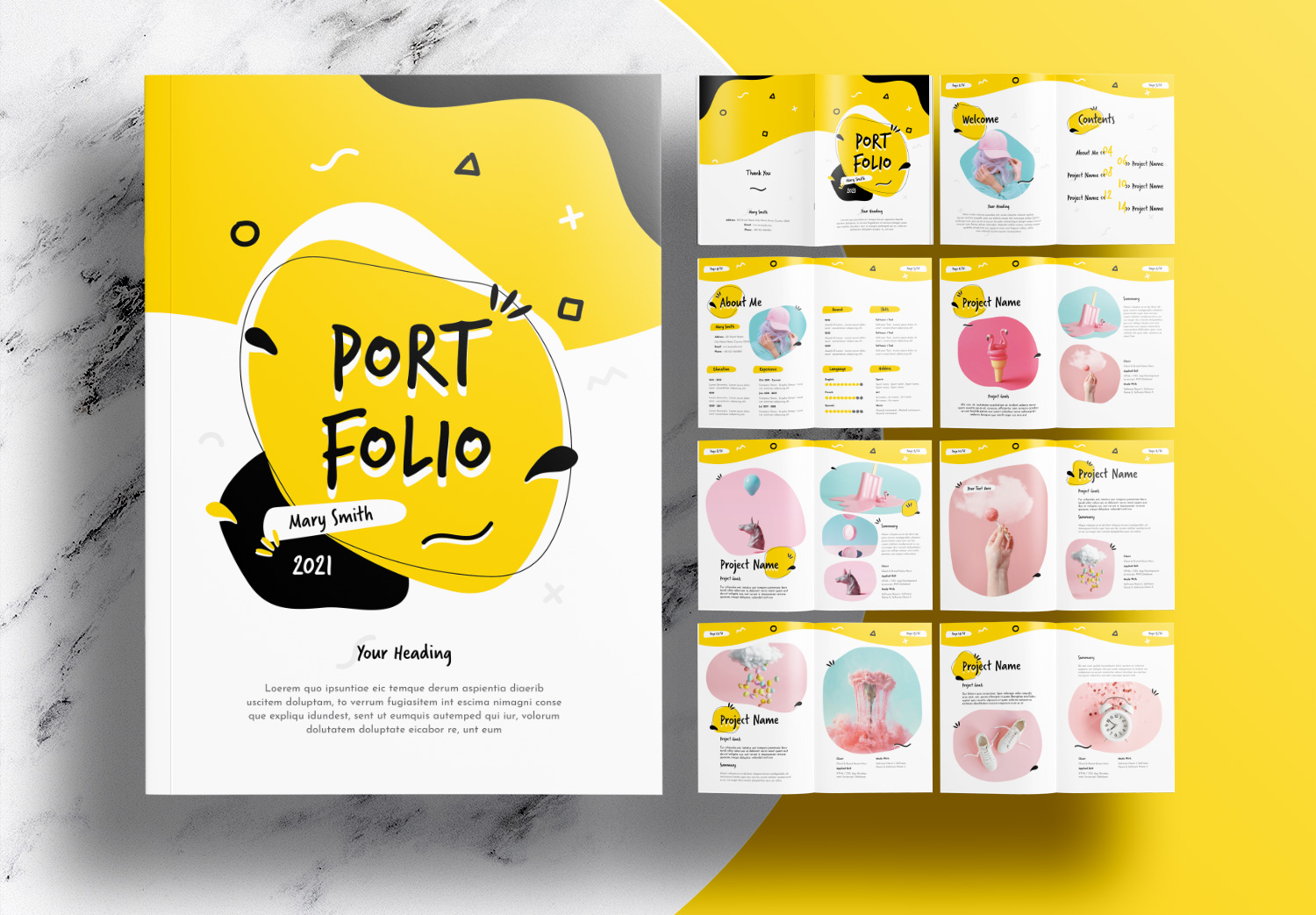
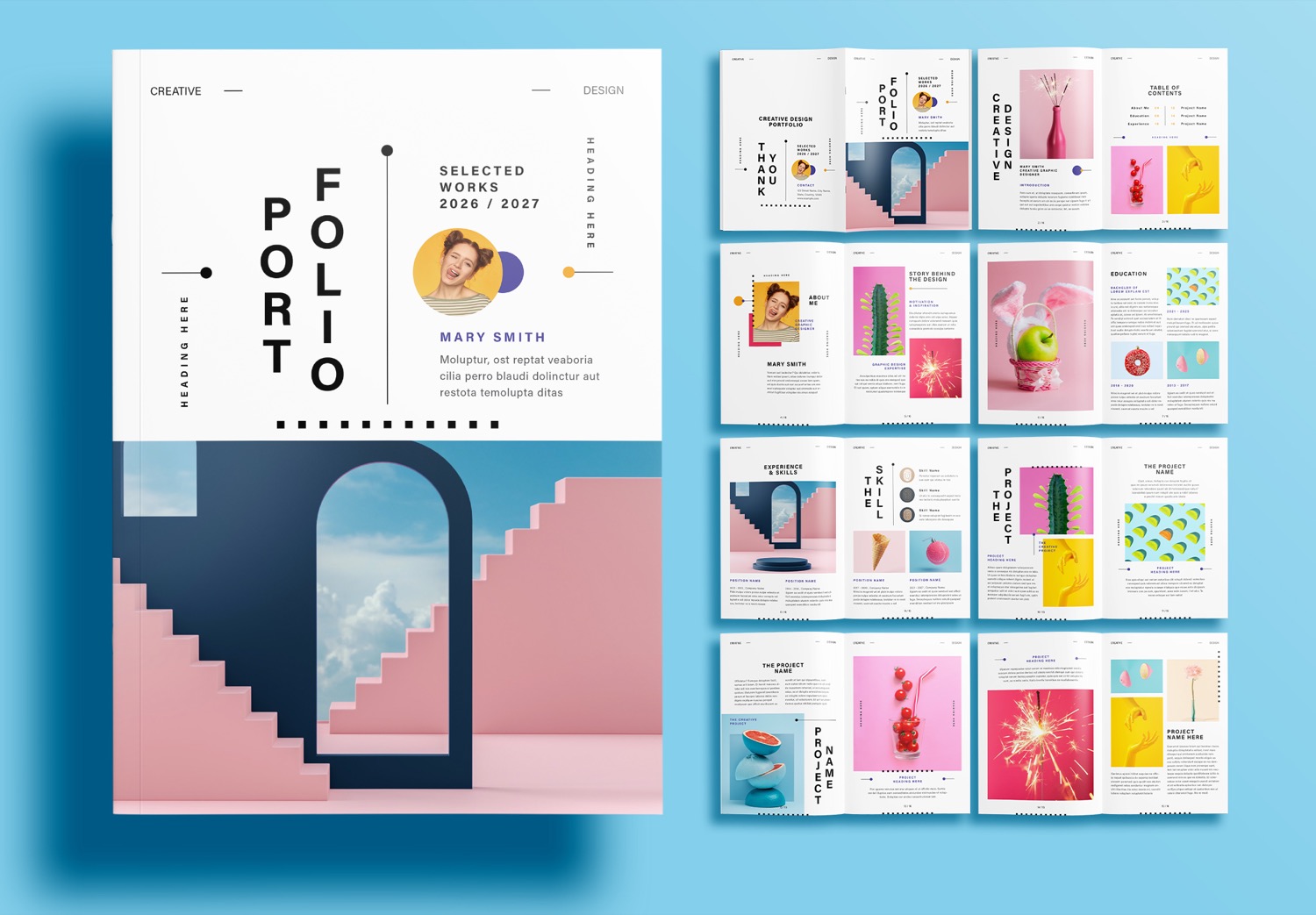
The cover of this portfolio is designed to be eye-catching and unique. It uses graphic design elements and a unique text layout that feels fresh while still being easy to read. This design helps create a strong first impression and makes people interested in exploring the pages inside.
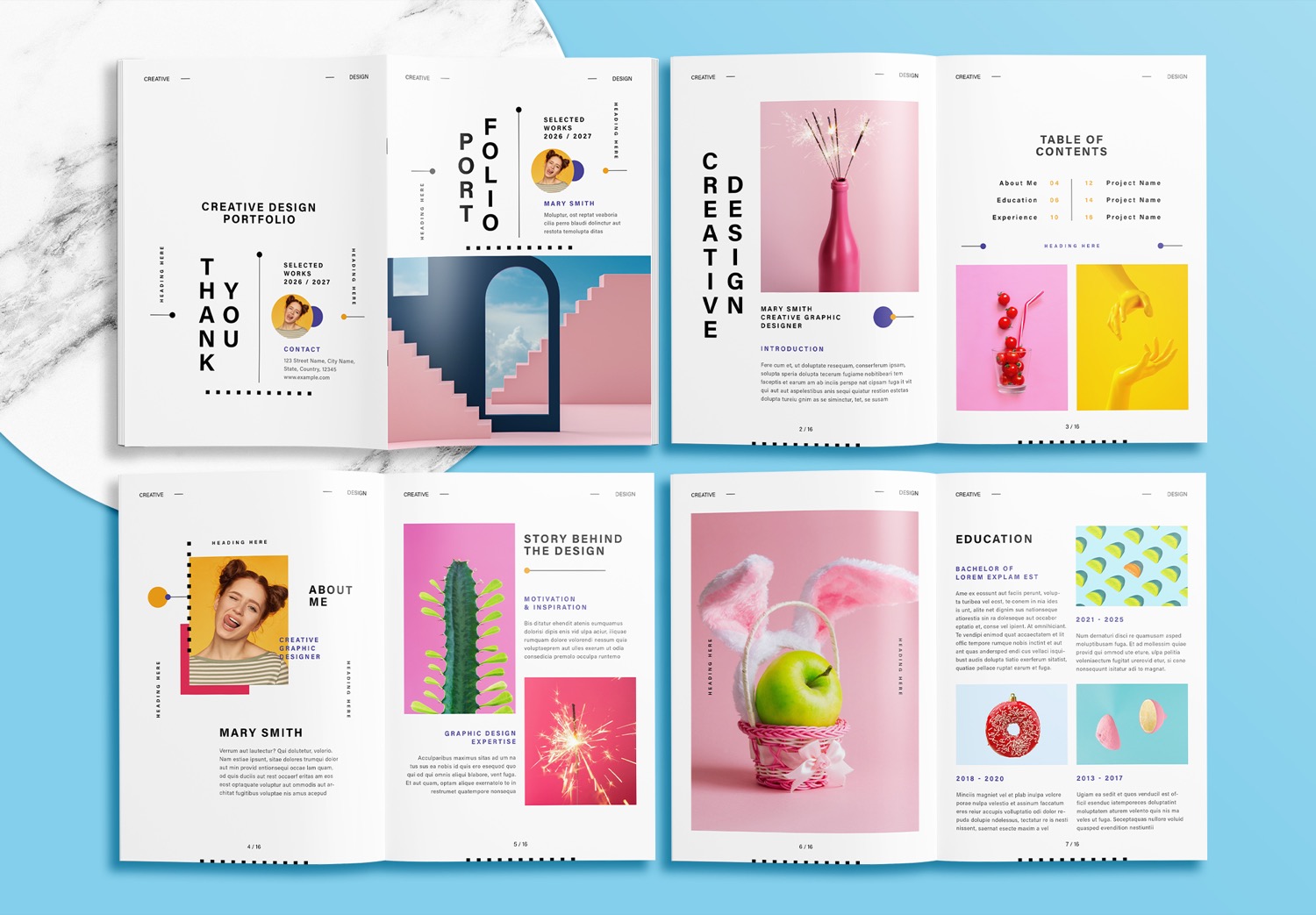
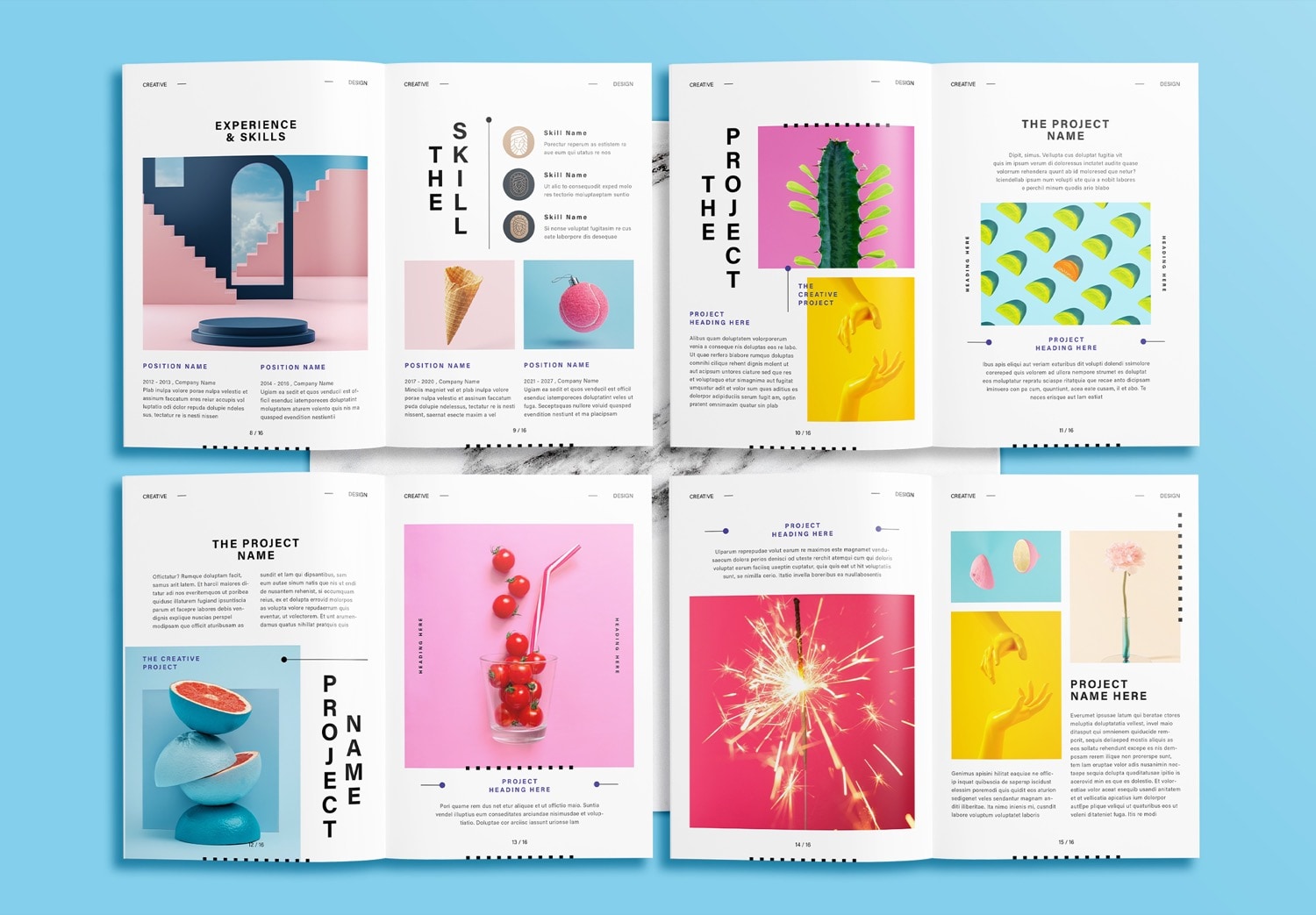
Inside the template, there are many sections to help you present your information. The About Me page gives you space to introduce yourself and tell people more about who you are. The Education page can be used to show your educational background, while the Experience page is for your previous work, internships, or professional experience. There are also Project Name pages where you can introduce each project, explain your ideas, and add images to show your work more clearly.
Easy to Edit with Adobe InDesign
Let’s start your work by simply downloading the Free Download version, and you can start working on your portfolio right away. This template can be edited with Adobe InDesign, making it easy to customize for your own portfolio. If you are a new user, you can also try Adobe InDesign with a free trial.
After that, you can start creating your portfolio right away. Simply replace the sample content with your own content and add your images to the image frames. In this free download version, we provide a five page design that allows you to start creating a portfolio without any cost. It is simple, convenient, and quick to use. If the content and projects you want to present are more than five pages. You can download the full version on Adobe Stock. New users may also be eligible for the Get 10 Free Assets Promotion, allowing you to download templates, images, and many other graphic resources. These high quality creative assets can help you create the portfolio you are working on now, as well as make your future creative projects easier and faster.
Feel Free to Download and Create Your Portfolio
If you like this template, feel free to download. It is easy to use, so you don’t need to worry about the design and layout anymore. Instead, you can focus on the content and work you want to present. You only need a few clicks to replace the sample text with your own information and place your images into the image frames. It doesn’t take long to put everything together, and your portfolio can be ready to share with clients, teachers, or companies.
Popular Templates