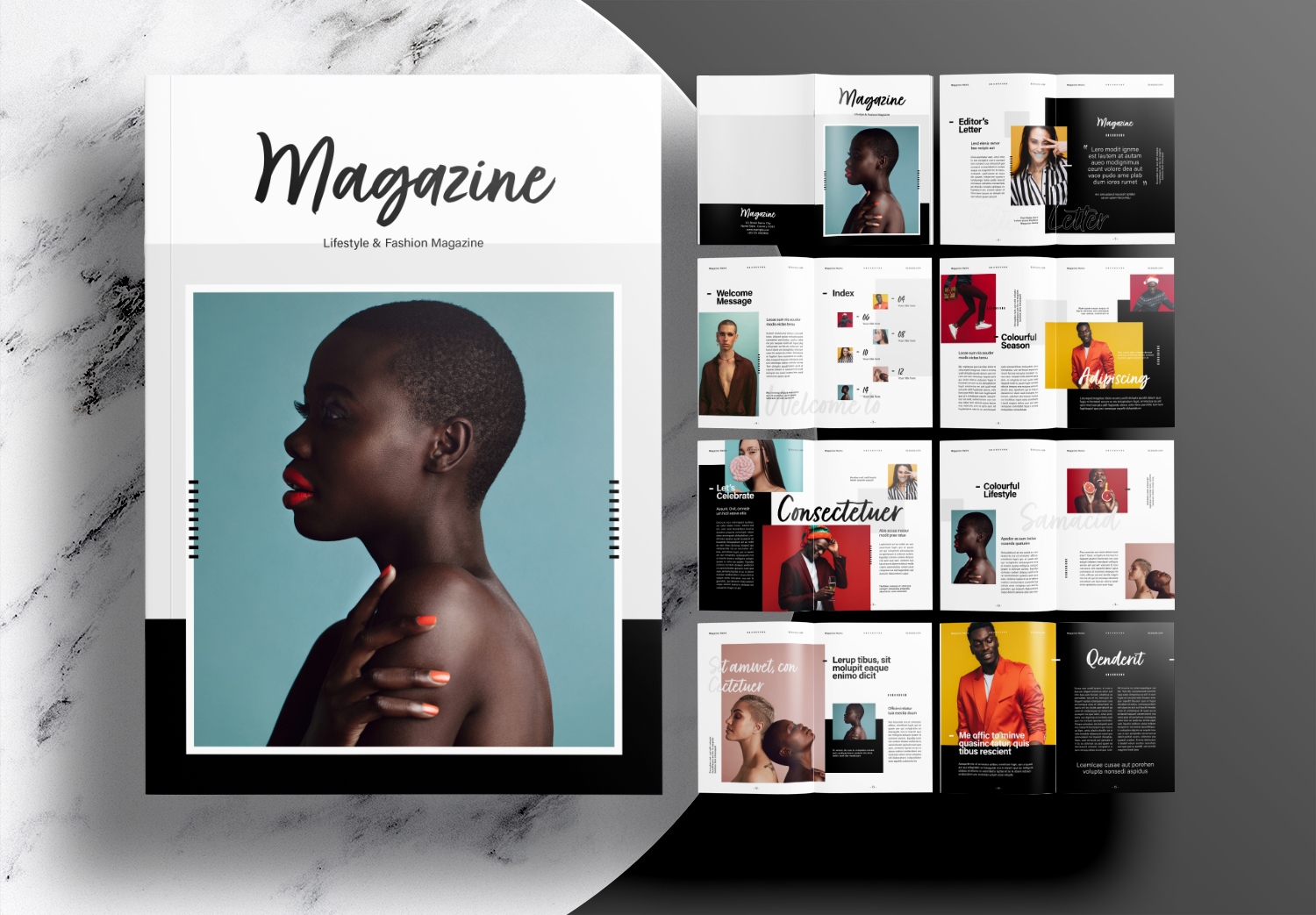
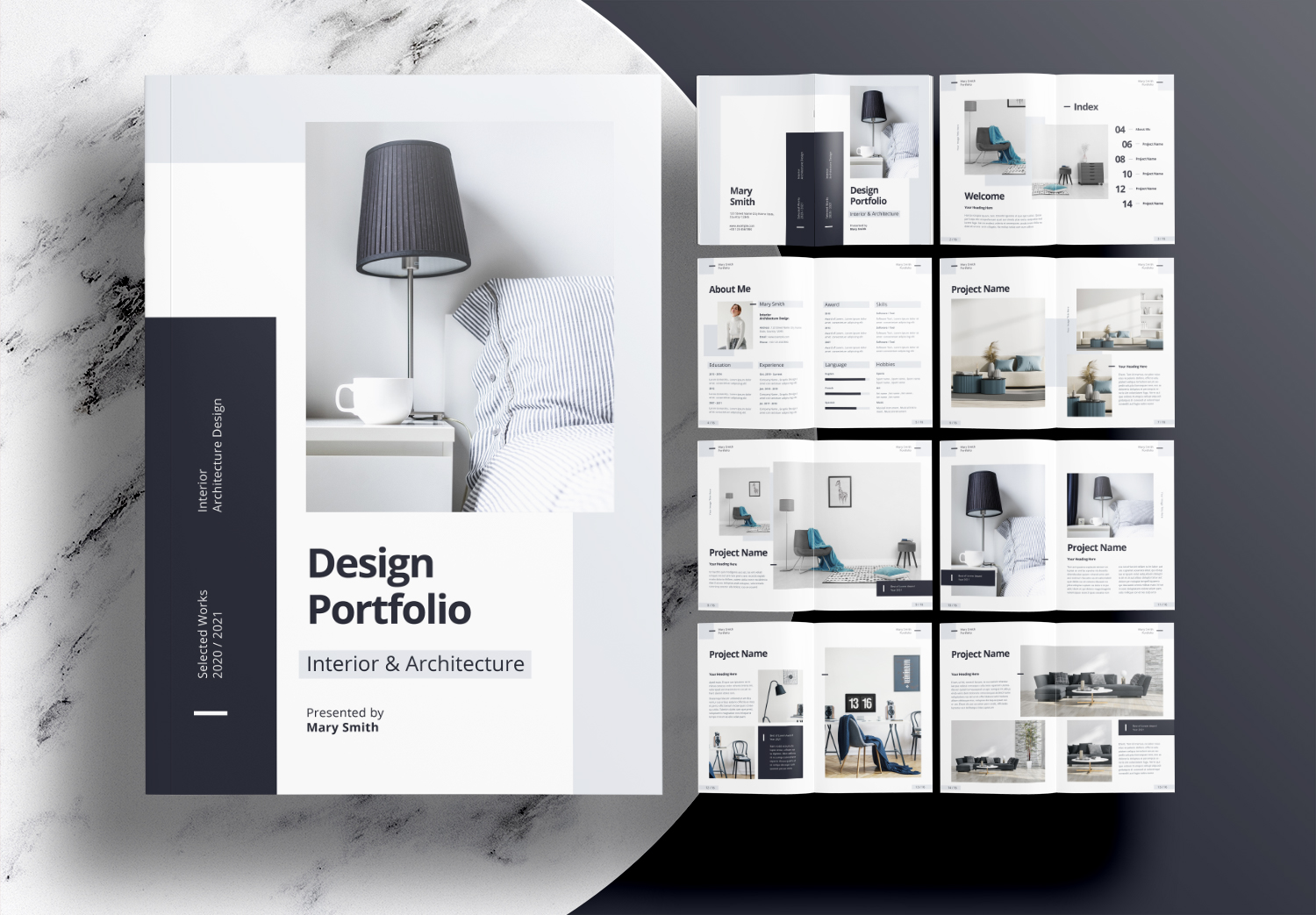
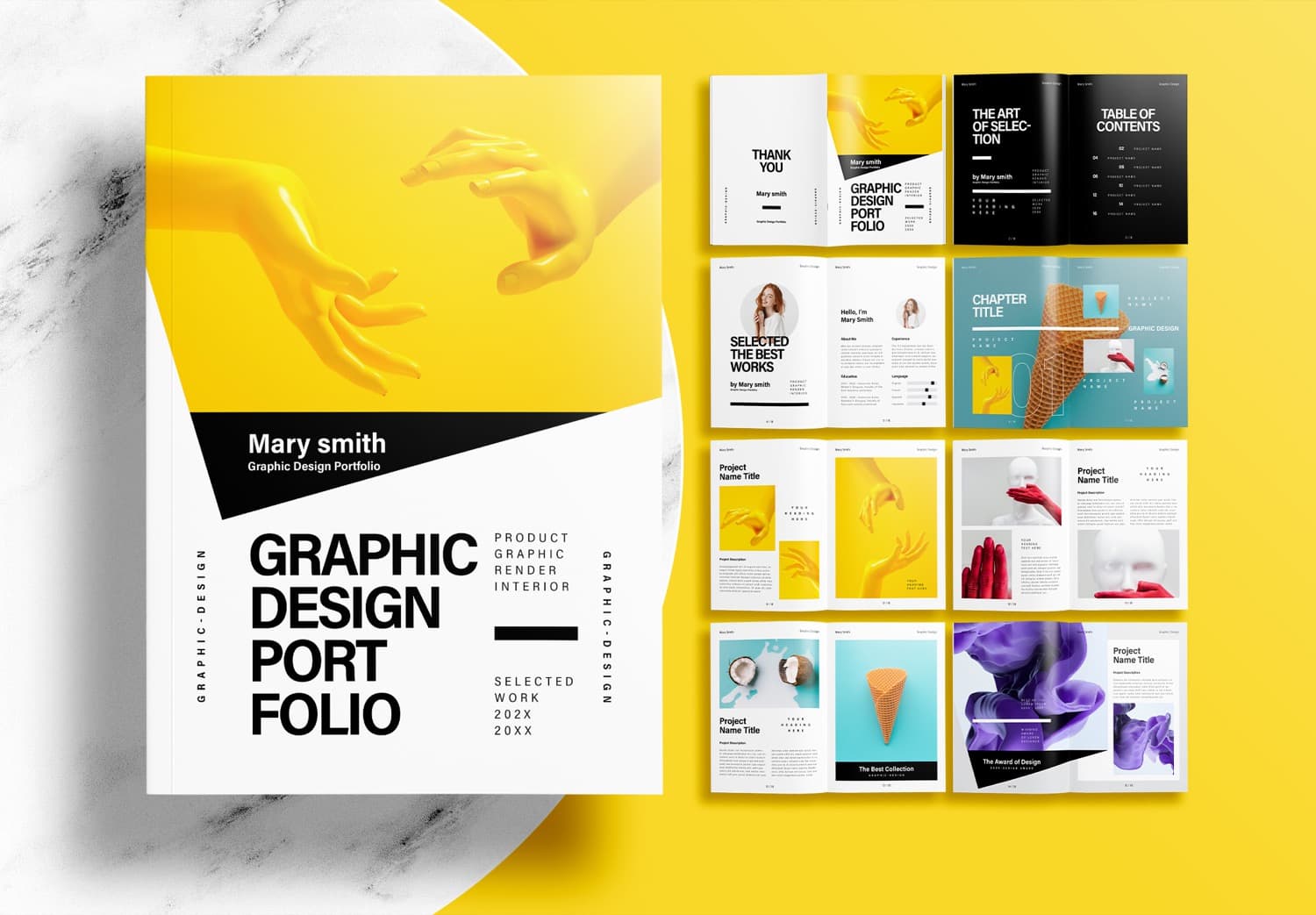
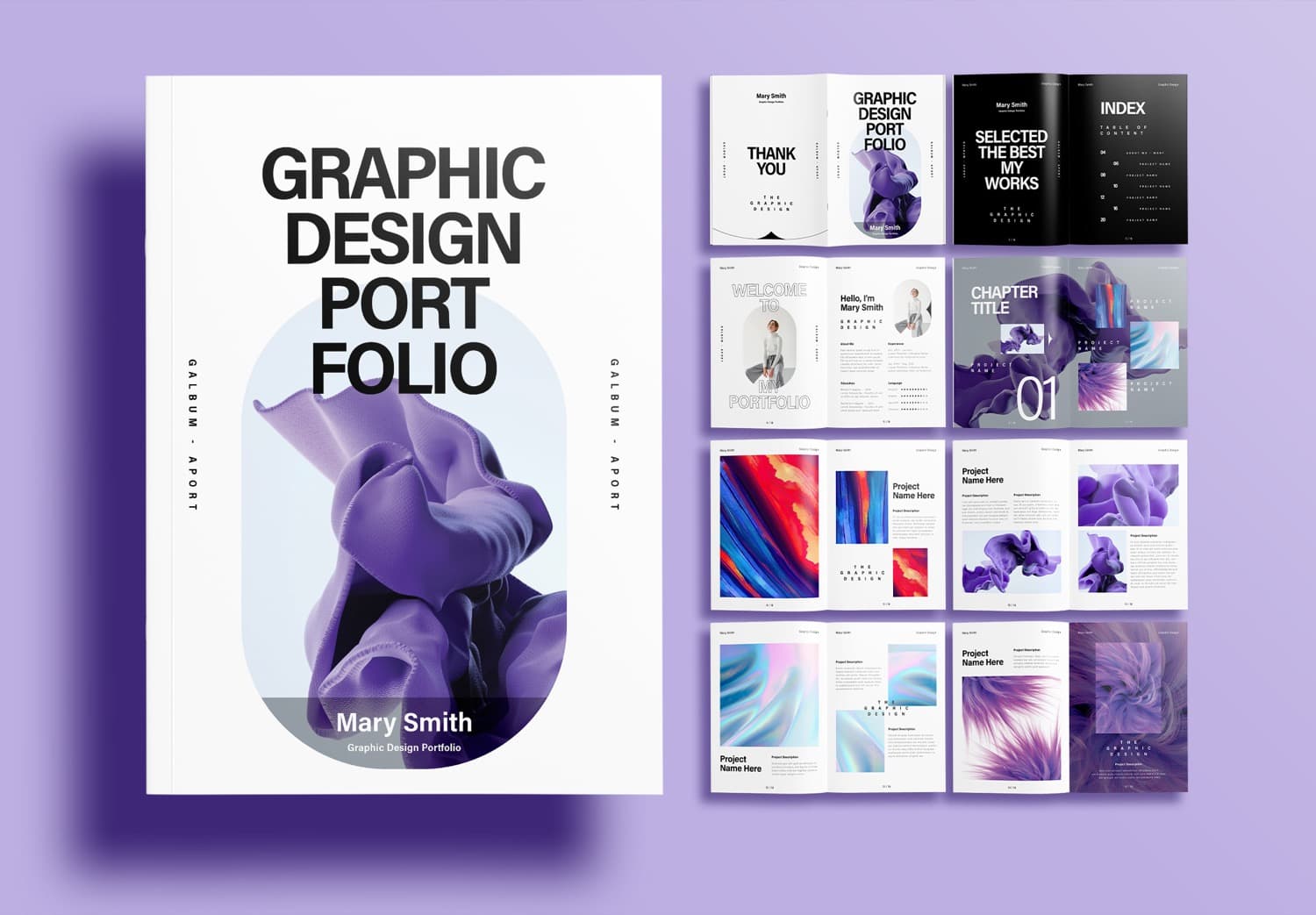
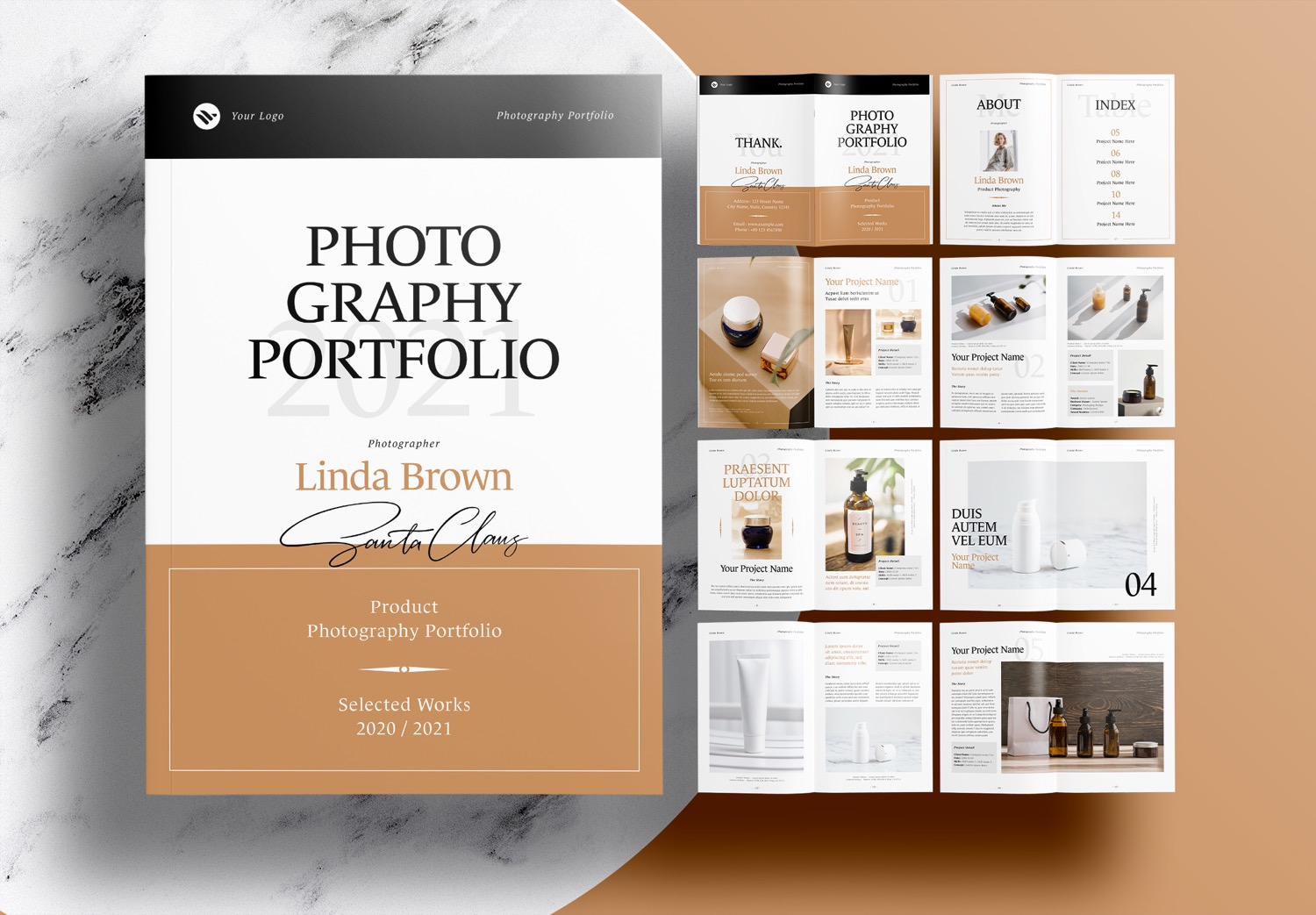
Peach Pink and Navy Blue Landscape Portfolio Template Free Download
Why Choose a Free Landscape Portfolio Template?
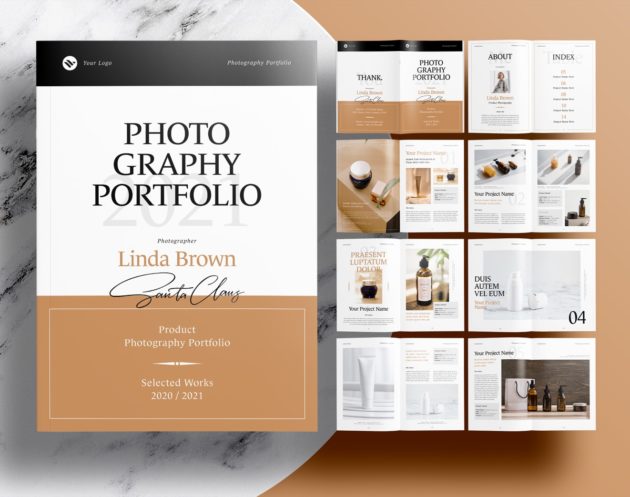
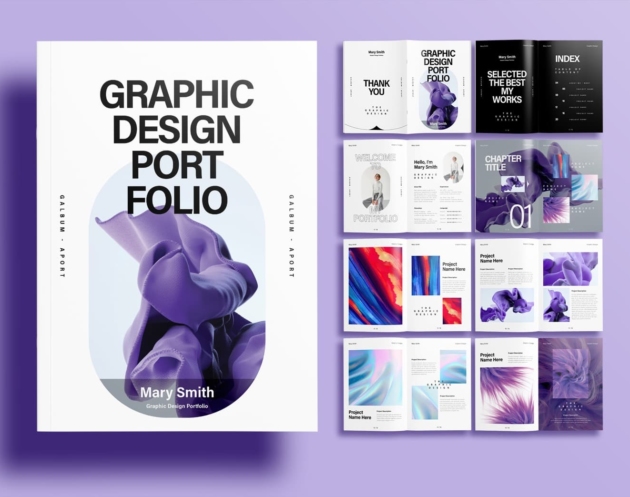
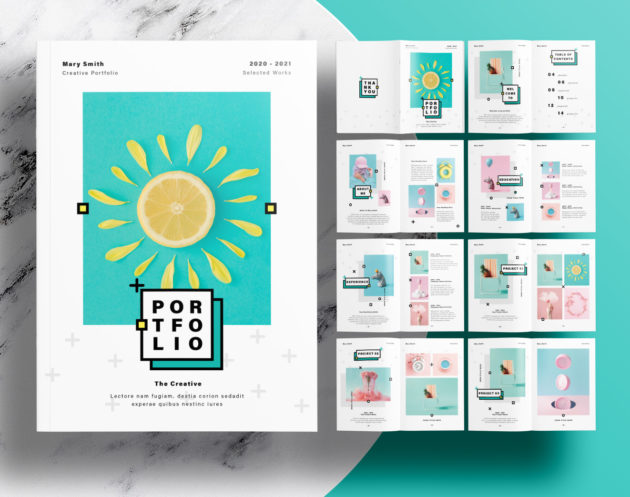
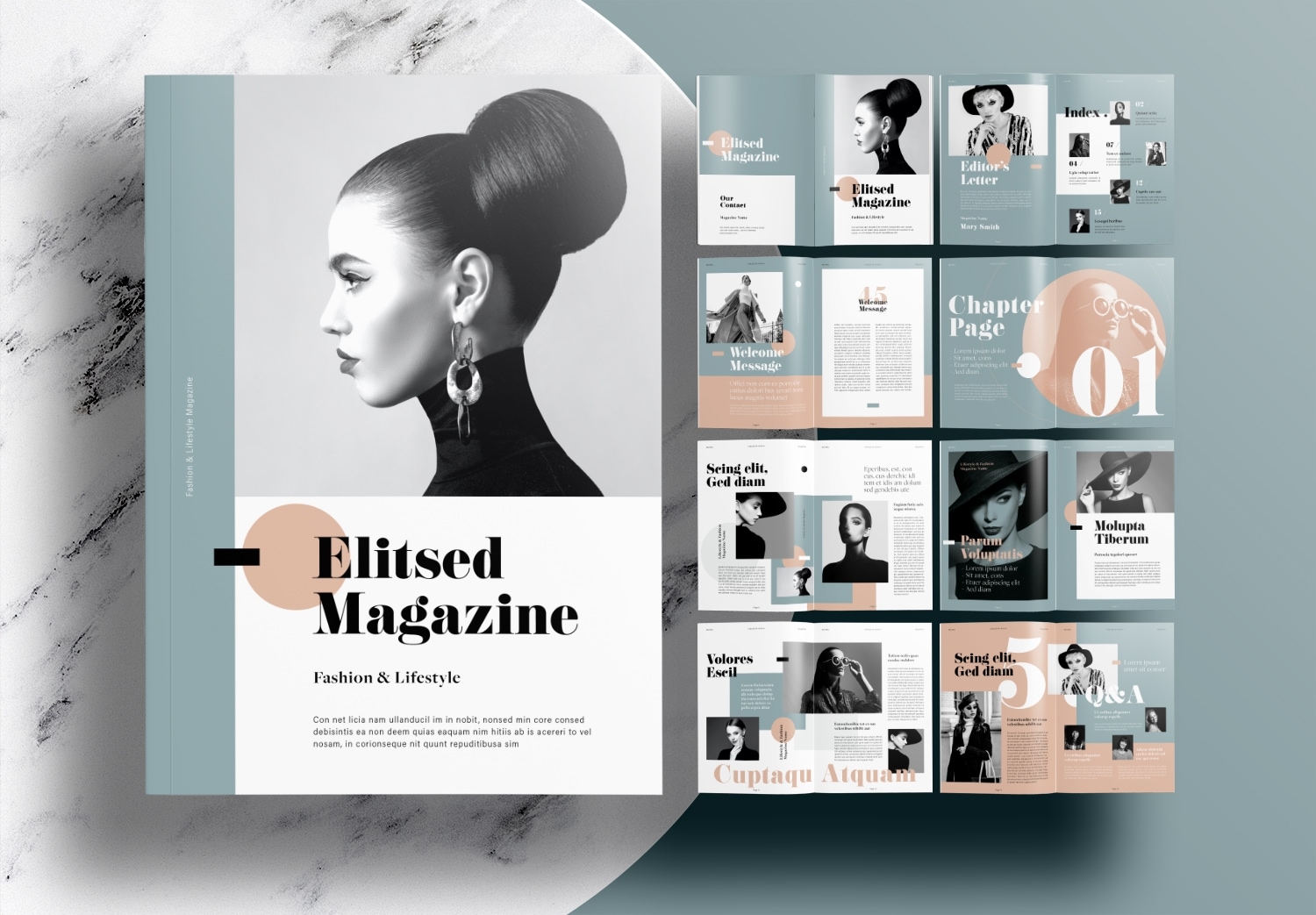
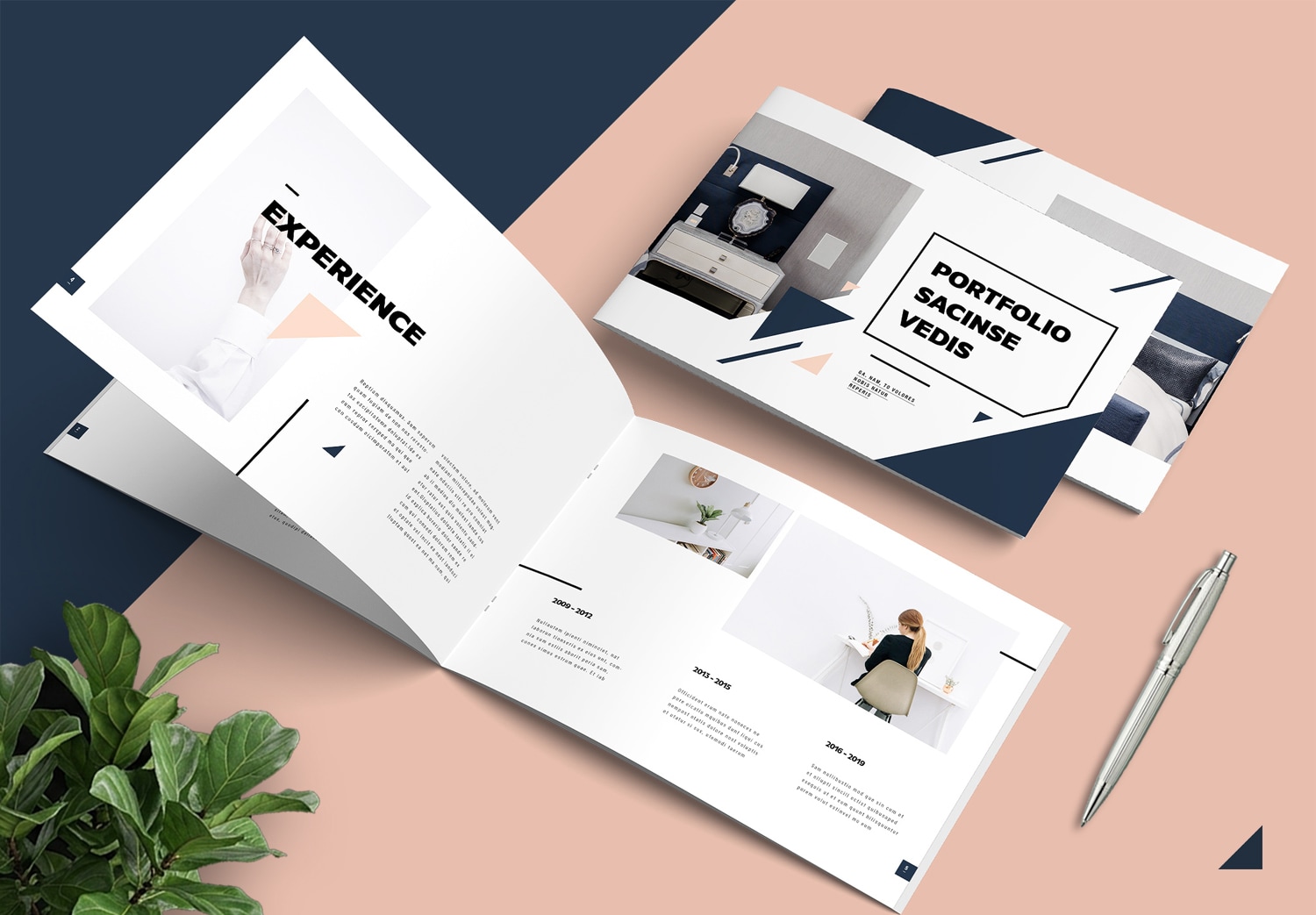
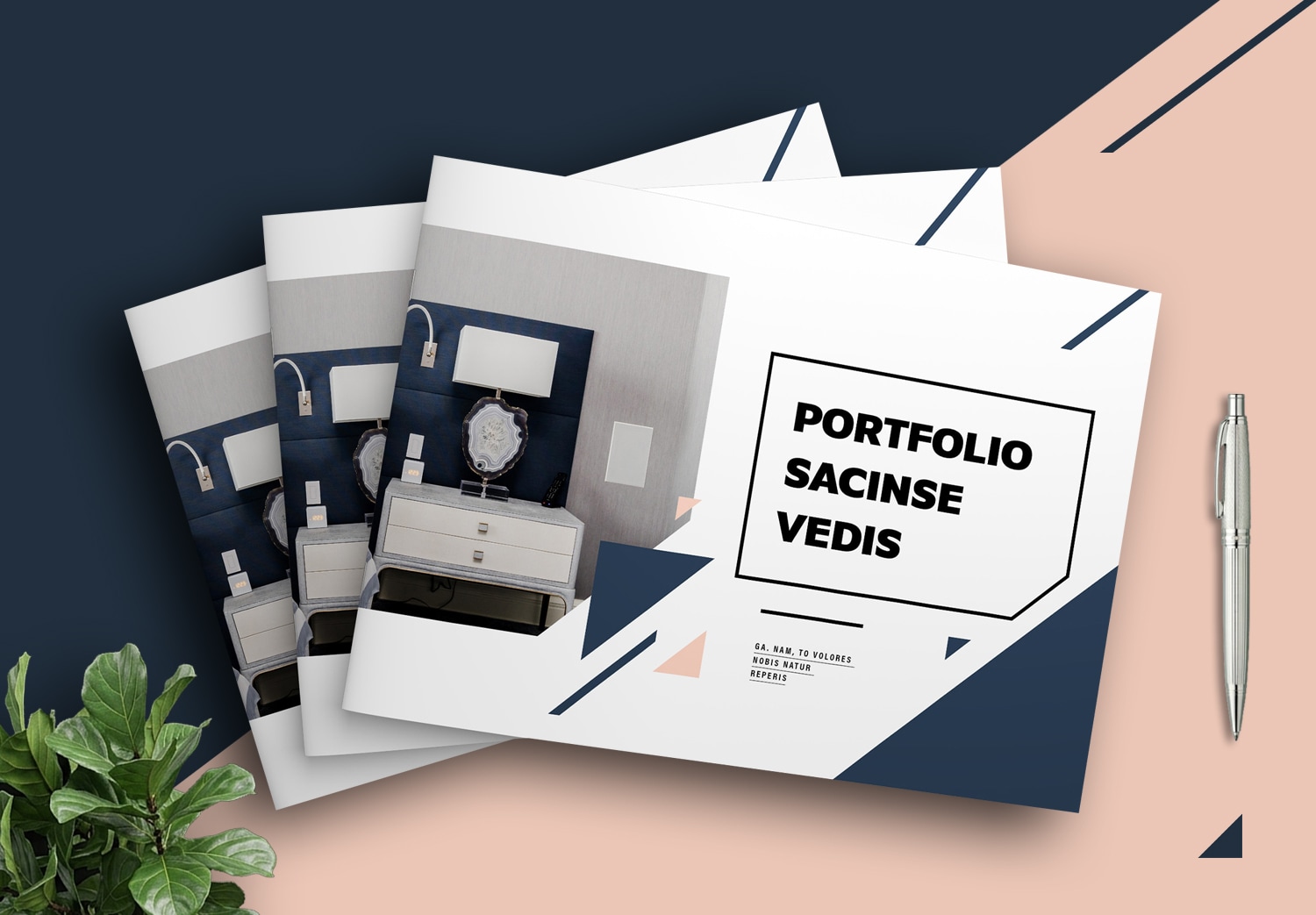
A portfolio can be designed in many different formats, from portrait to landscape layouts, and in popular sizes such as A4 or booklet. The right choice depends on the type of work you want to showcase. If your portfolio focuses heavily on photography, branding, architecture, interior design, or other visual projects, a landscape layout is often the better choice. The wider pages allow you to display larger images and create more balanced layouts. Your projects become easier to present, and readers can follow your work more naturally.
A Beautiful Minimal Portfolio Designed by a Professional
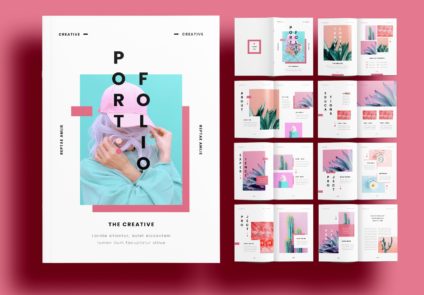
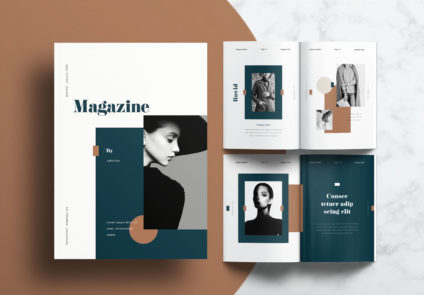
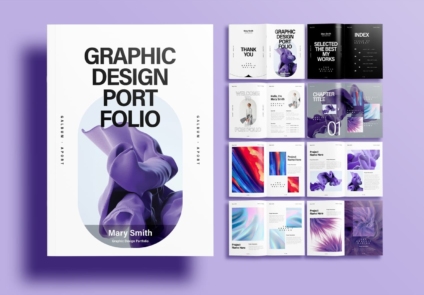
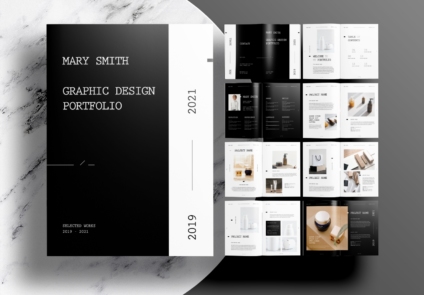
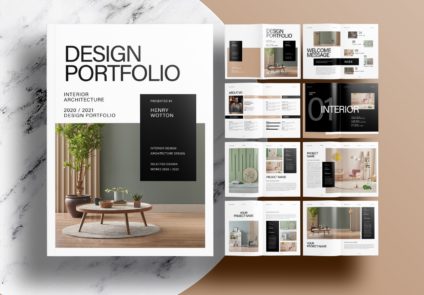
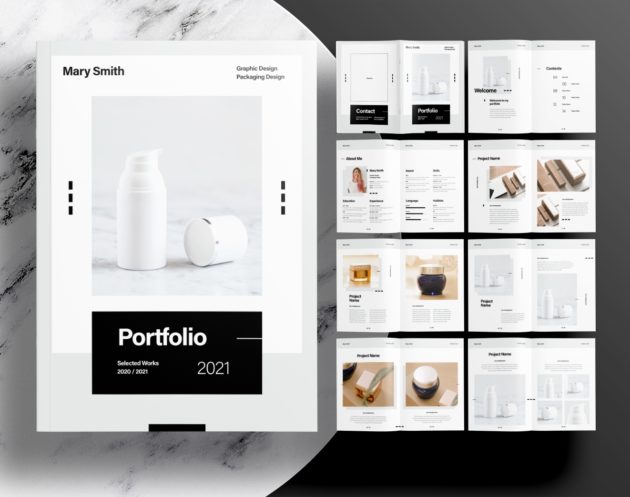
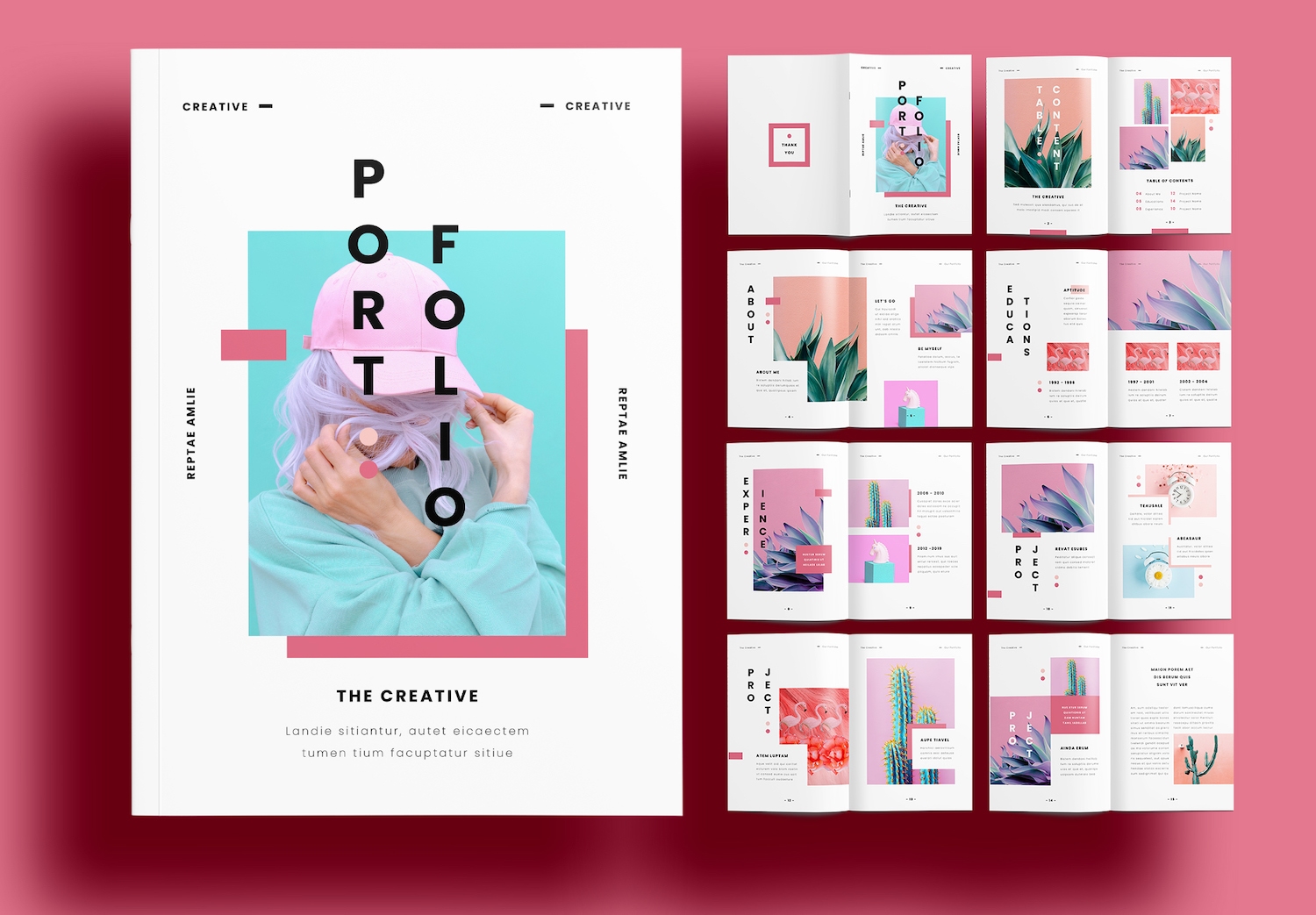
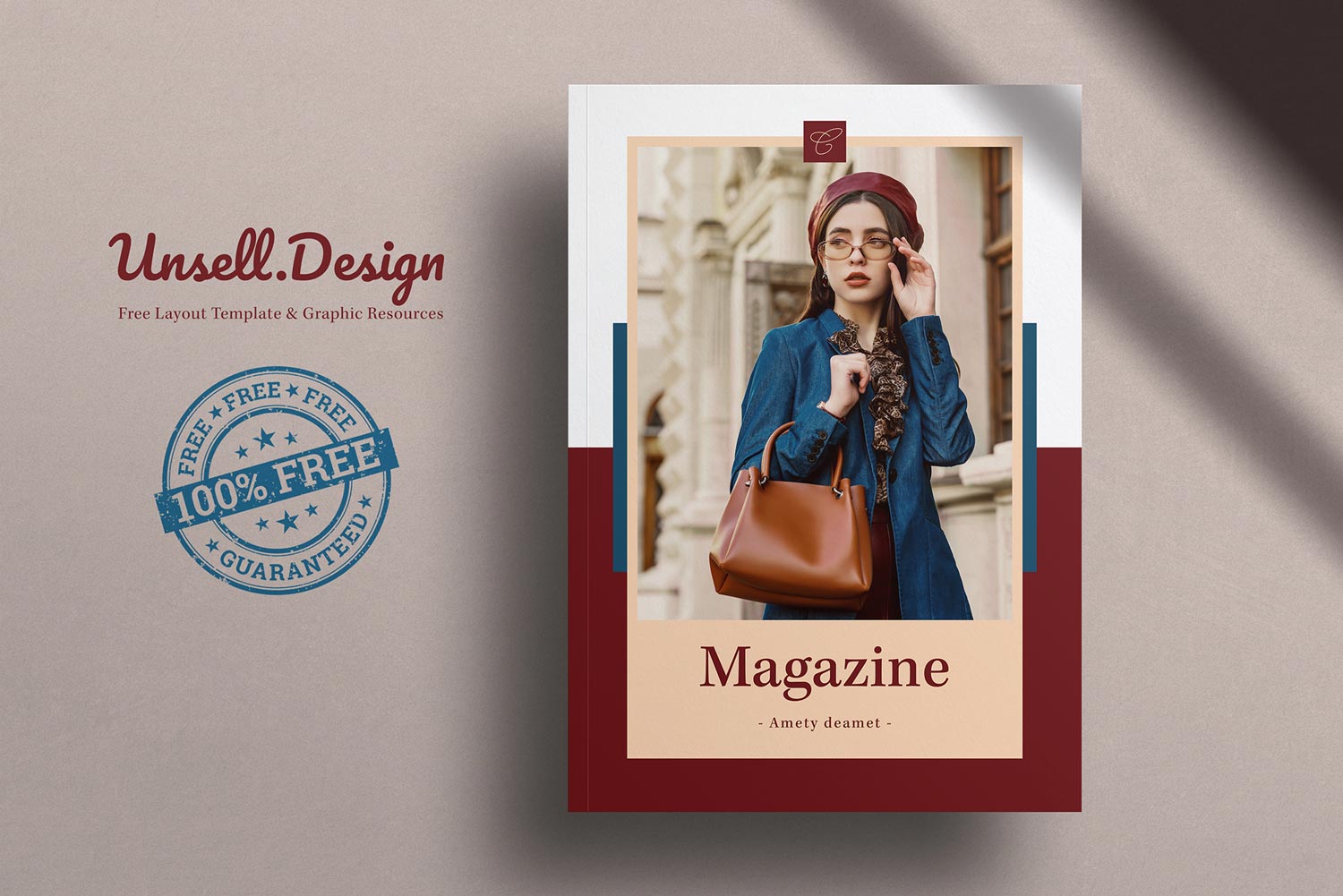
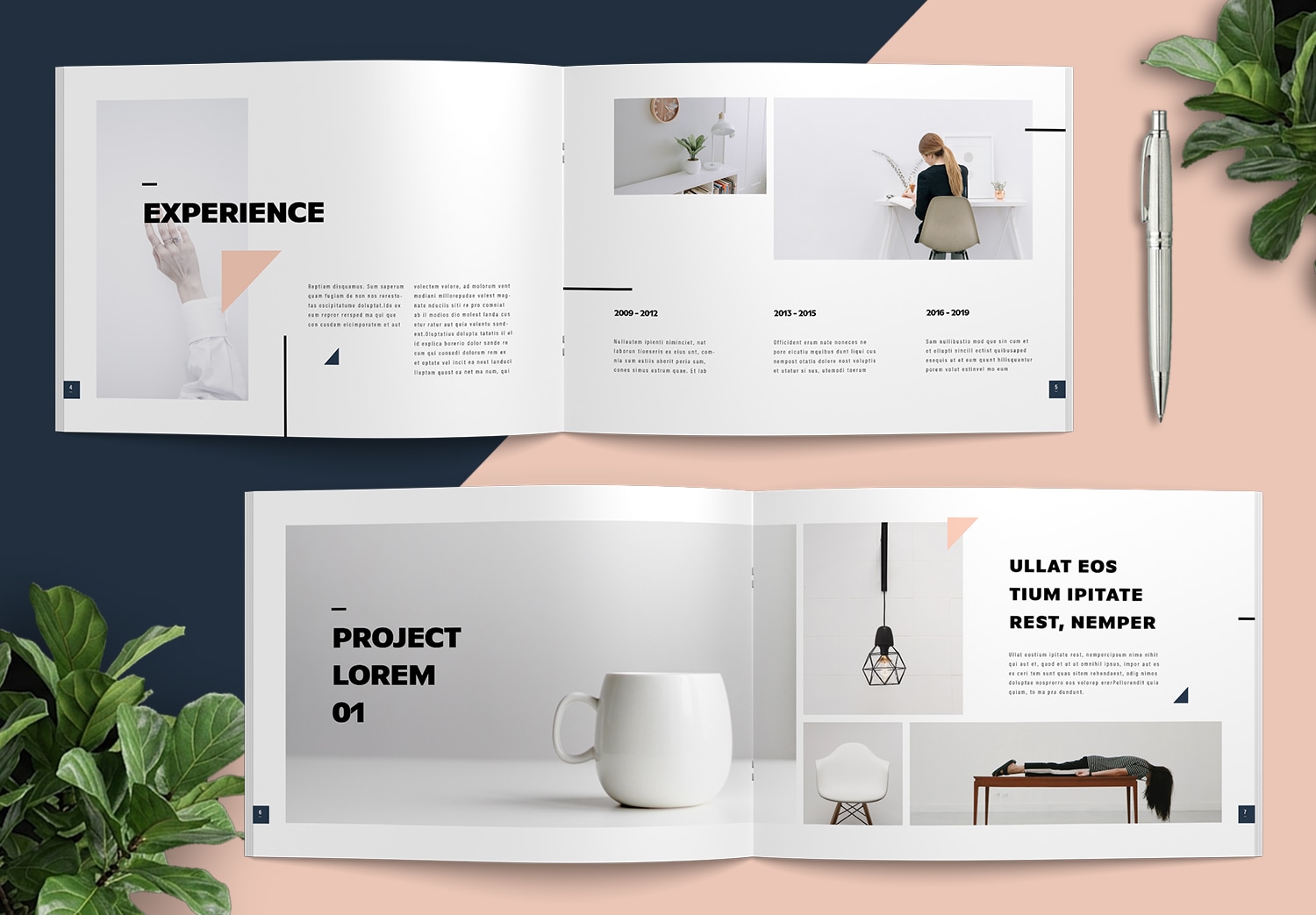
This Beautiful Minimal Portfolio Template with Peach Pink and Navy Blue Accents was designed by Sirisako, a professional graphic designer with a strong focus on editorial layout and publication design. The template is created to help you build a professional portfolio quickly without spending hours designing every page from scratch.
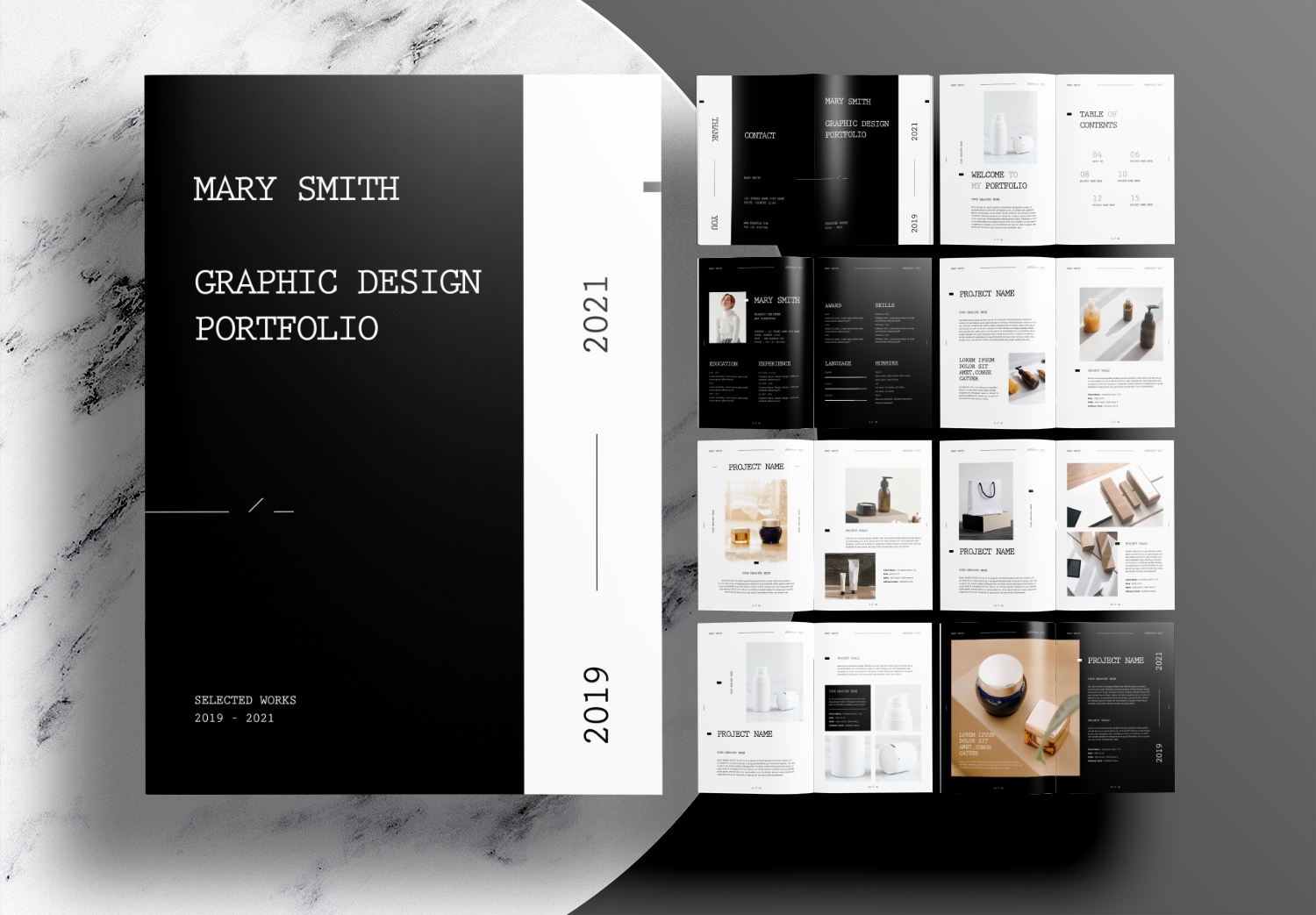
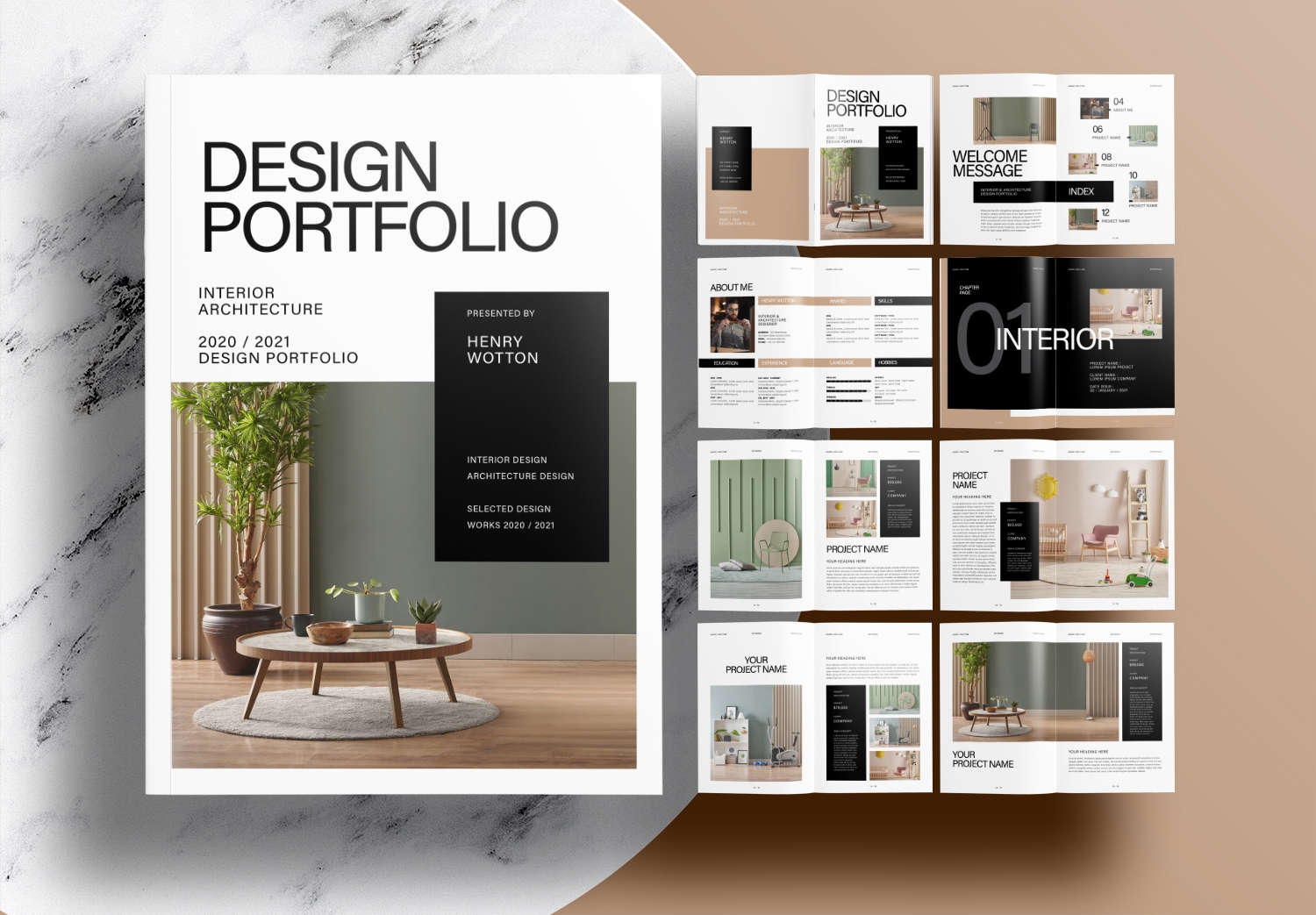
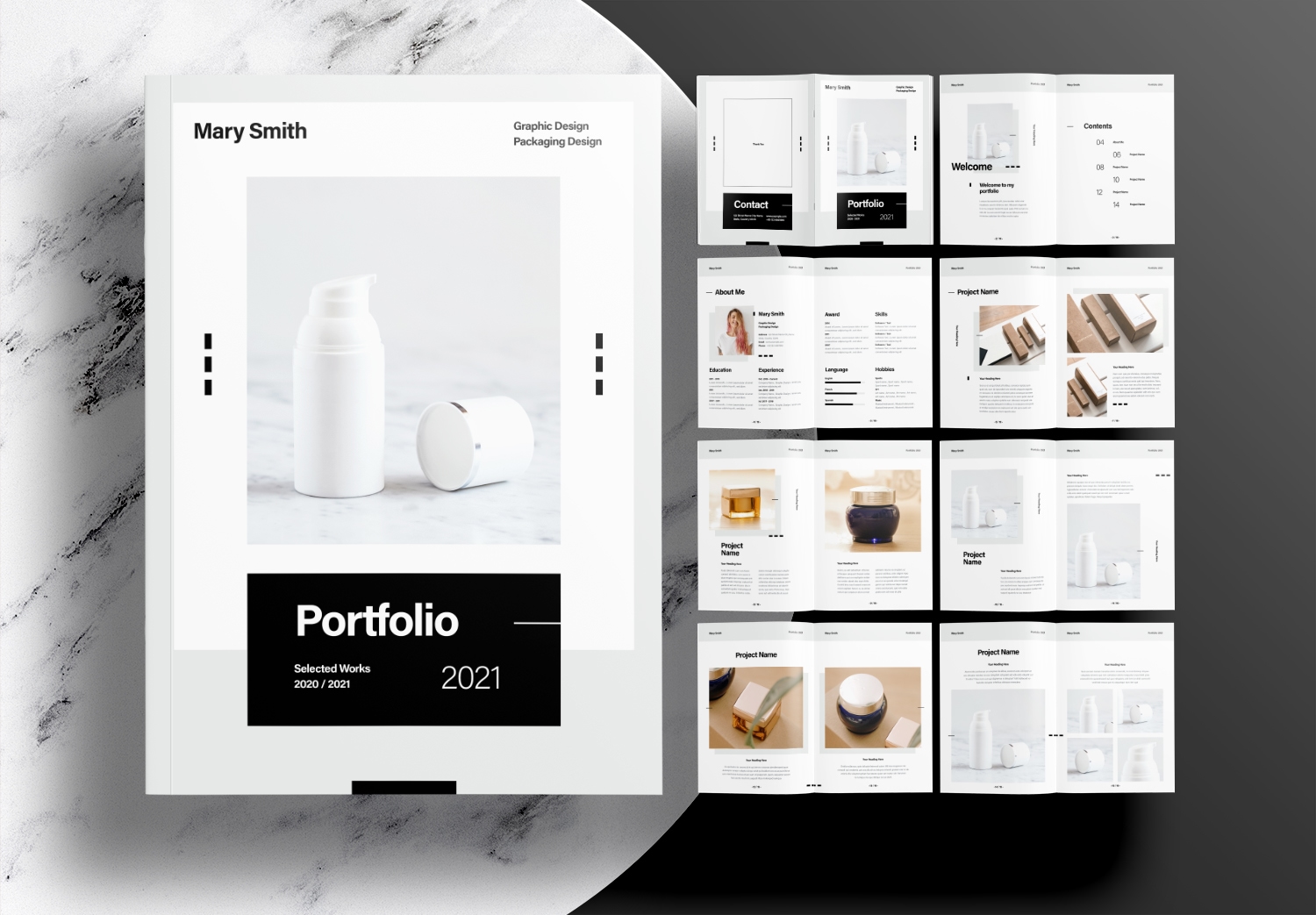
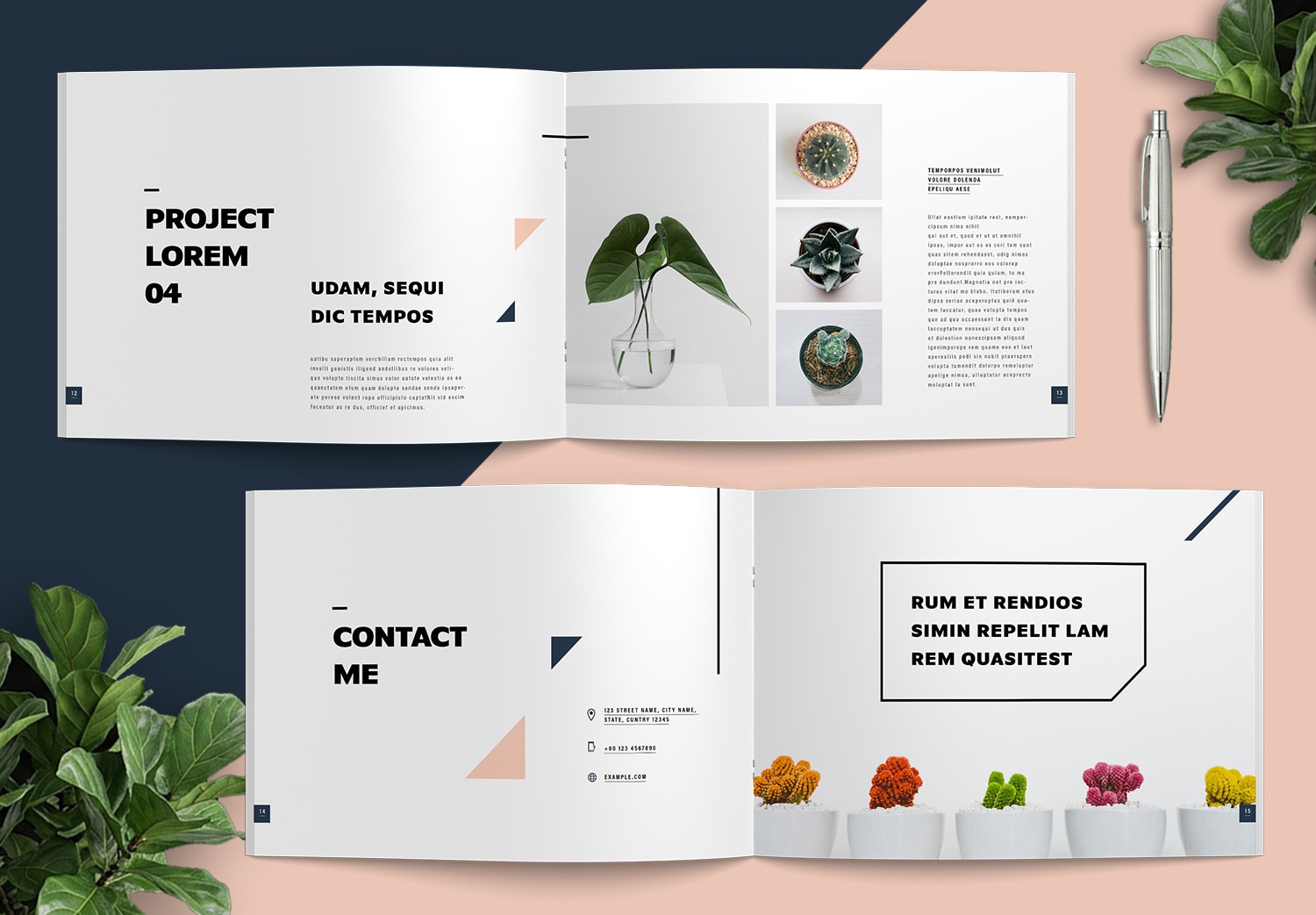
Every page has already been designed for you. The text layout, image frames, and graphic elements are arranged in a clean and organized way, so you don’t have to spend time deciding where everything should go. Simply replace the content with your own, and you’ll have a portfolio that looks professional from the very first page.
A good portfolio is not only about beautiful pages. It’s also about presenting your work in the right way. The layout is designed to create a natural reading flow. Readers can easily move from one section to the next and focus on the most important parts of your portfolio. This is one of the reasons why a professionally designed template can save you so much time.
Modern Color Combination with Peach Pink and Navy Blue
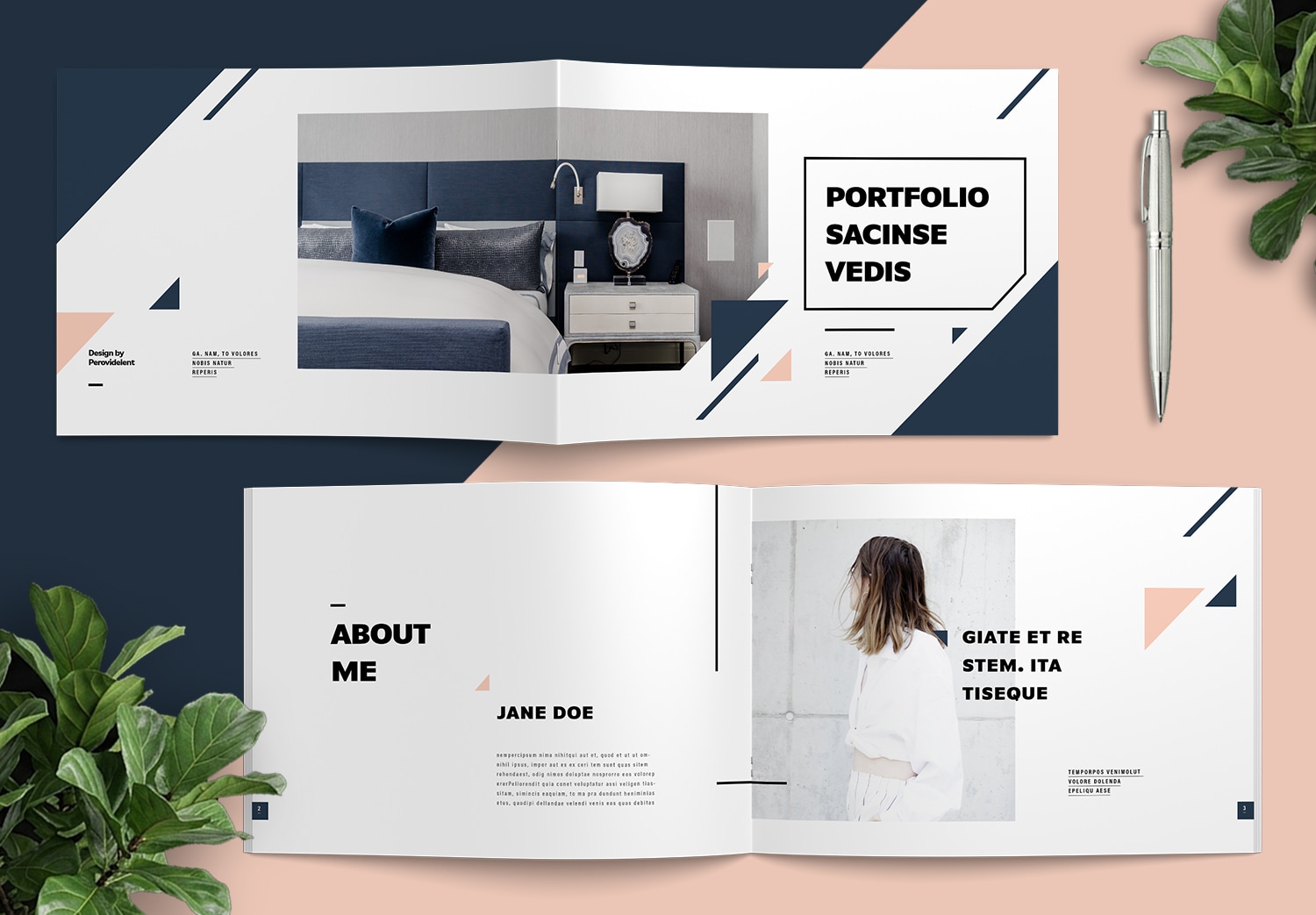
The combination of Peach Pink and Navy Blue on a white background gives the template a modern and minimal look. Peach Pink adds warmth and creates a soft, friendly feeling, while Navy Blue brings balance, confidence, and a professional touch. Together, these colors create a clean design that doesn’t distract from your work. Instead, they help your images and projects stand out.
Of course, If you want to change the colors to better match your portfolio. You can easily generate a new color palette with the free Instant Color Palette Tool from ColorXD. Try different color combinations until you find one that fits your style. Then simply apply the new colors to this template to create a portfolio that feels more personal and matches your own brand.
Easy Portfolio Editing with Adobe InDesign
This template is fully editable in Adobe InDesign and very easy to use, even if you’re new to the software. If you download the free version of this template, you can immediately start replacing the sample content with your own. Paragraph Styles and Character Styles have already been configured throughout the document. That means when you replace the placeholder text, your typography automatically keeps the correct font size, spacing, alignment, and formatting. There’s no need to manually adjust every heading or paragraph. The formatting will stay consistent throughout your portfolio and help create a more professional look.
Working with images is simple because every page already has a pre-designed layout with image frames. You only need to place your photos into the frames, and they will automatically fit into the layout.
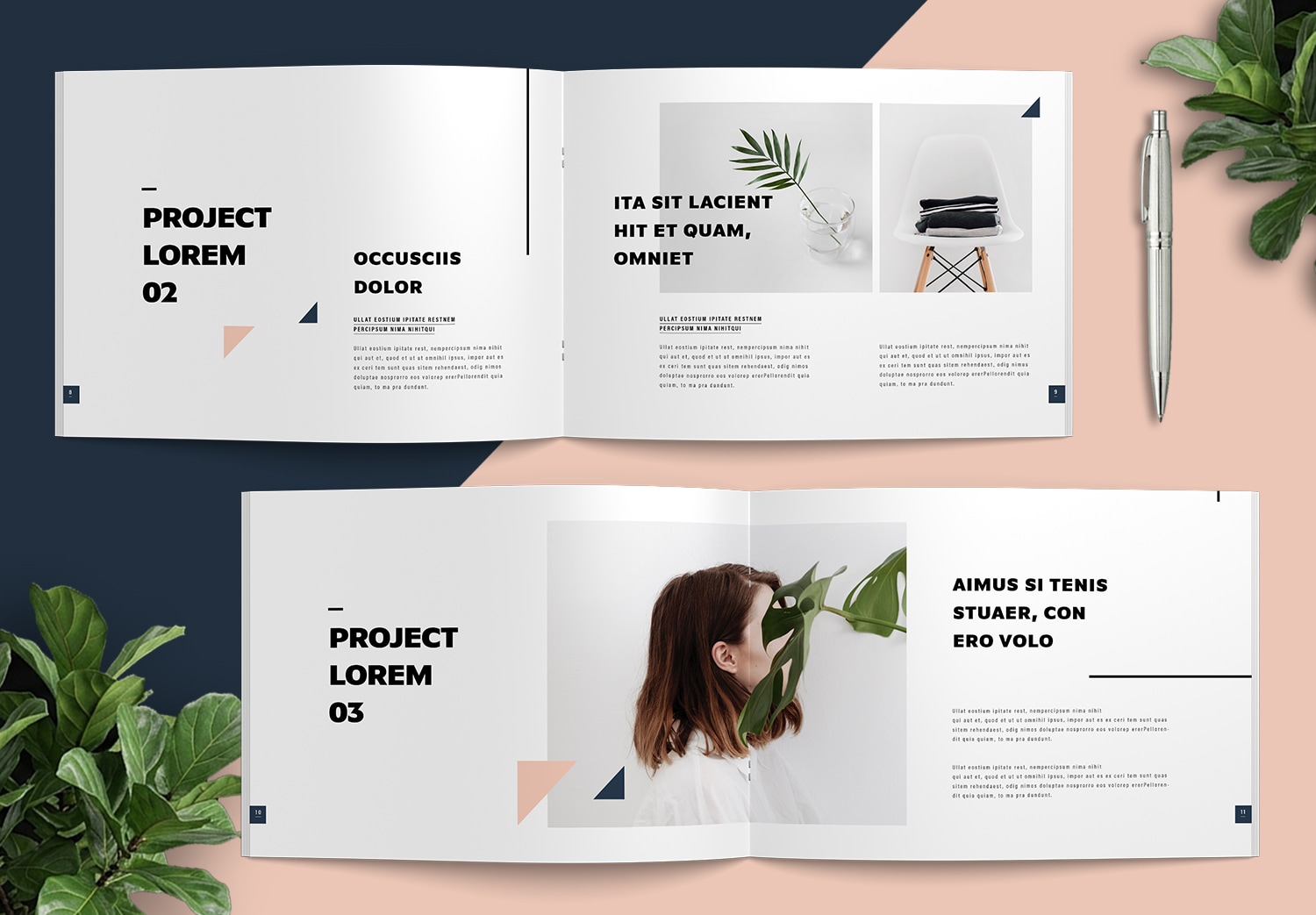
Changing the colors is simple too. Once you’ve generated your preferred palette with ColorXD, simply replace the existing swatches inside the template. Every graphic element that uses those swatches updates automatically throughout the entire document. There’s no need to change the color of each shape or icon one by one. You can update the colors across the entire template quickly and easily.
Whether you’re a graphic designer, photographer, architecture student, interior designer, creative agency, or freelancer, this template provides a clean and flexible starting point for presenting your work. Simply replace the sample content with your own projects, customize the colors if needed, and you’ll have a professional portfolio ready for presentations, client meetings, interviews, or print. It helps you present your story clearly and create a strong impression with a professionally designed portfolio layout.
New to Adobe InDesign?
If you’ve never used Adobe InDesign before, this template is an excellent place to start. Adobe offers a free trial of Adobe Creative Cloud, which includes InDesign together with many other professional creative applications. After spending some time with this template, you’ll discover how powerful InDesign can be. It is also much easier to use than you might expect when creating high quality editorial documents.
Download the Full Version on Adobe Stock
The full version of this beautiful minimal portfolio template is available on Adobe Stock. If you’re new to Adobe Stock, you can get the Get 10 Free Assets offer during your first month, allowing you to download premium templates, images, videos, illustrations, and many other creative resources. Building a professional portfolio becomes much easier when you have access to high quality design assets that save time while helping your work look more professional.
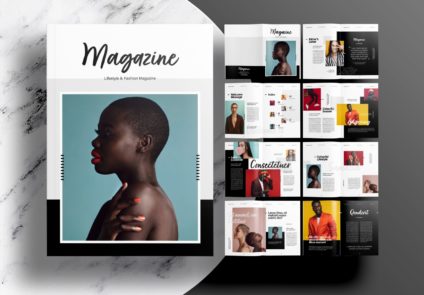
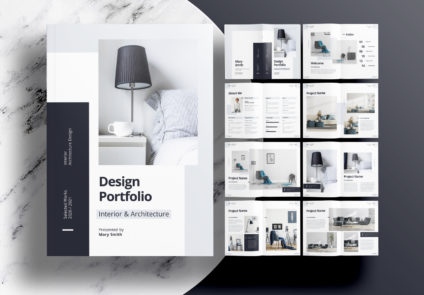
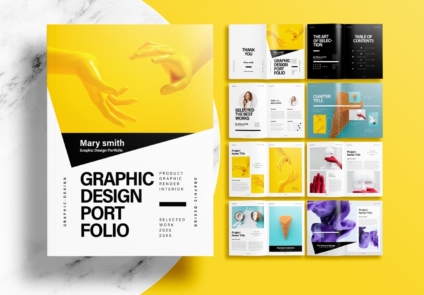
Popular Templates