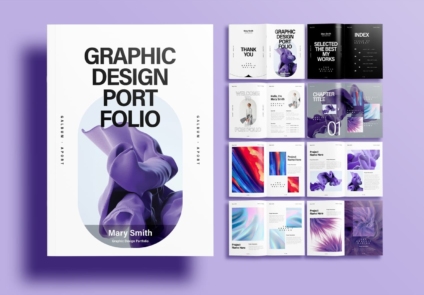
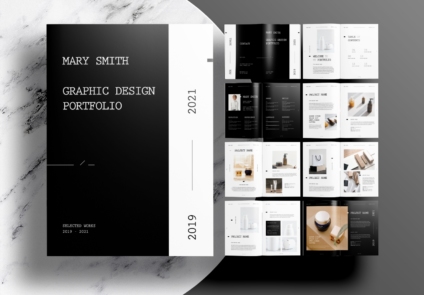
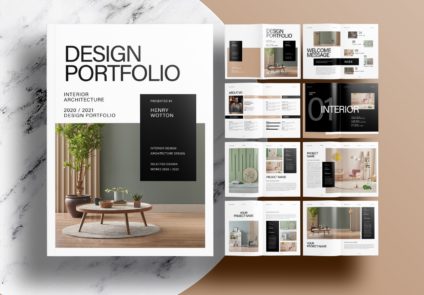
Free Download Creative Portfolio Template with Modern Design
Make The Portfolio Your Own While Keeping A Professional Look
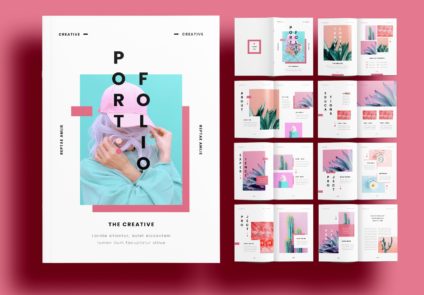
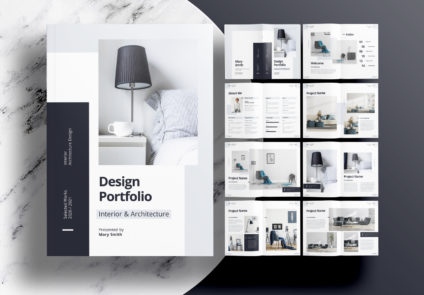
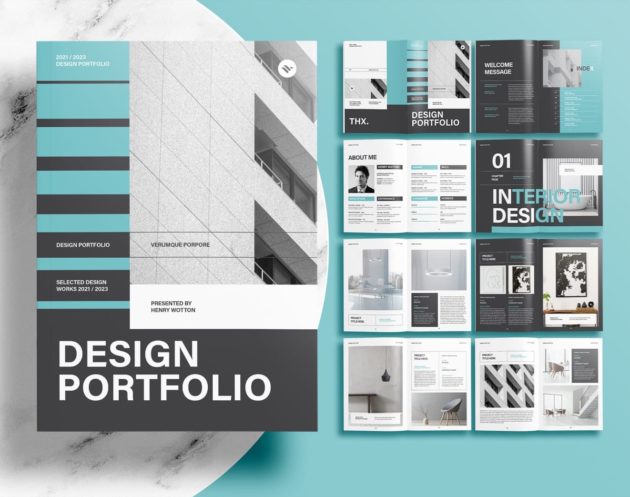
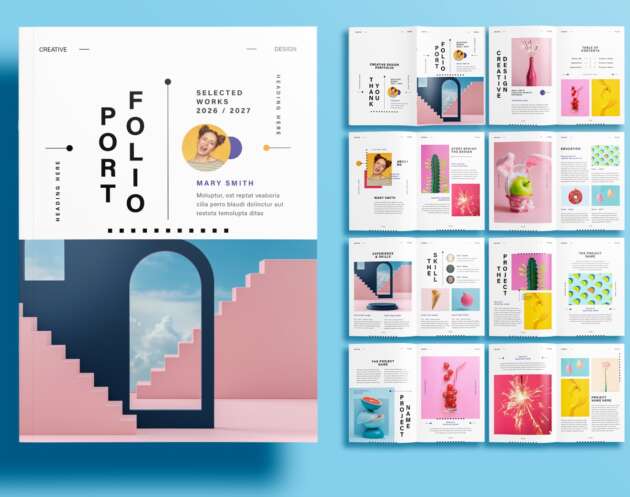
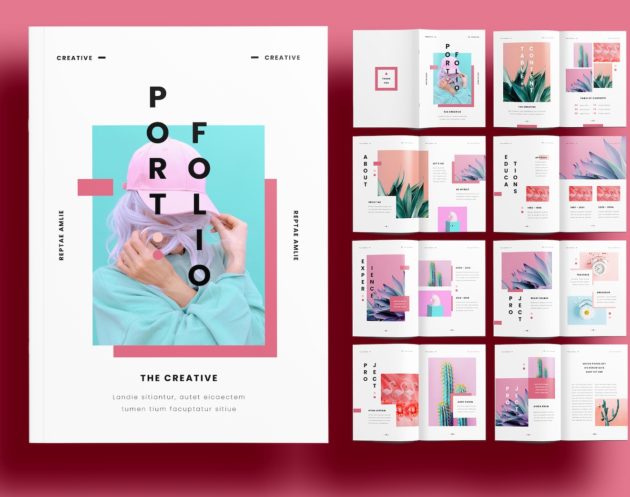
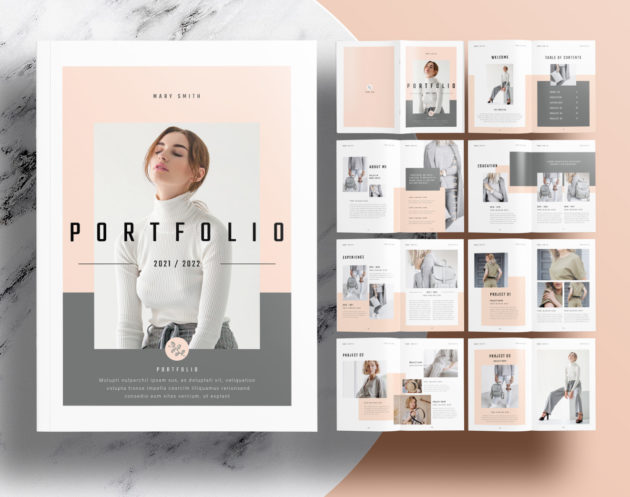
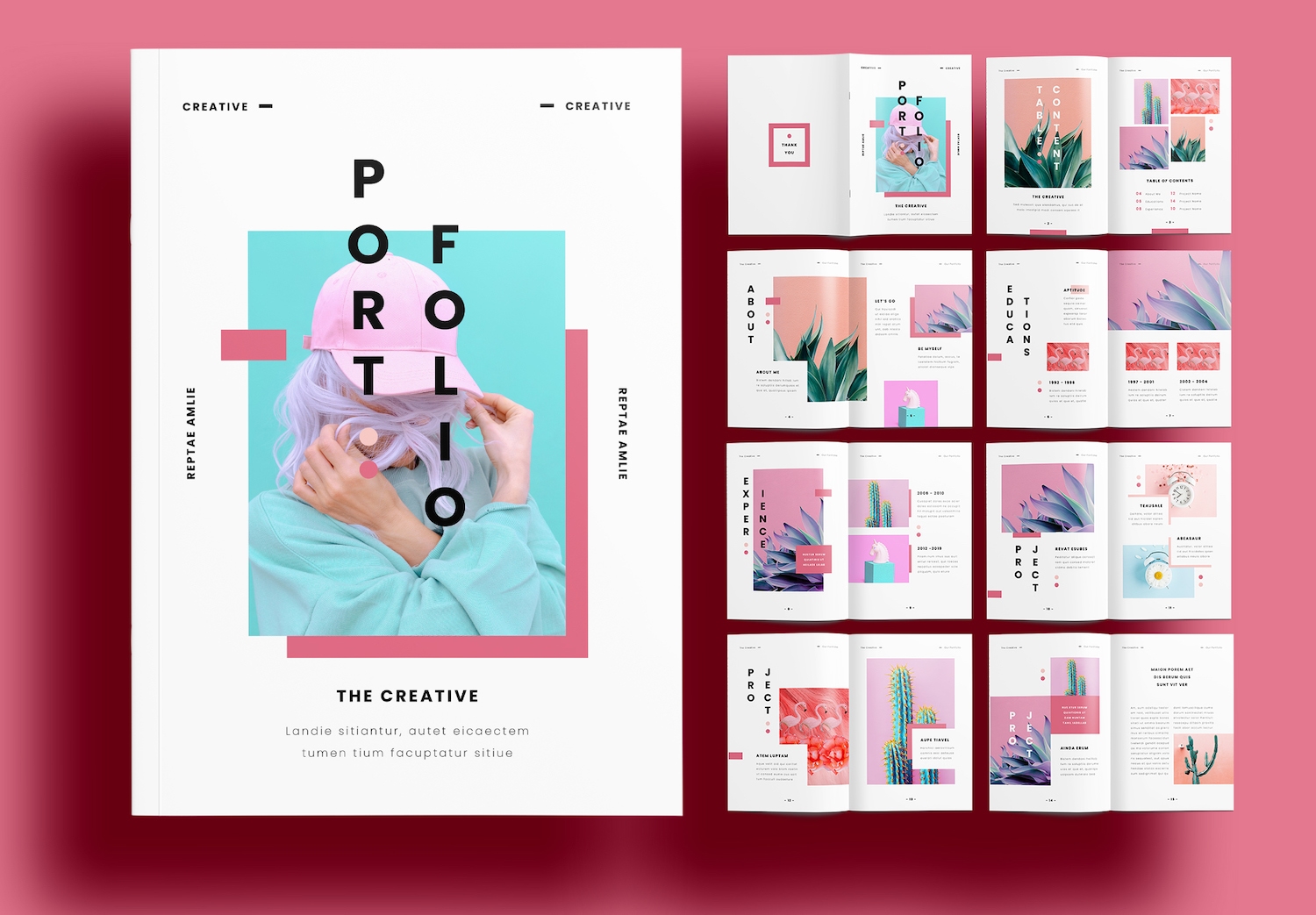
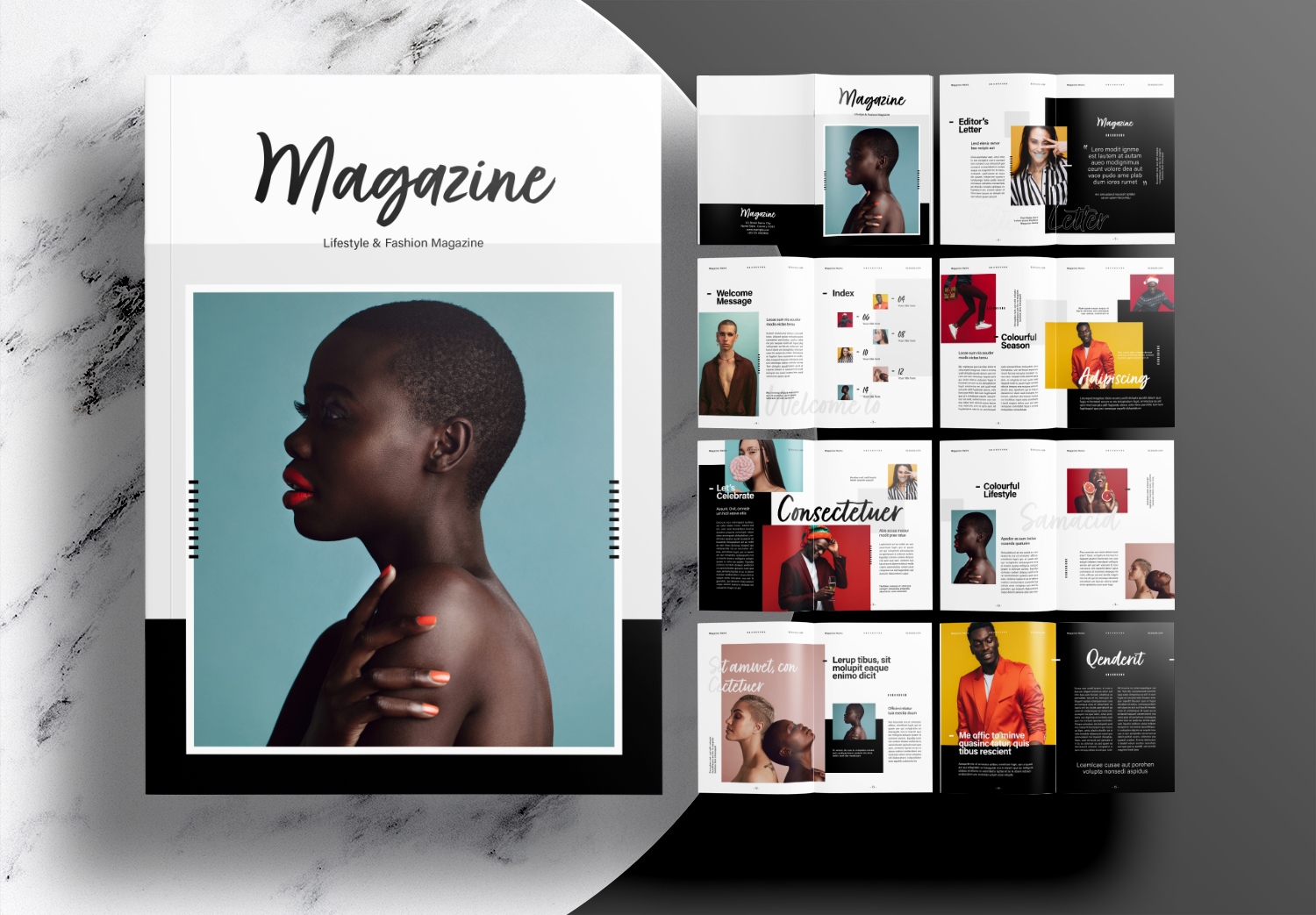
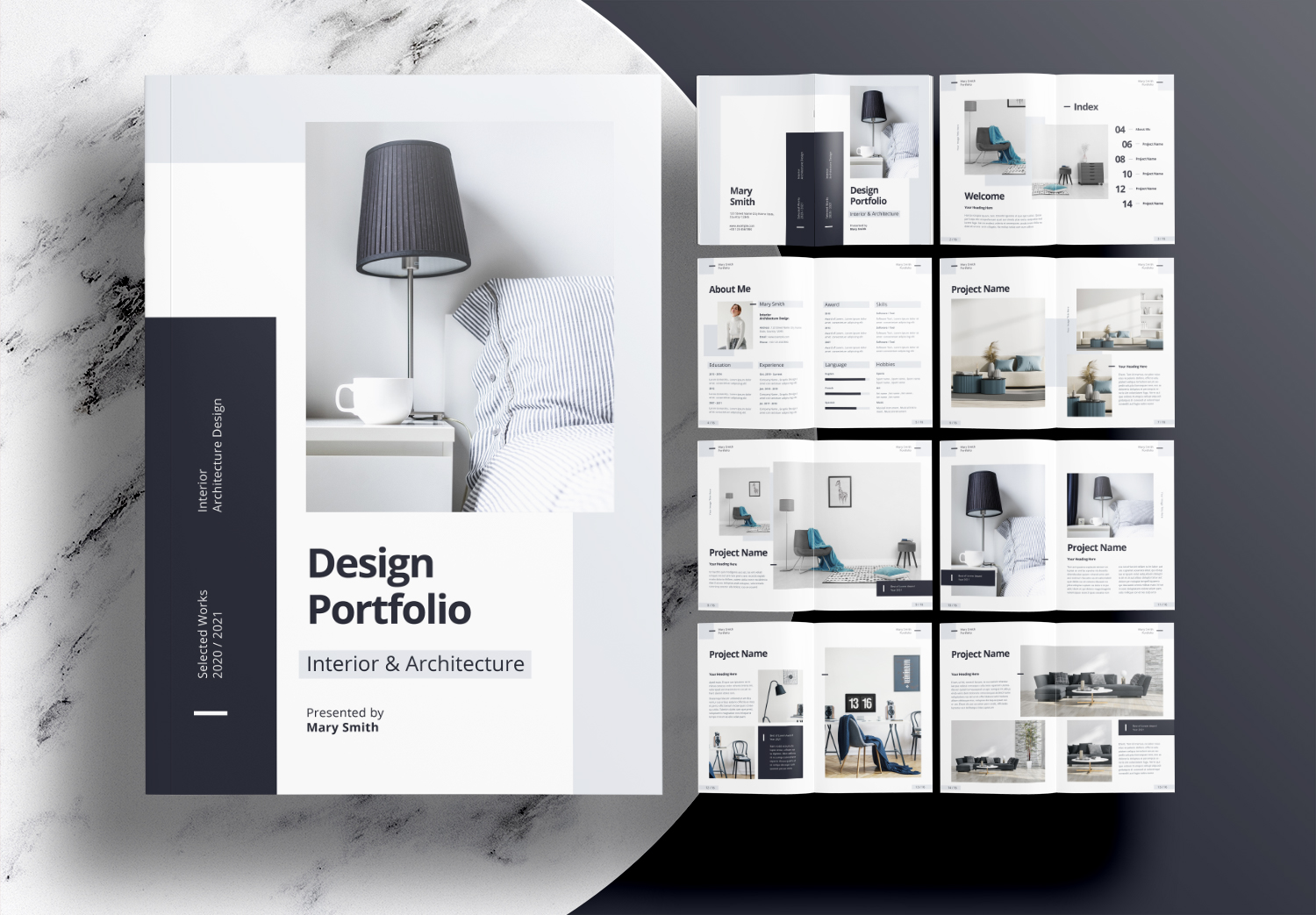
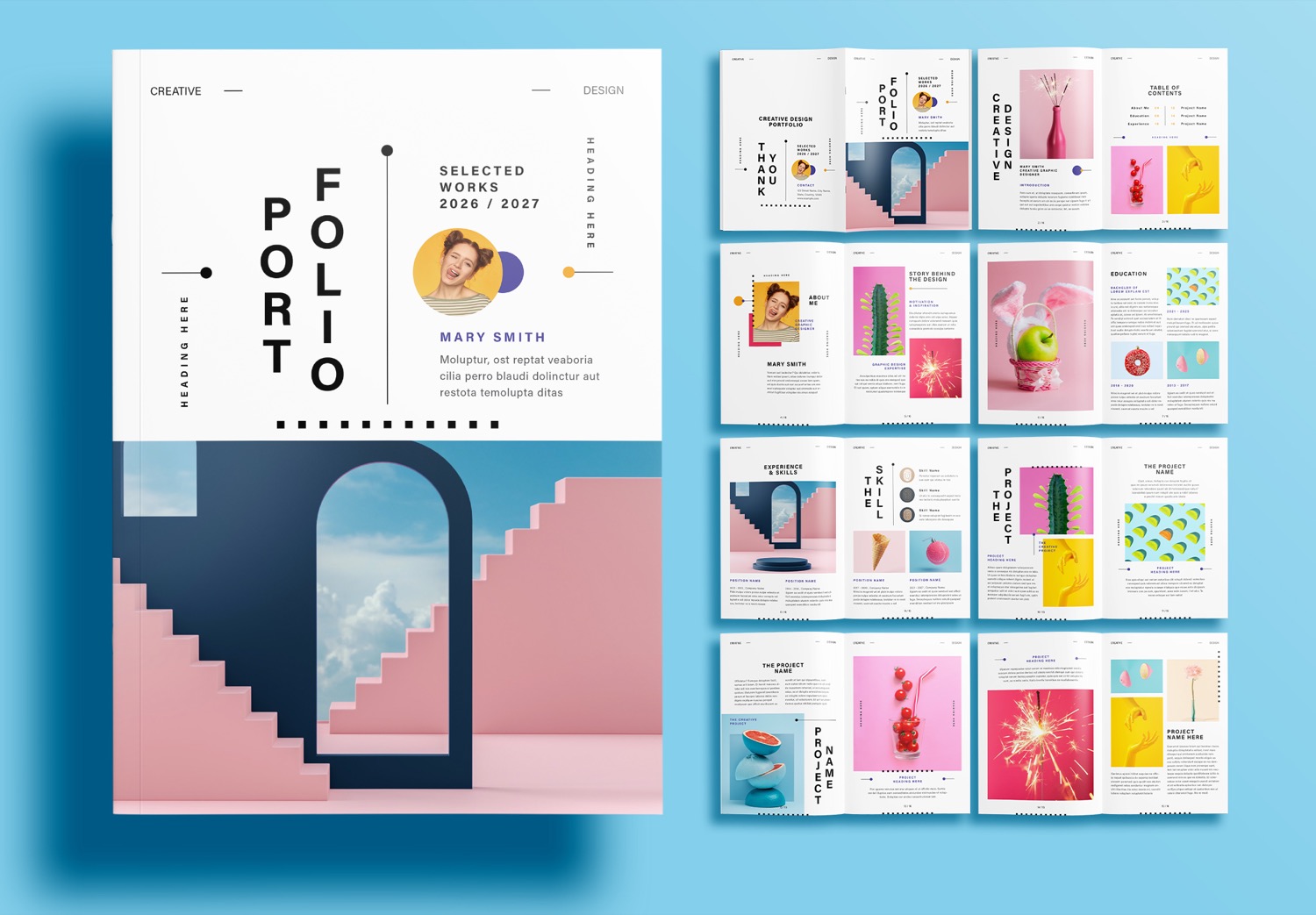
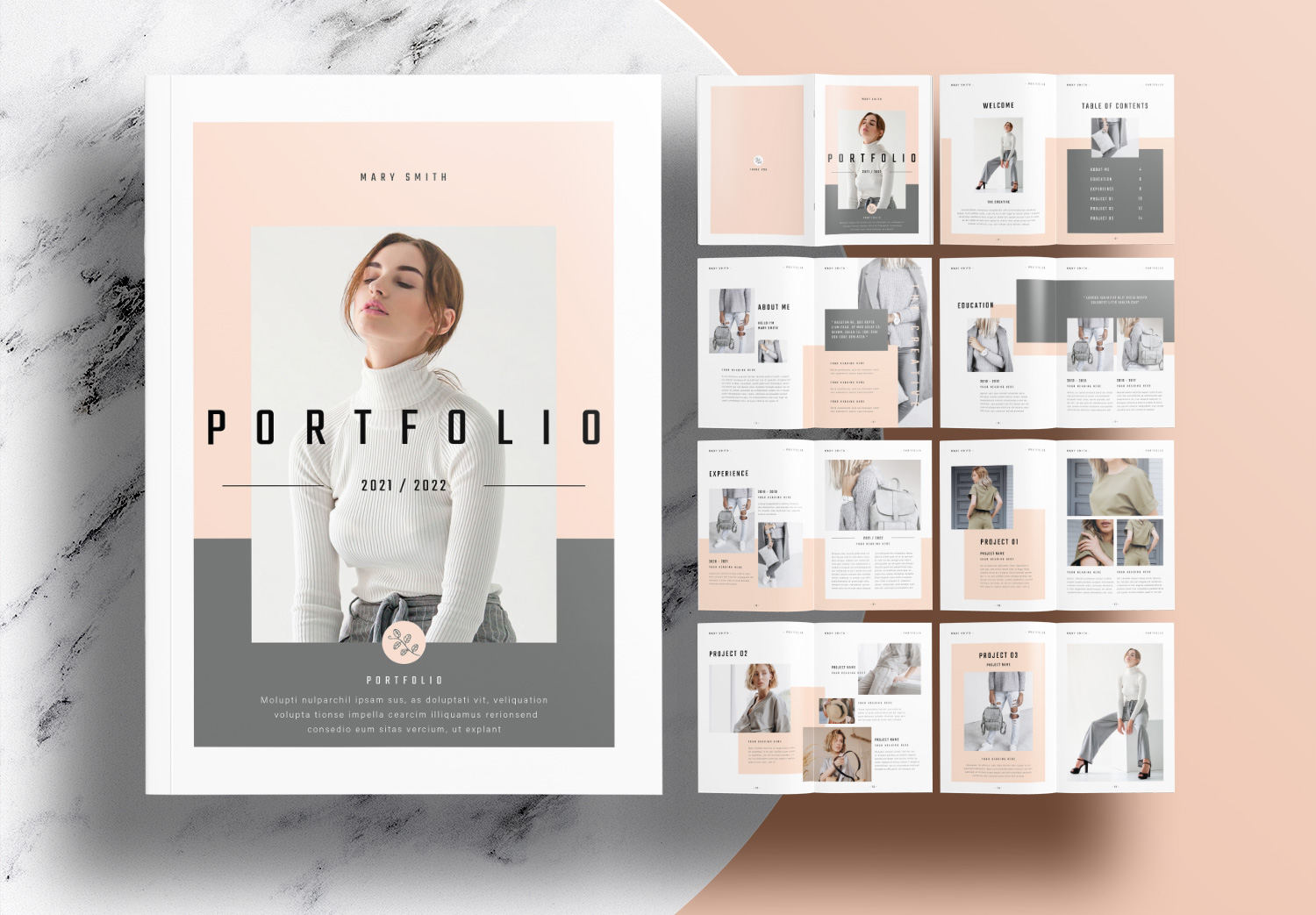
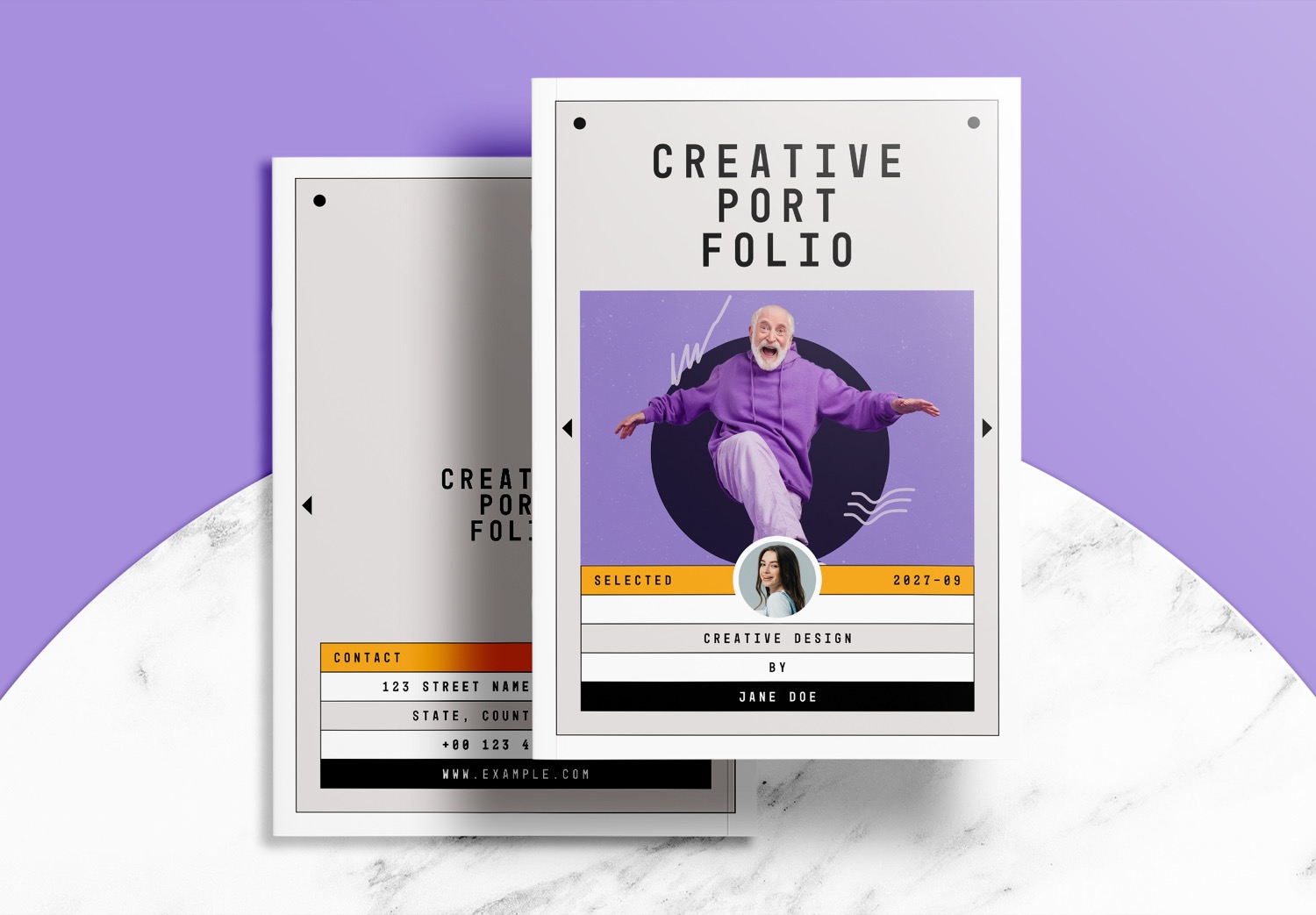
Building a professional portfolio becomes much easier when you start with a professionally designed layout. This Free Download Creative Portfolio Template with Modern Design is the latest portfolio template created by Sirisako, a professional graphic designer. This template uses the Modern Gray Sunset color palette, combining a soft gray background with bold black accent bars to create a modern creative look.
Easy to Edit with a Ready to Use Template
This portfolio template is fully editable in Adobe InDesign. The editing process is very simple. It has been designed not only for experienced designers but also for students, photographers, creative designer, architects, freelancers, and anyone who wants to create a professional portfolio without spending hours building layouts from scratch.
Even if you have never used Adobe InDesign before, editing this template is surprisingly easy. Simply download the free portfolio template. Open the file. Begin replacing the content with your own. Every page has already been professionally prepared. You don’t need to worry about adjusting fonts, spacing, or paragraph formatting yourself. The template already includes preset paragraph styles, allowing every heading and paragraph to automatically keep its original typography after you replace the text.
Replacing images is very easy too. Every photo frame has already been prepared, so all you need to do is drag and drop your own images into the existing frames. They will automatically fit into the frames, so you won’t need to resize or reposition every photograph manually. This makes editing faster and easier while helping you create a professional portfolio.
Customize the Color Palette to Match Your Style
If you want to change the colors to match your style. You can create your own color palette or discover new color inspiration using ColorXD, a free instant color palette tool that everyone can use for free.
And then you just simply update the color swatches in portfolio template. Every linked graphic element, background, accent color, and decorative shape throughout the whole portfolio will change automatically. You don’t need to change each graphic element one by one. This saves you time and makes it much easier to create a beautiful portfolio.
Make a Strong First Impression with a Professional Portfolio
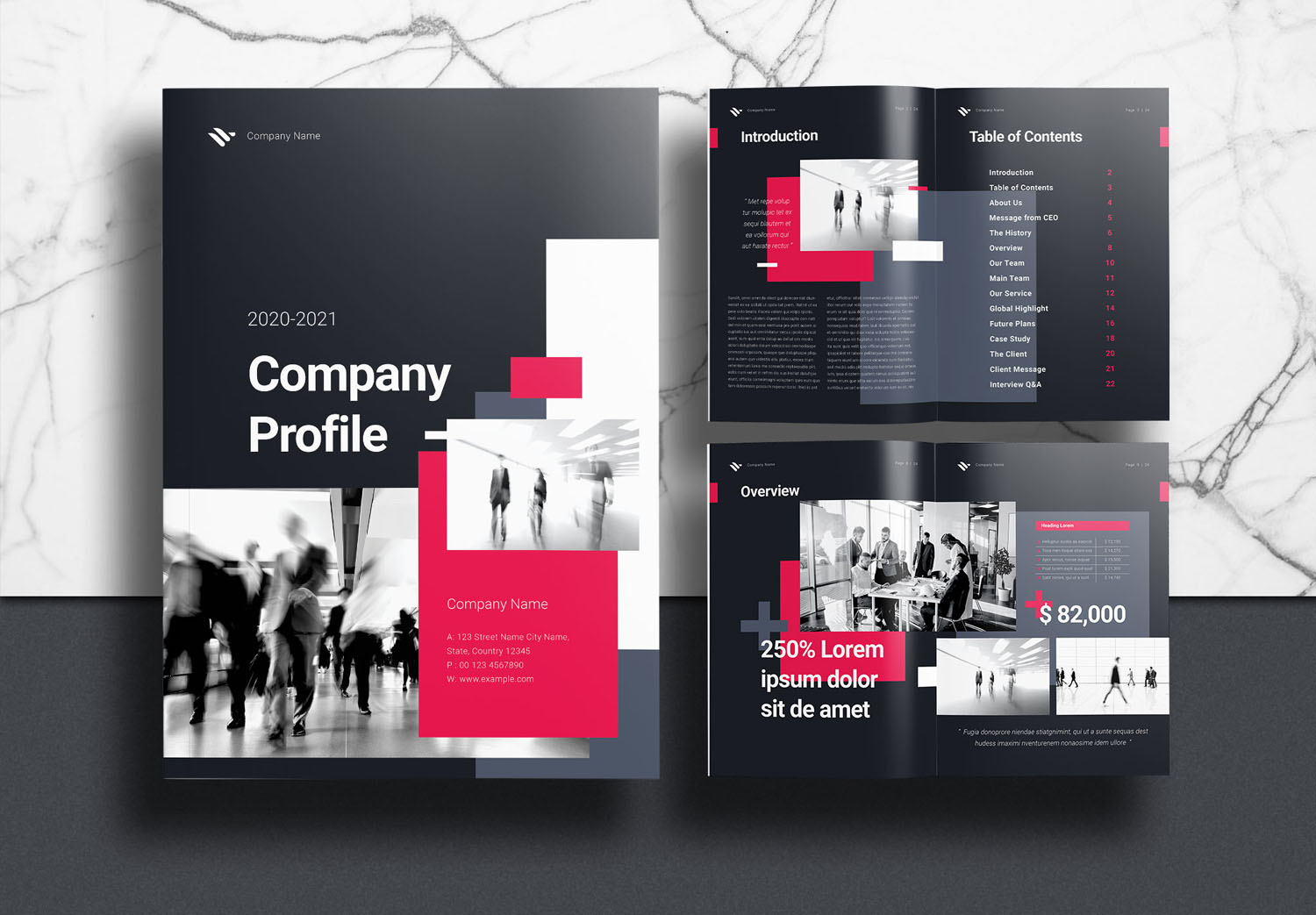
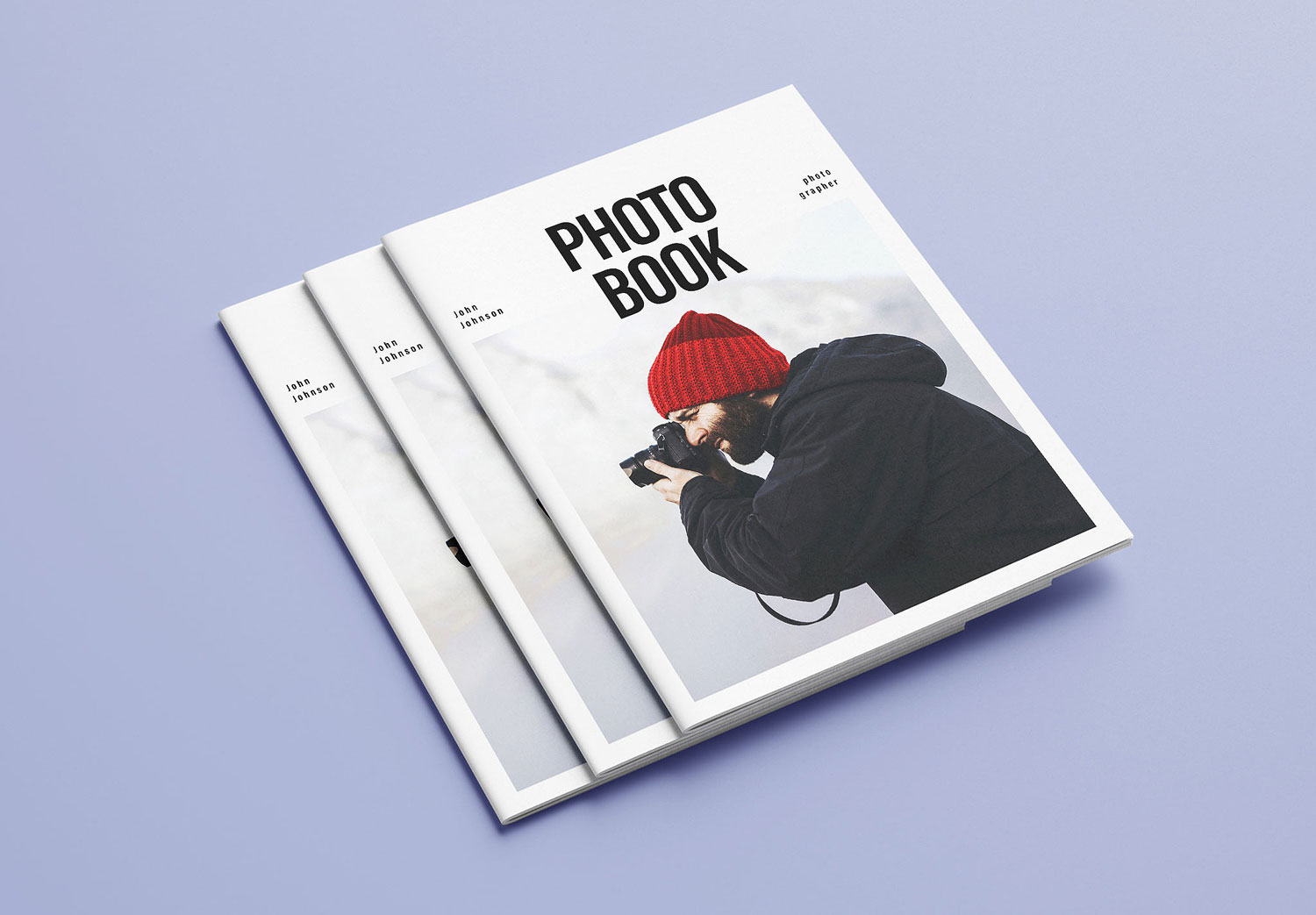
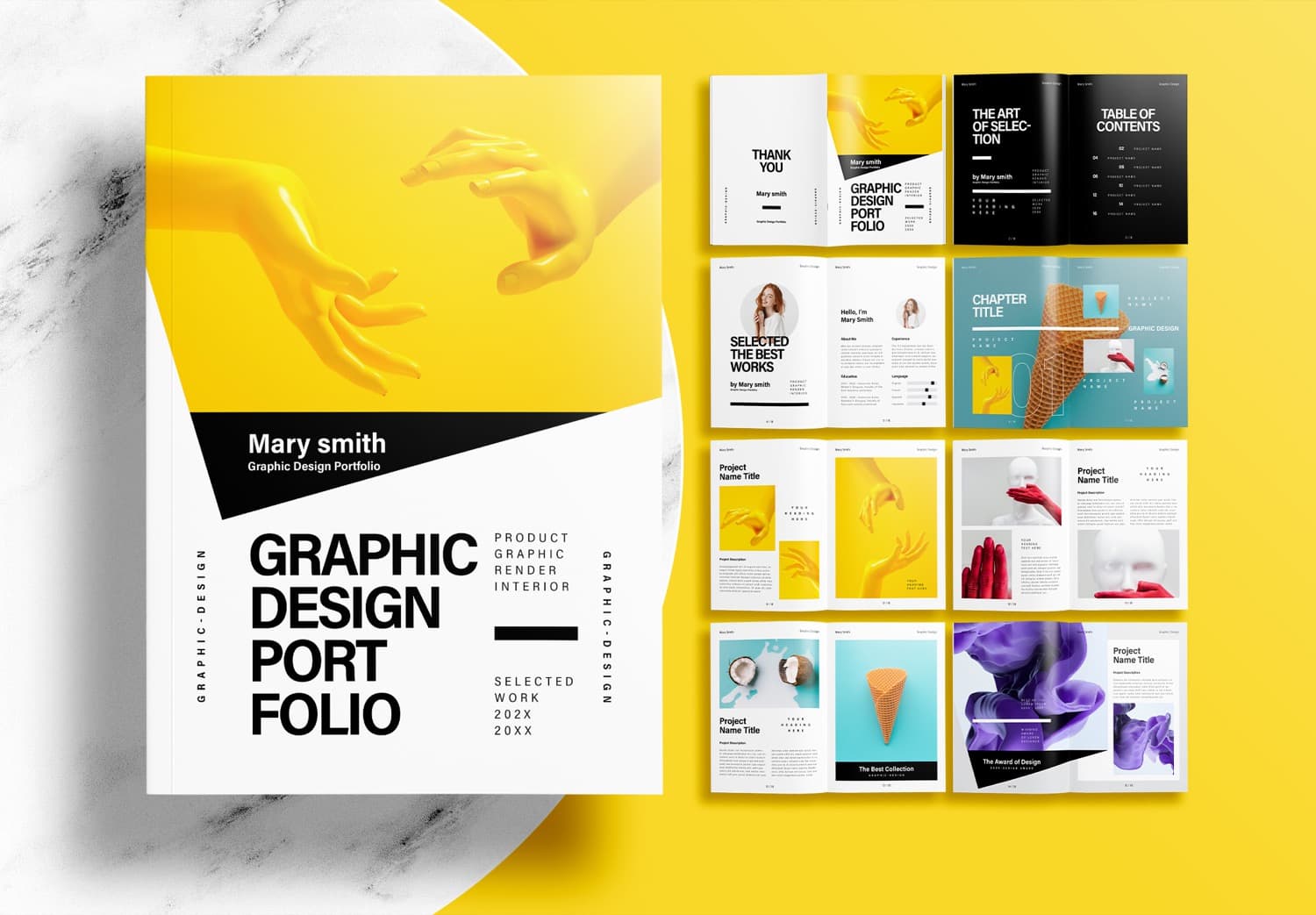
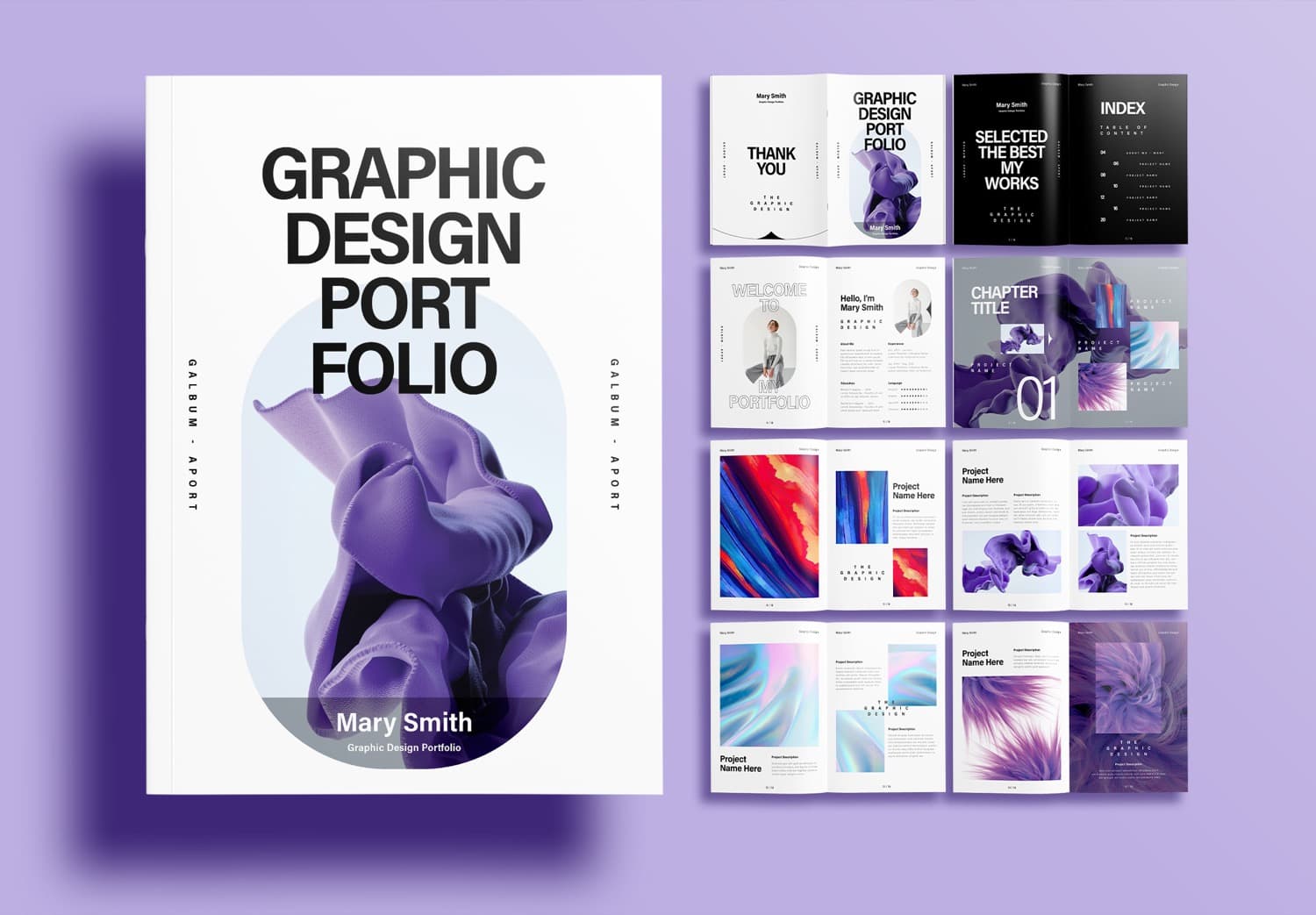
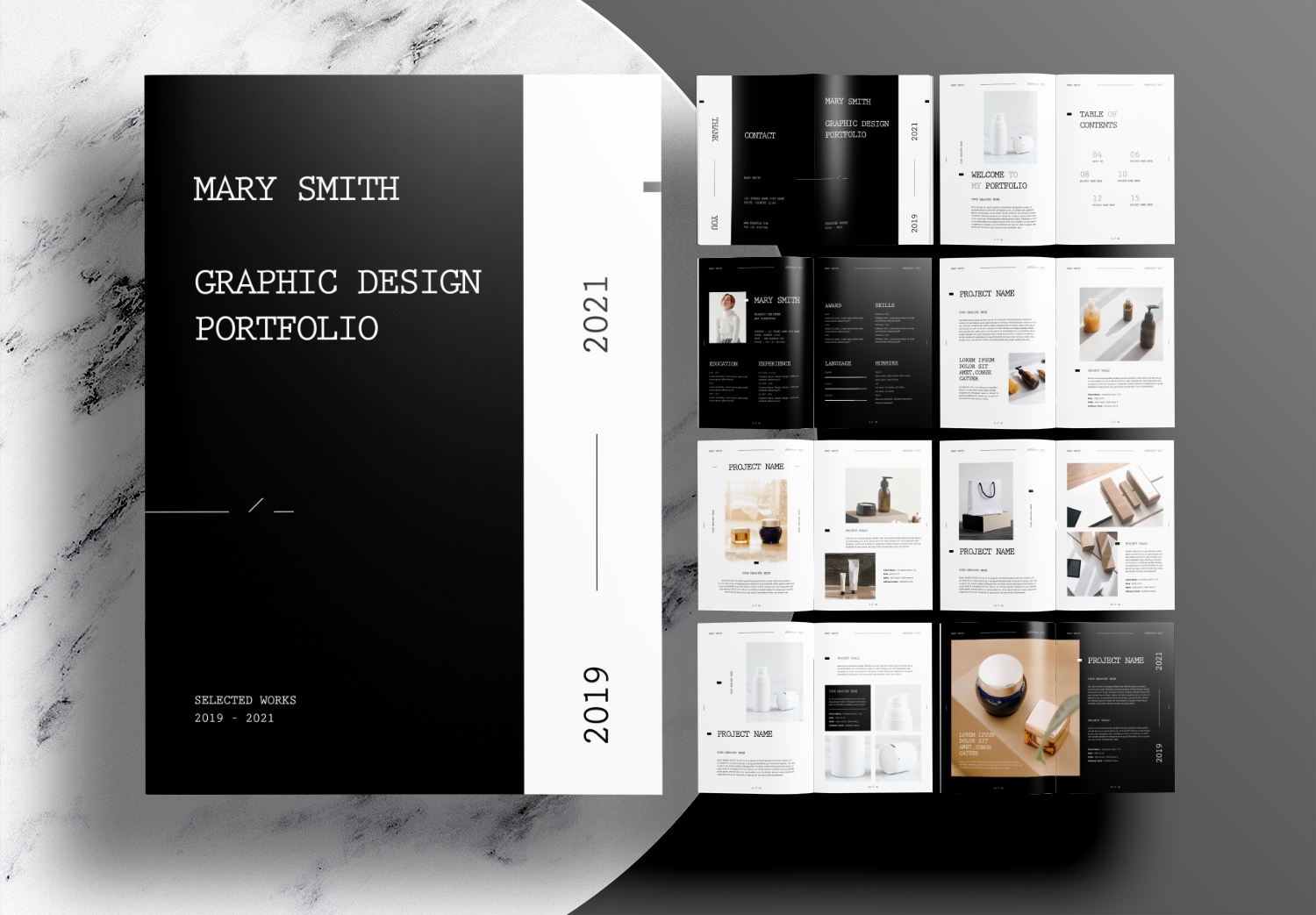
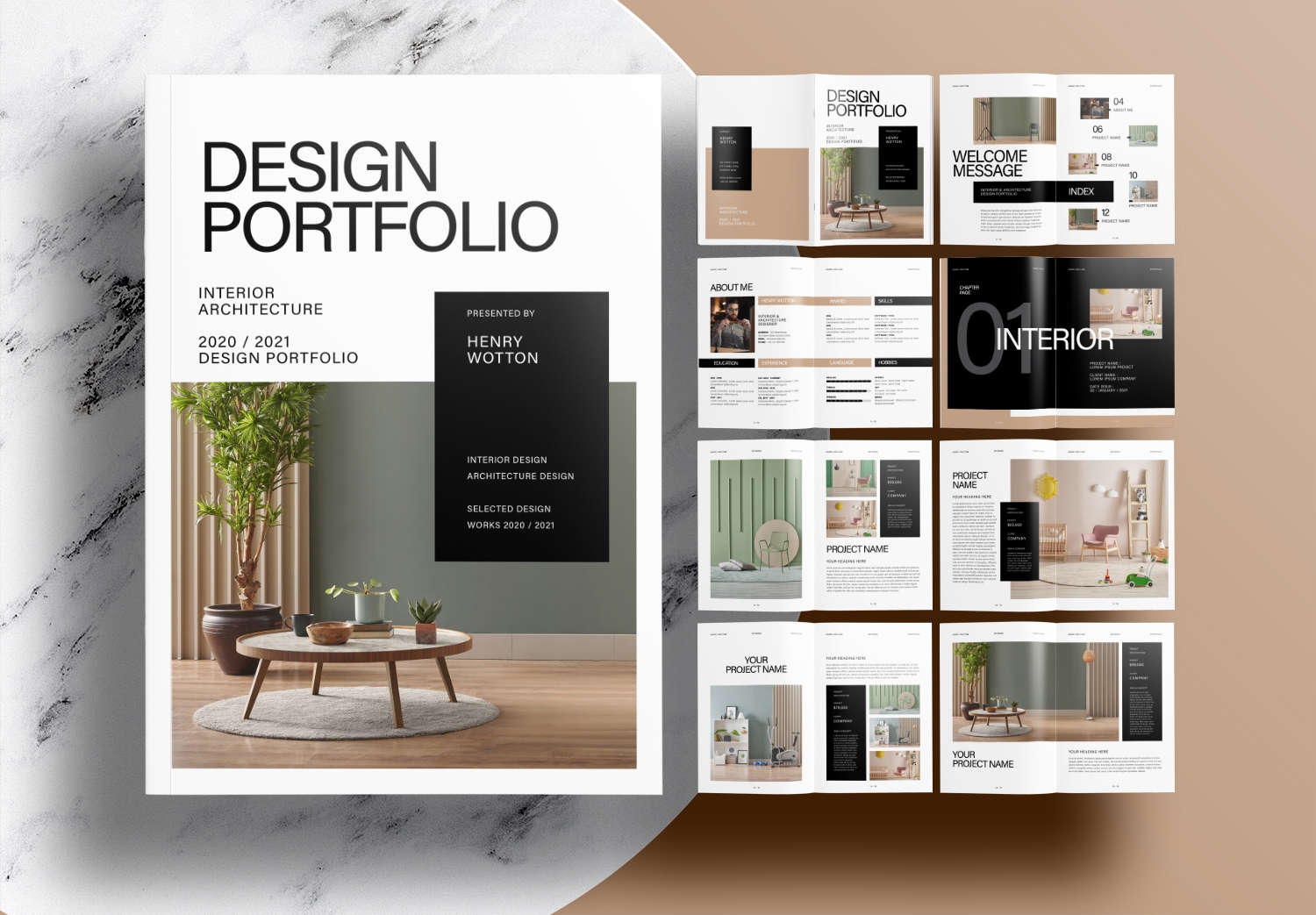
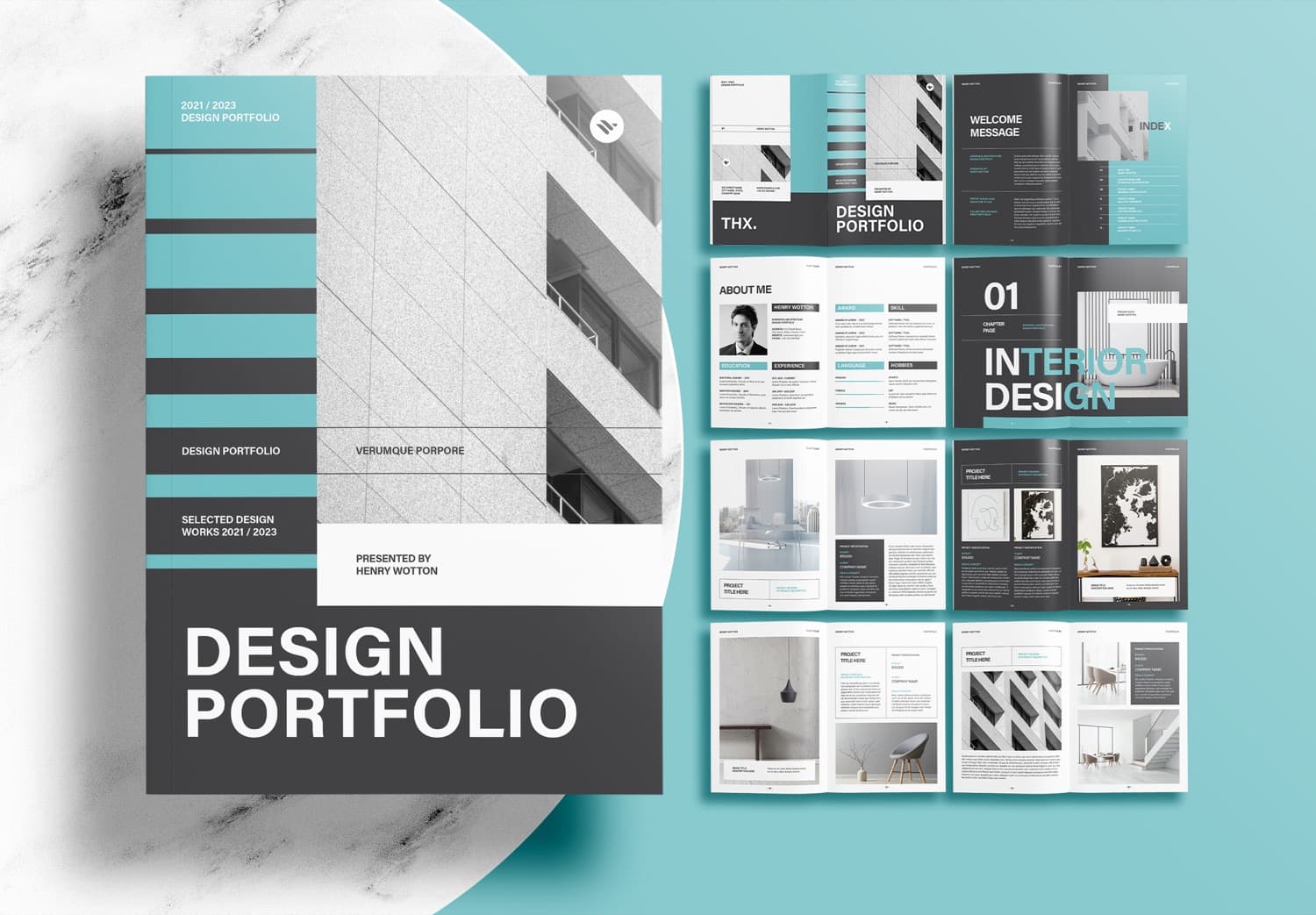
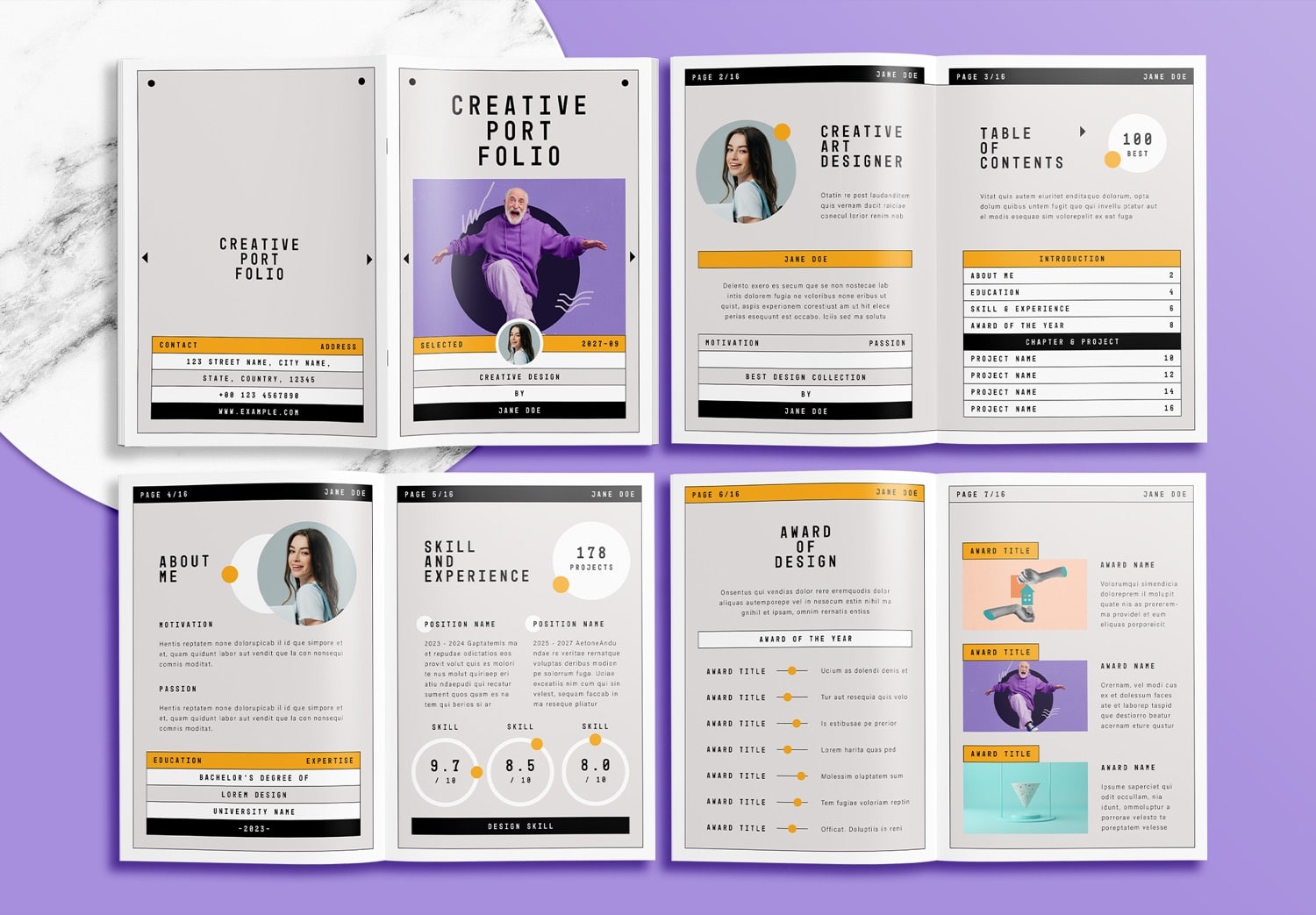
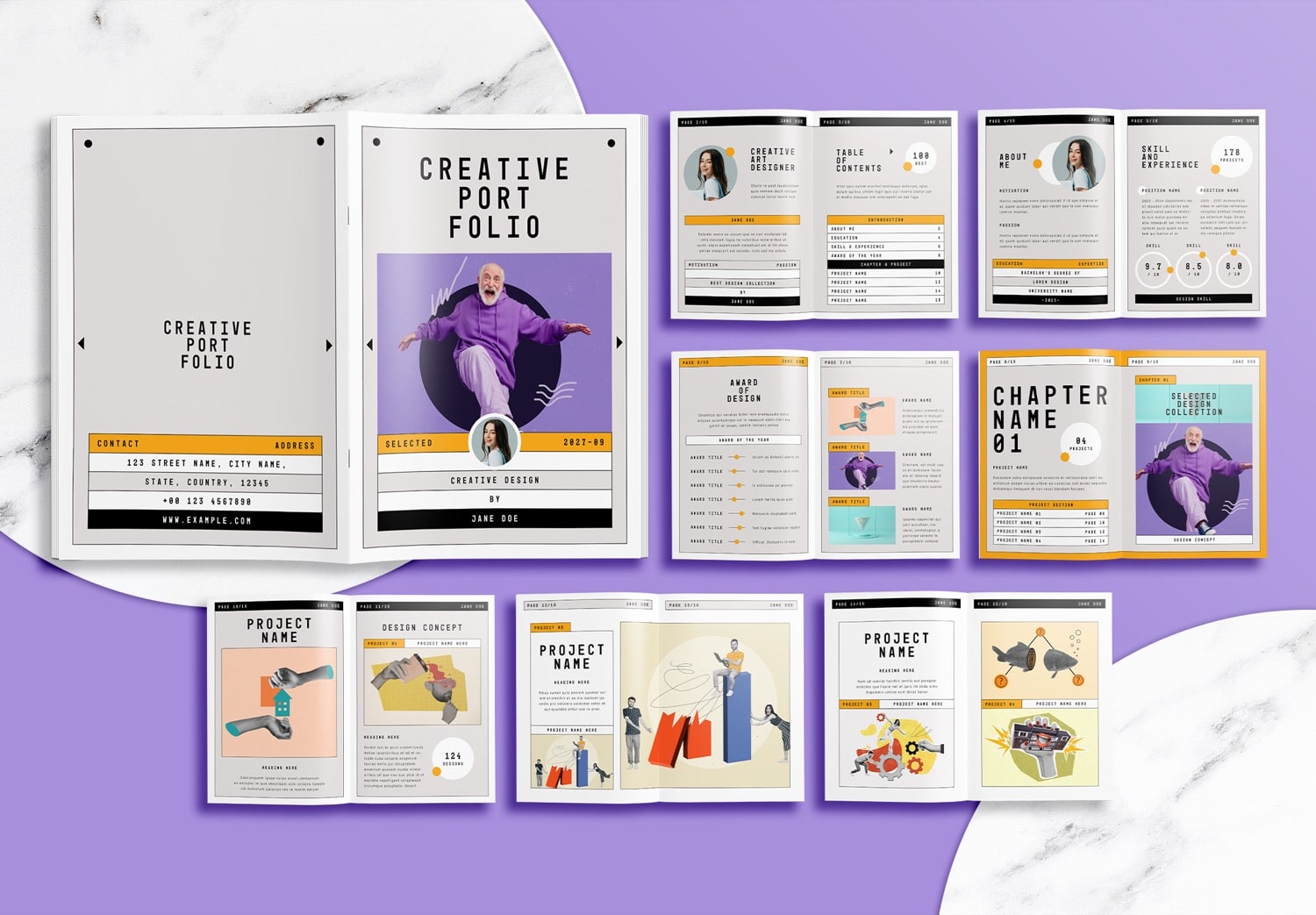
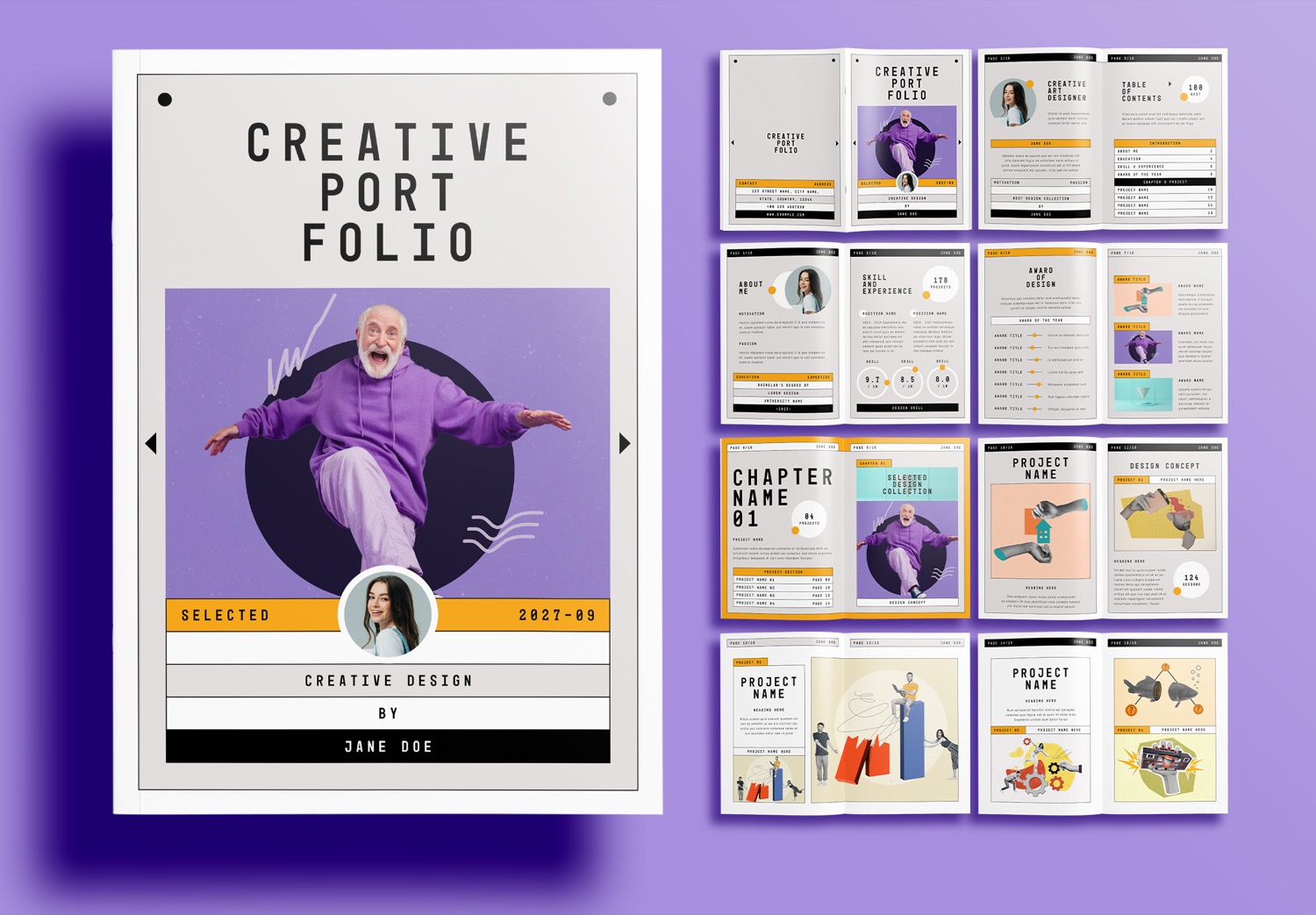
Besides being easy to edit, this portfolio template also includes a complete page layout. The front cover and back cover have a matching design, with space for your photo, portfolio title, short introduction, and contact information.
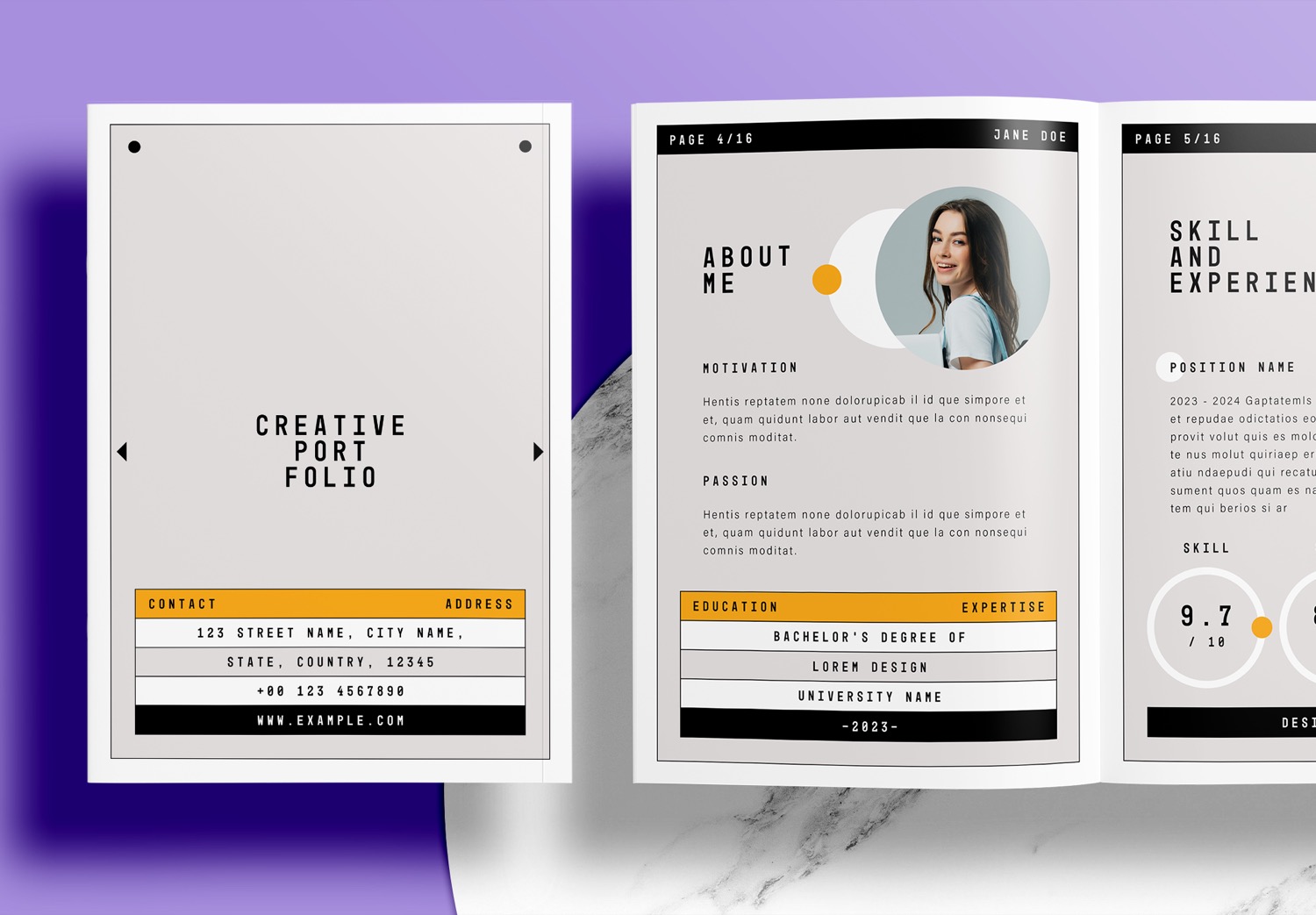
Inside the portfolio, the first pages include an introduction and a table of contents. Here, you can write a short introduction and explain what you want to present in your portfolio.
Next, there is an About Me page where you can write about your motivation and passion, as well as your educational background, areas of expertise, and specific skills that you are experienced in.
On the following page, you can write about your work experience, including your positions and responsibilities. This helps present your professional experience and show the skills and abilities you have developed through your work.
There is also an Award of Design page where you can present the awards and achievements you have received over time, helping to highlight and support your design abilities.
Beautiful Chapter Pages for Every Project
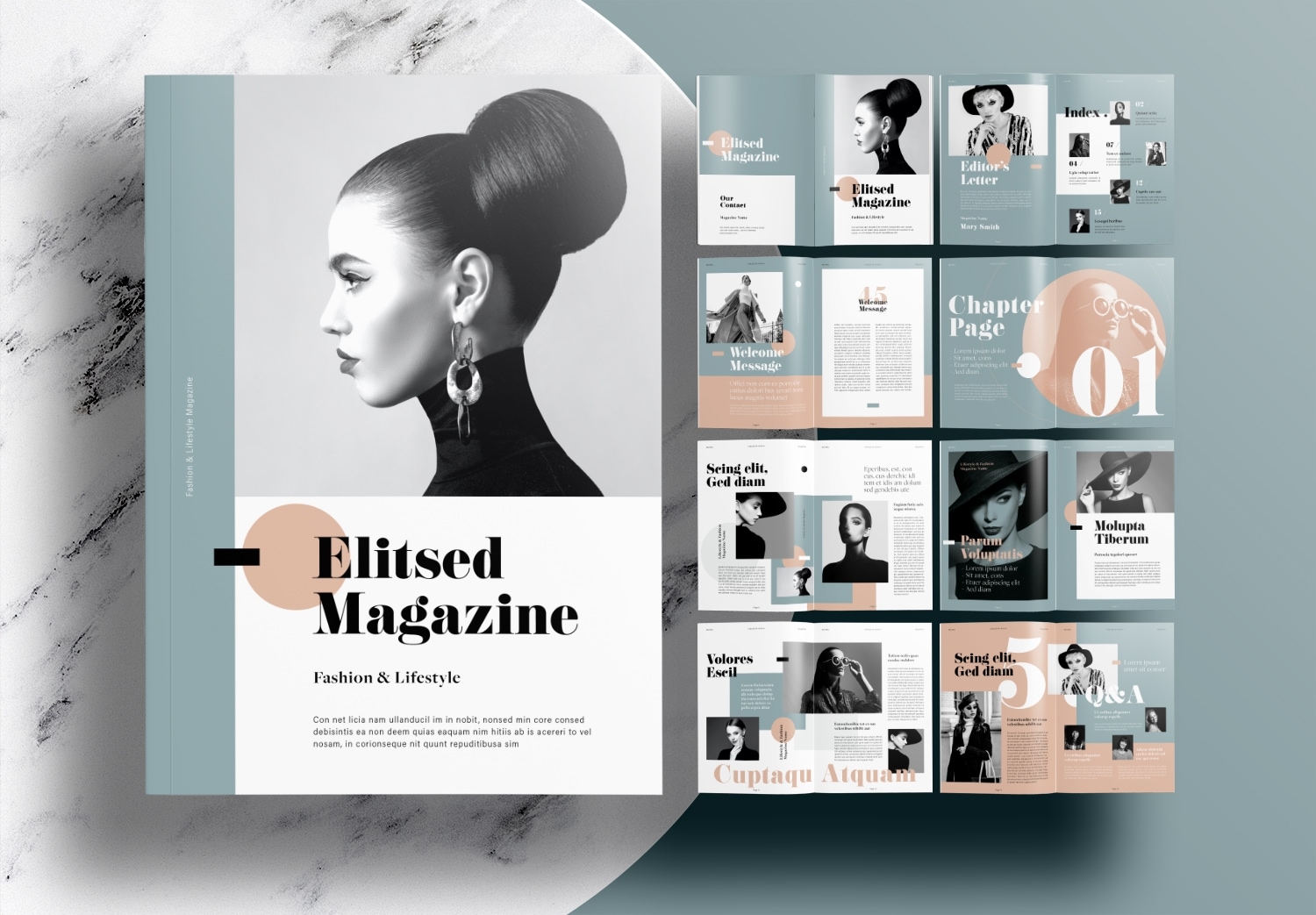
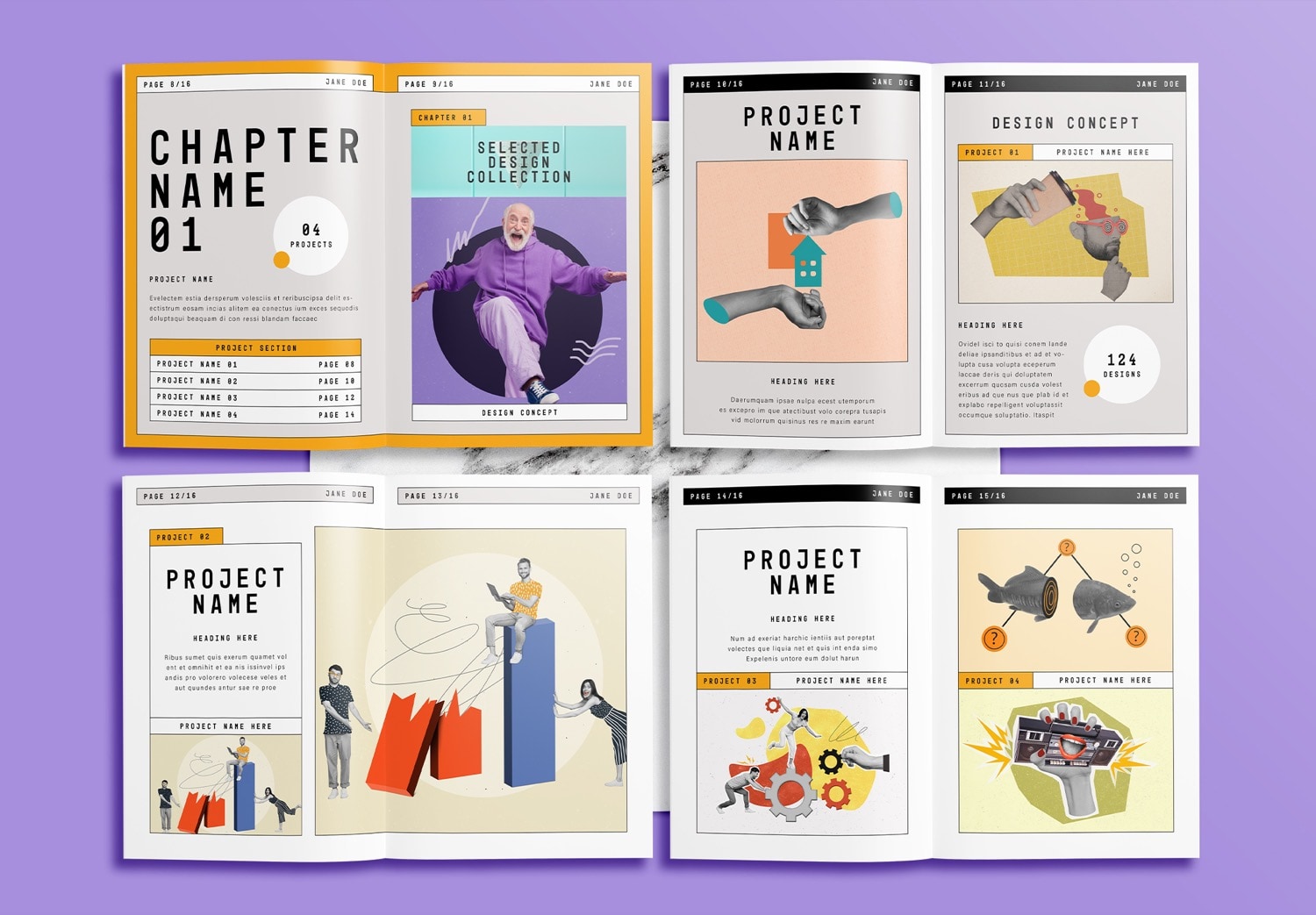
Before each project begins, the template introduces a dedicated chapter page that separates one project from another. These pages serve as visual transitions while giving you space to introduce the concept, explain the objectives, and briefly describe the section that readers are about to explore.
The Chapter page is an important section before entering the content of each project. It works as an opening page for each project, allowing you to introduce the concept and explain the different sections of the project before presenting the details. For the project pages, the template includes a variety of different layout designs. Each page has a different layout, giving you the flexibility to choose the layout that best matches the content of each project.
Help You Work Faster With This Portfolio Template
If you download the Free Download Portfolio Template, you’ll receive the first five professionally designed pages to use as a starting point. It’s an easy way to begin creating a beautiful portfolio. If you’d like the full version, it’s available on Adobe Stock in both A4 and US Letter formats. New Adobe users can Get 10 Free Assets offer, which includes templates, images, videos, graphics, and many other high quality creative resources that can help make your design work easier. Adobe InDesign is also available with a free trial. You can try Adobe Creative Cloud, which includes many apps for creative work, including InDesign.
Create Your Own Beautiful Portfolio Today
If you love the modern editorial style and beautiful layout of this portfolio template, feel free to download it and start creating your own professional portfolio. Instead of starting from a blank page, you can simply replace the sample content with your own work and customize it to match your style. This helps you save time and create a beautiful portfolio much faster. Whether you’re creating a portfolio for a job interview, university application, client presentation, or your personal brand, this template gives you a simple and professional starting point. Enjoy creating your own portfolio!
Popular Templates