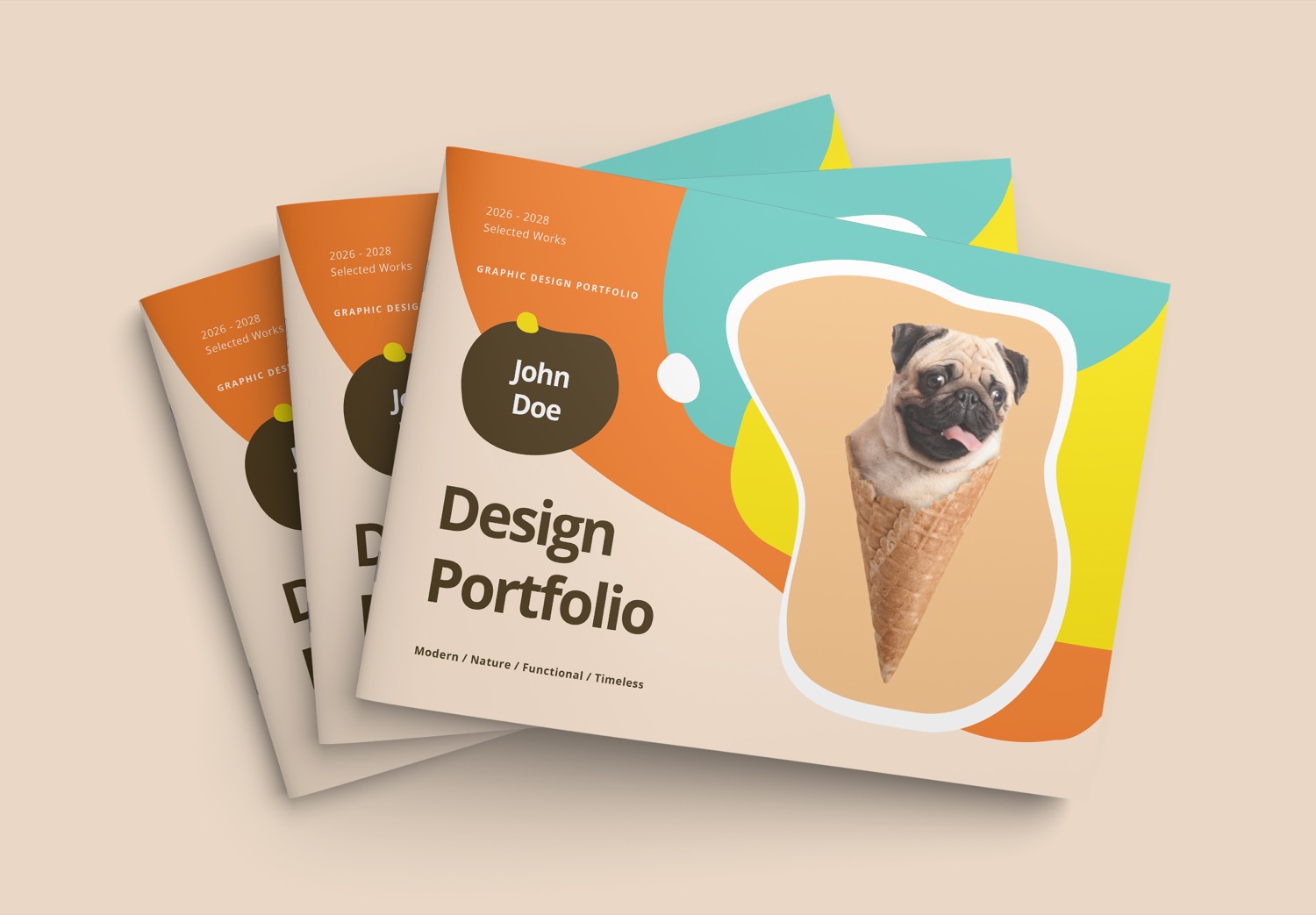
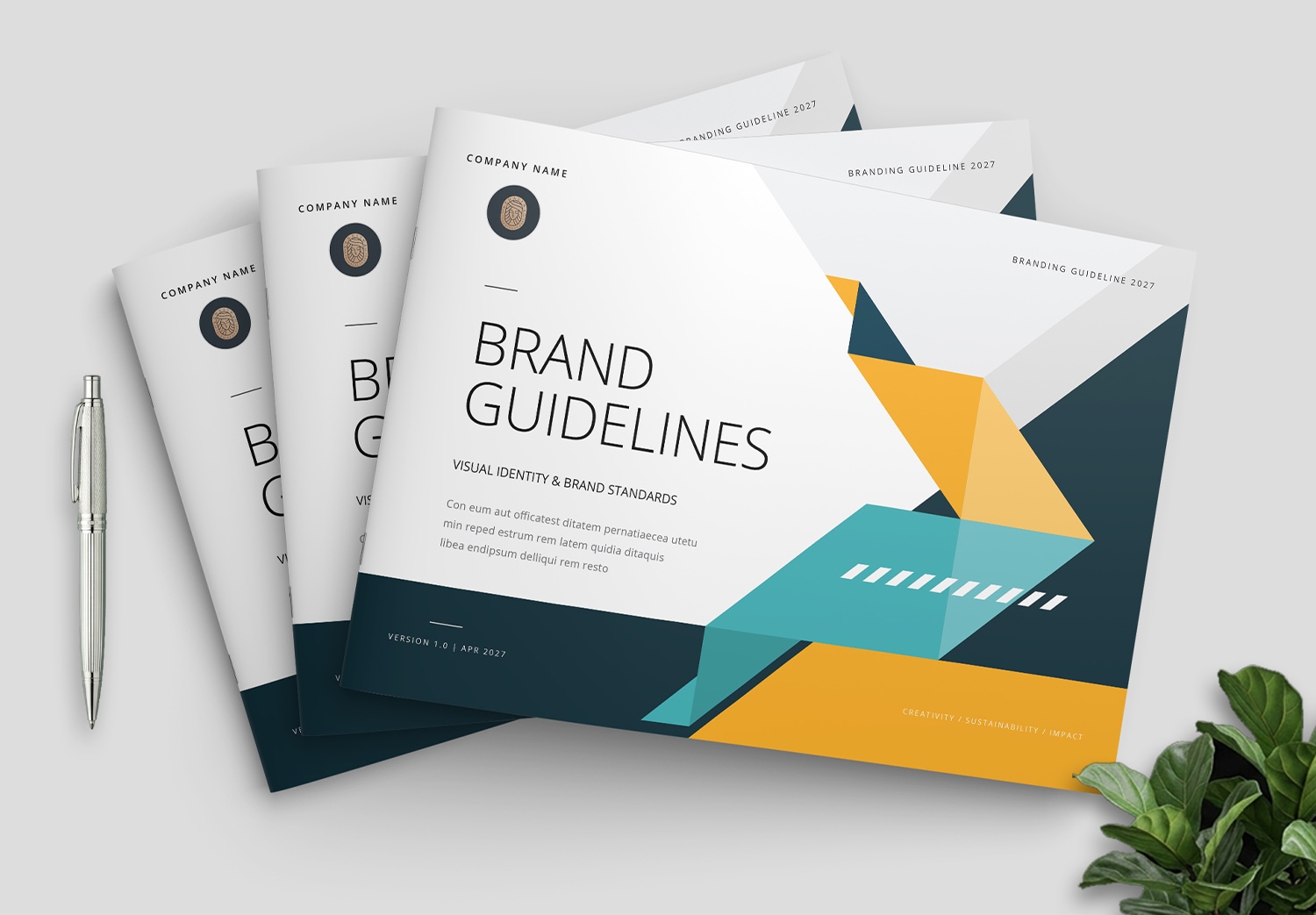
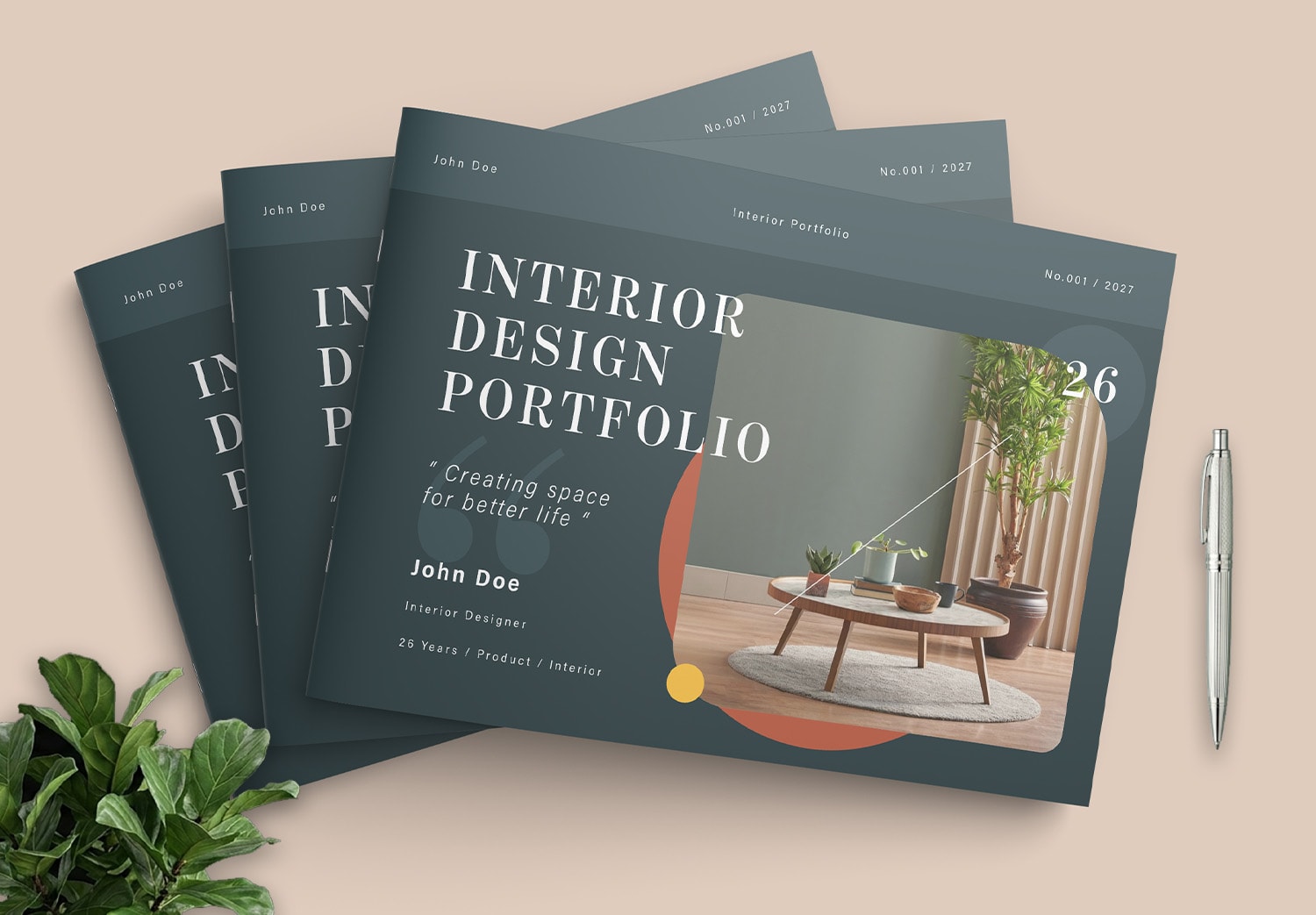
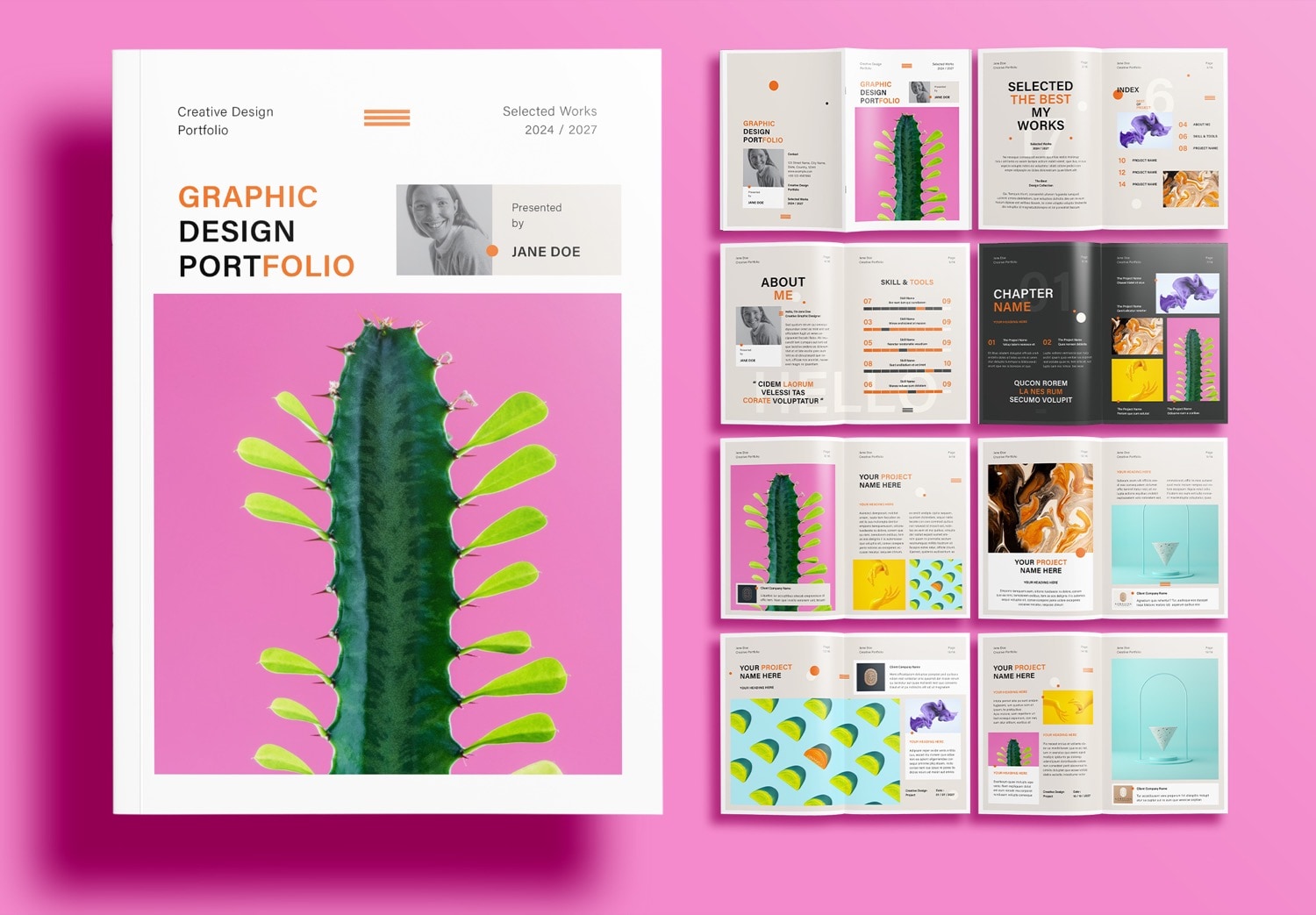
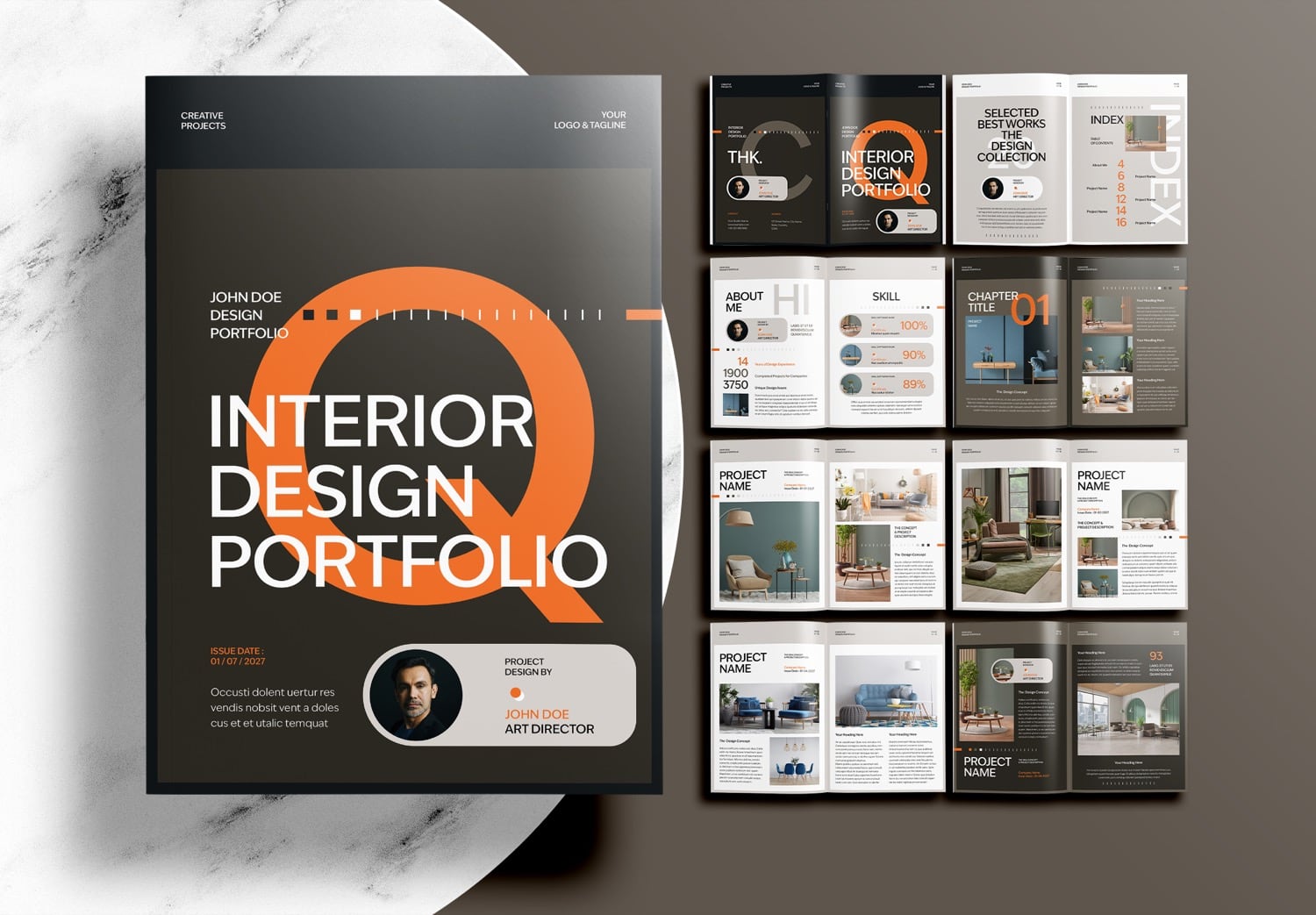
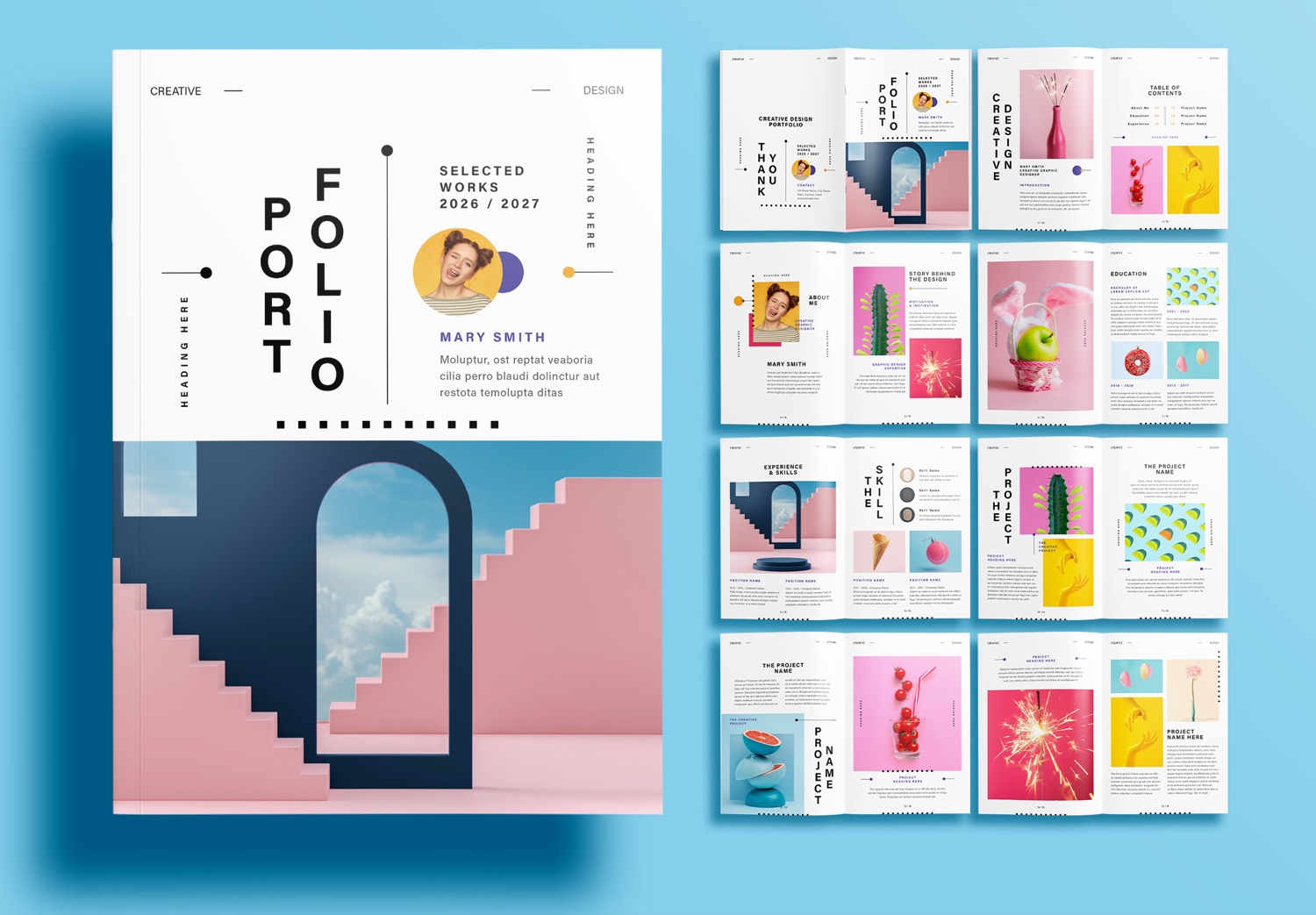
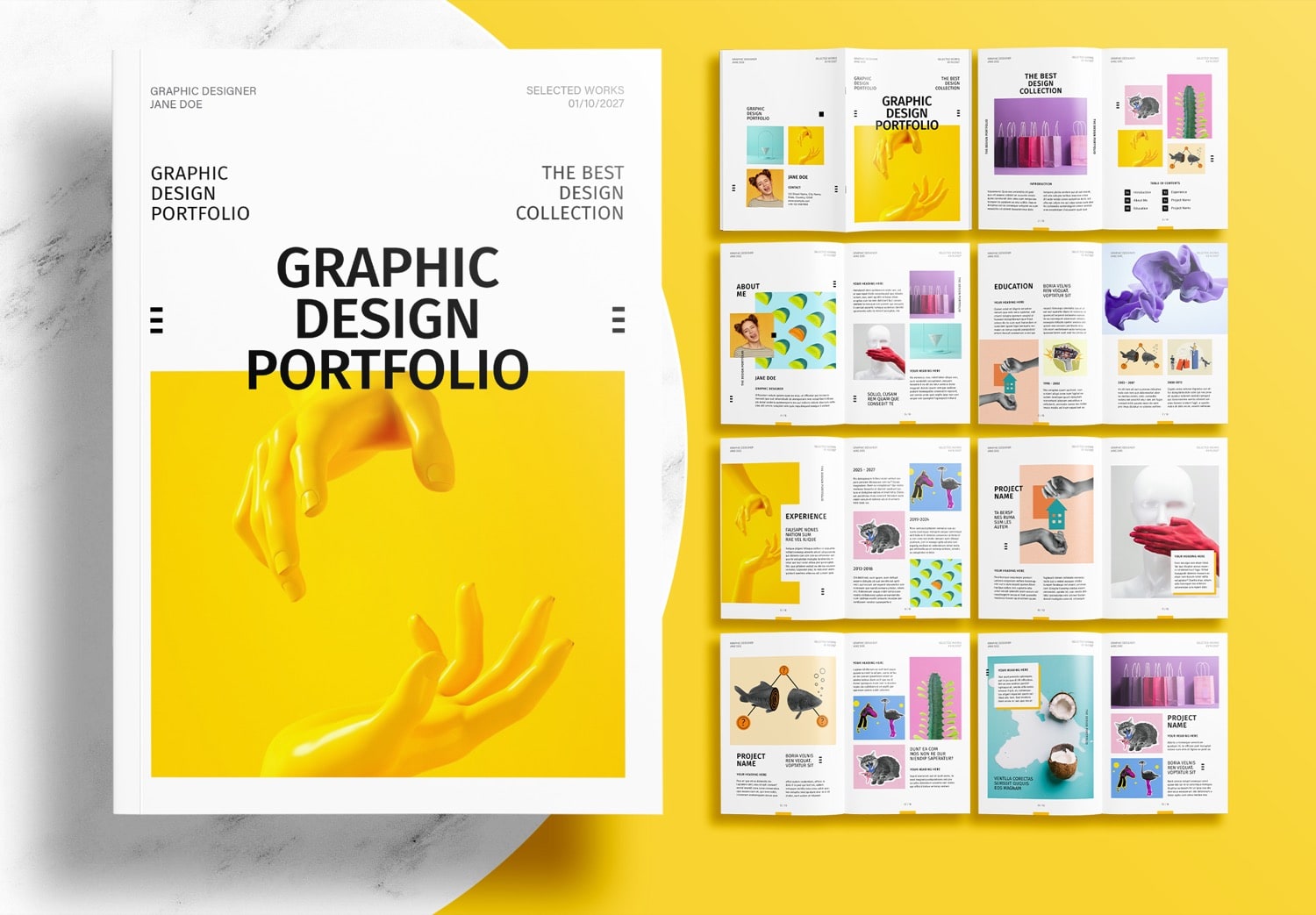
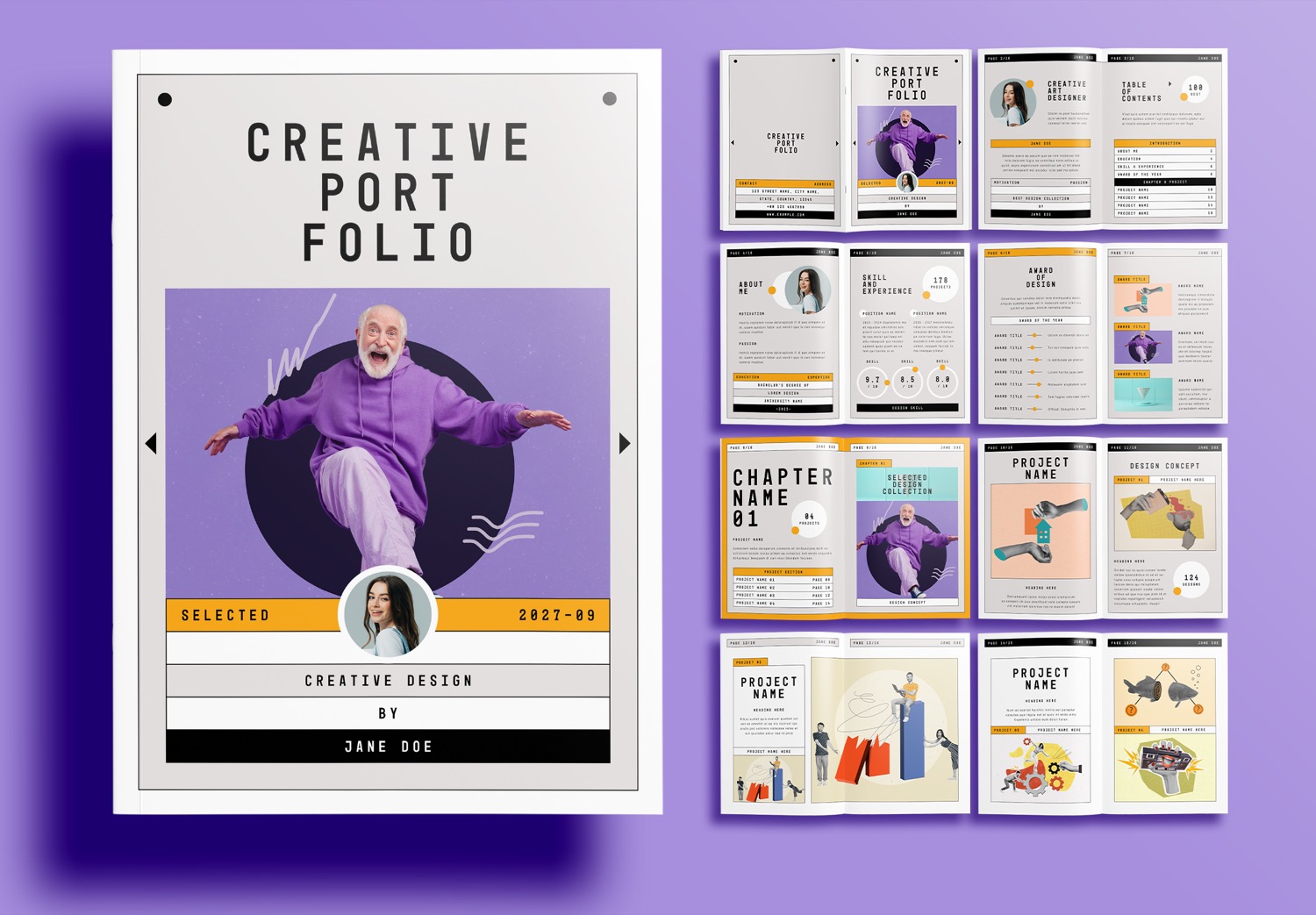
Business Flyer Layout Template for Adobe InDesign
Make Your Business Stand Out with a Professional Flyer Design
Introducing your business clearly is one of the most important steps in building trust with potential customers. Before people decide to contact your company, they often want a quick overview of who you are, what you offer, and why they should choose you. A well-designed corporate flyer makes that introduction simple and memorable. Unlike lengthy brochures or presentations, a flyer delivers essential information in a format that is easy to read, easy to share, and perfect for meetings, exhibitions, direct marketing, or promotional campaigns. This Corporate Flyer Layout helps businesses communicate professionalism while making a strong first impression within seconds.
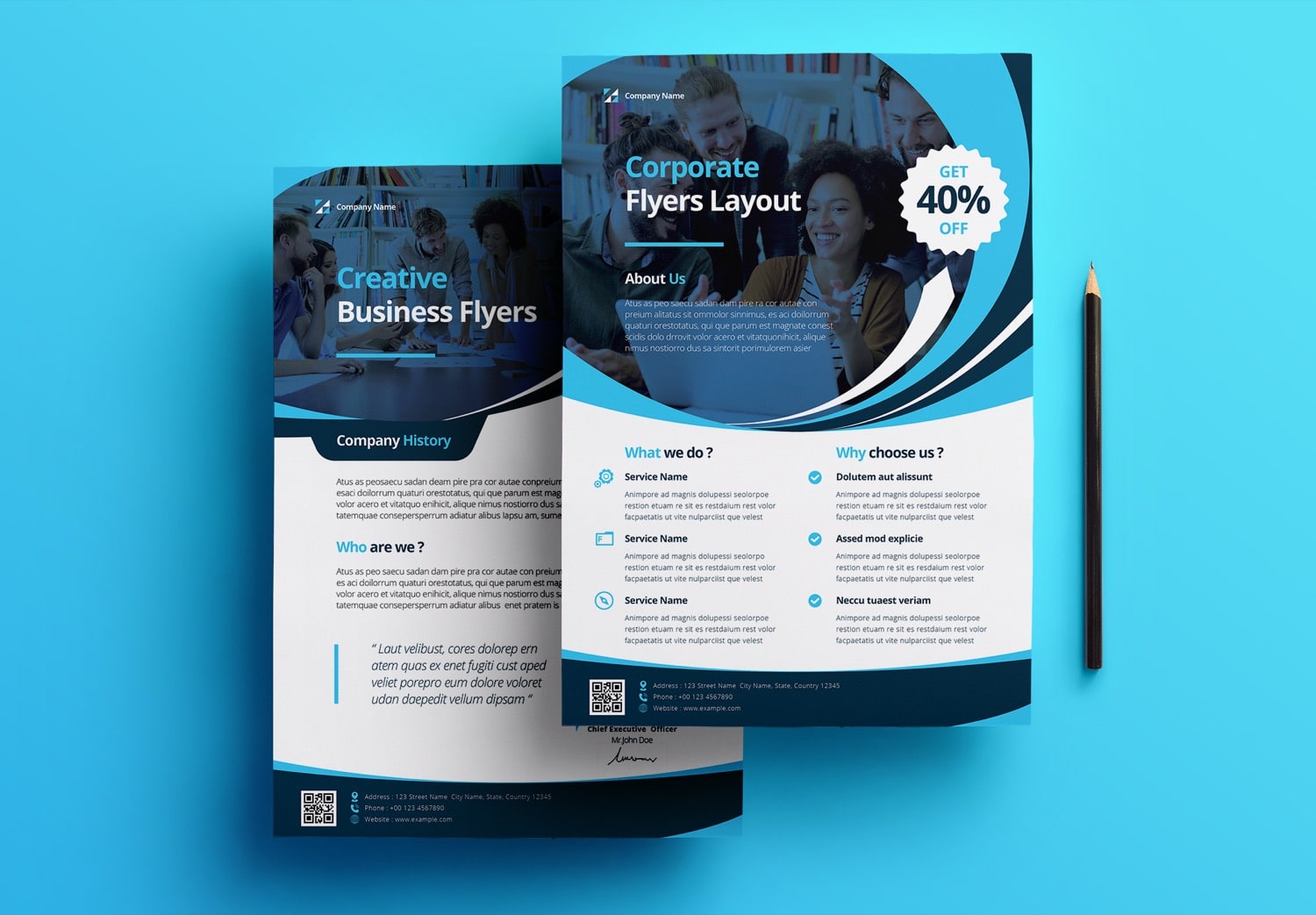
Builds Trust with a Ready-to-Use Corporate Flyer Template
An effective corporate flyer is more than colors and modern typography. Every element must work together to guide the reader naturally from one section to the next while building your company’s credibility. Creating this balance requires experience in editorial layout and print design. Using a professionally designed template from Sirisako, a professional designer on Adobe Stock, helps you start with proven design principles.
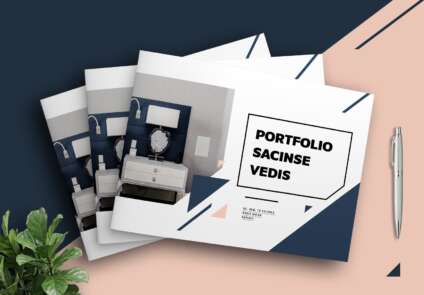
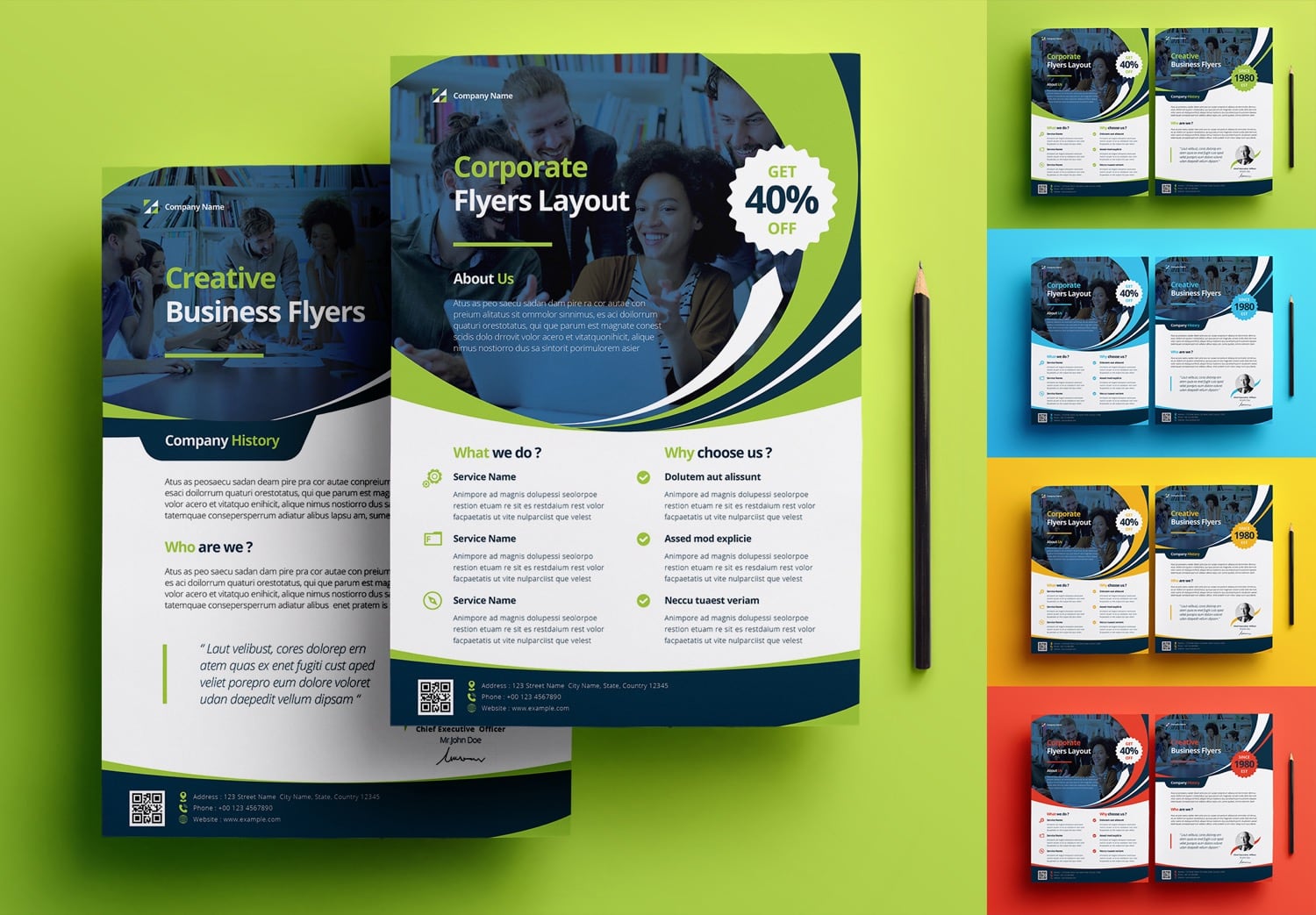
The bold curved shapes and clean composition create a modern, professional look that helps your business stand out. The template includes four color options based on a navy blue foundation, paired with fresh green, blue, yellow, and red accents. Simply choose the color that best matches your brand identity. Green works well for health, wellness, food, and environmental businesses, while blue is ideal for corporate, finance, technology, and professional services. Yellow brings energy to construction, engineering, education, and consulting brands, while red creates a bold impression for creative agencies, retail, hospitality, and customer-focused businesses.
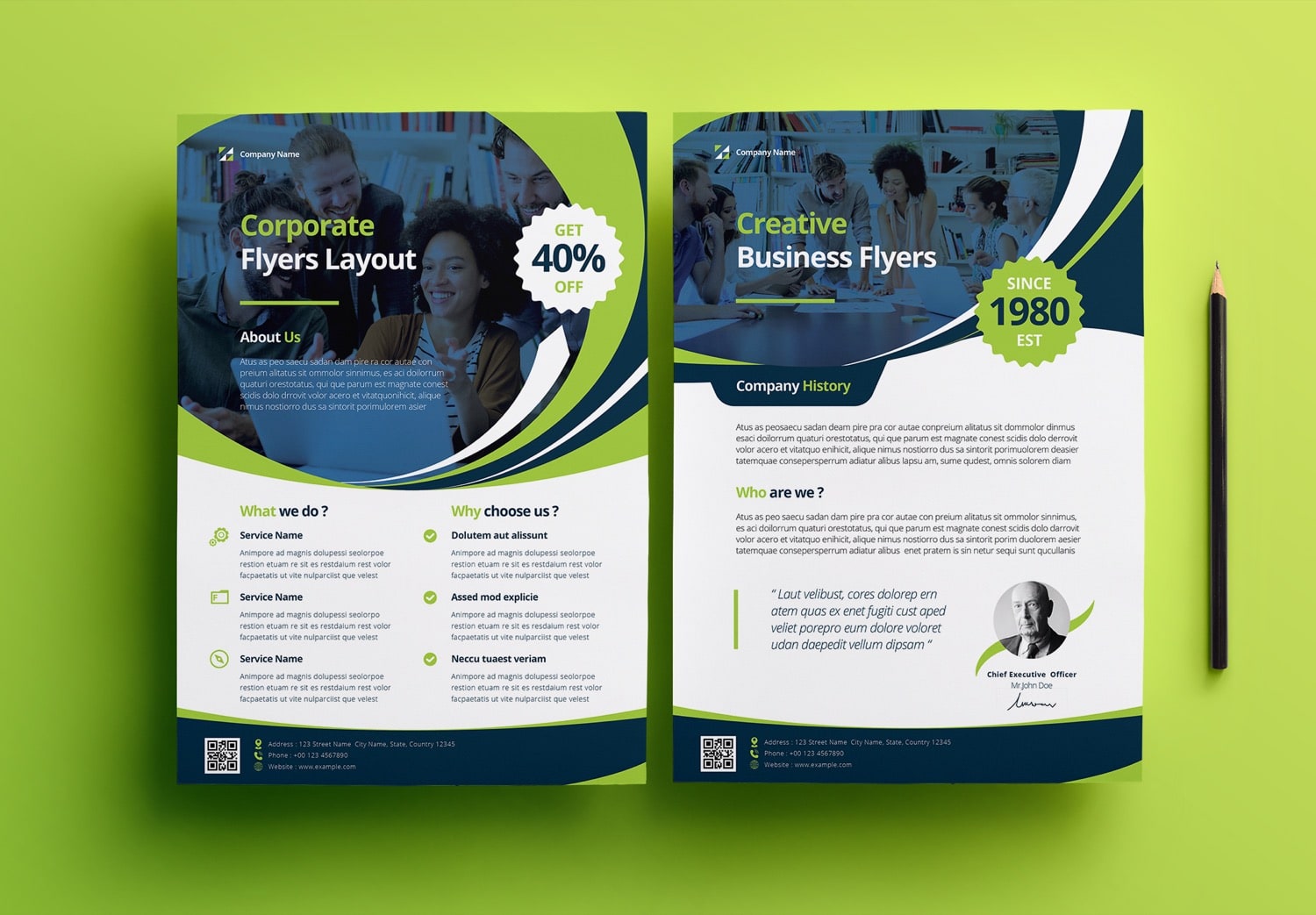
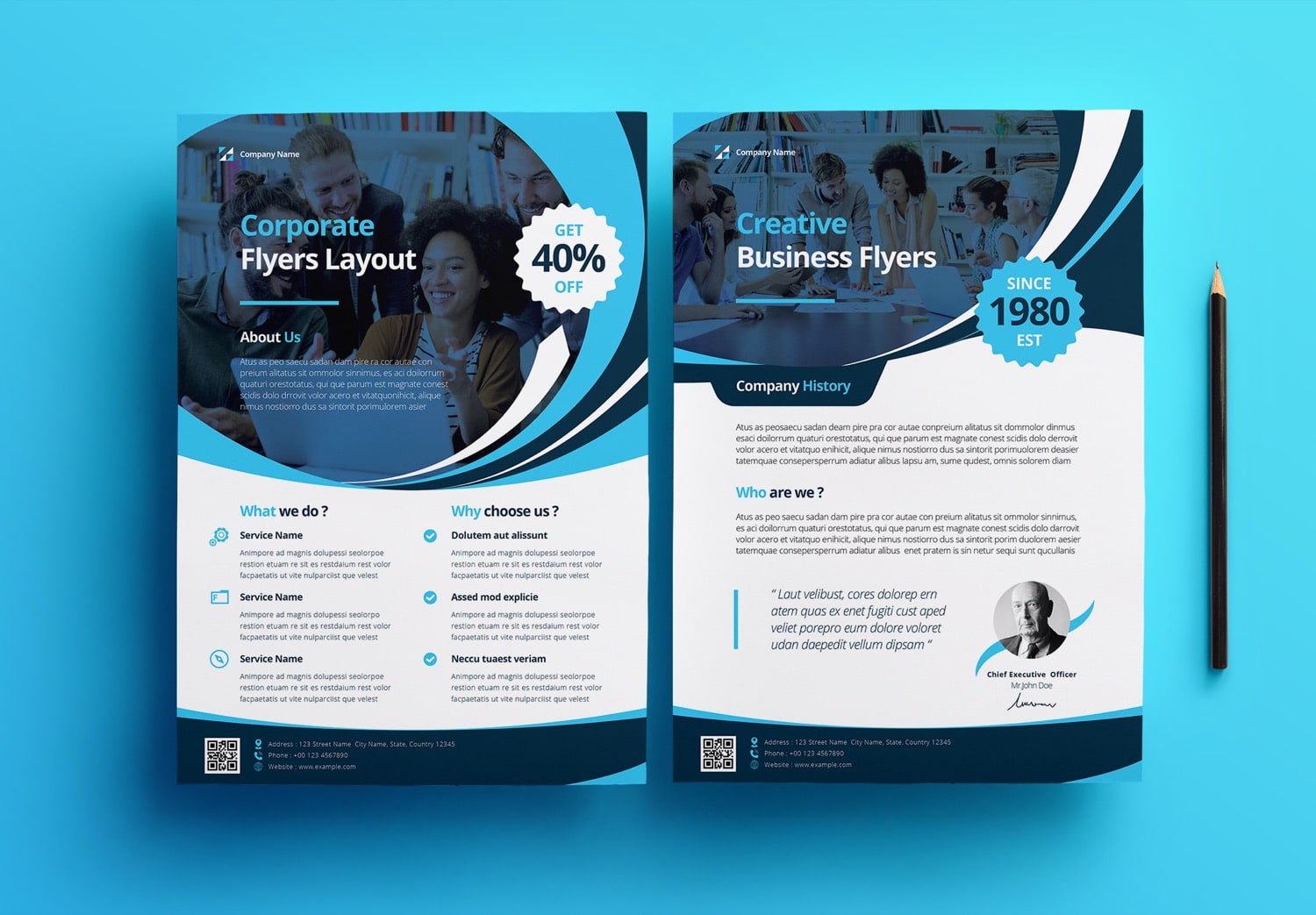
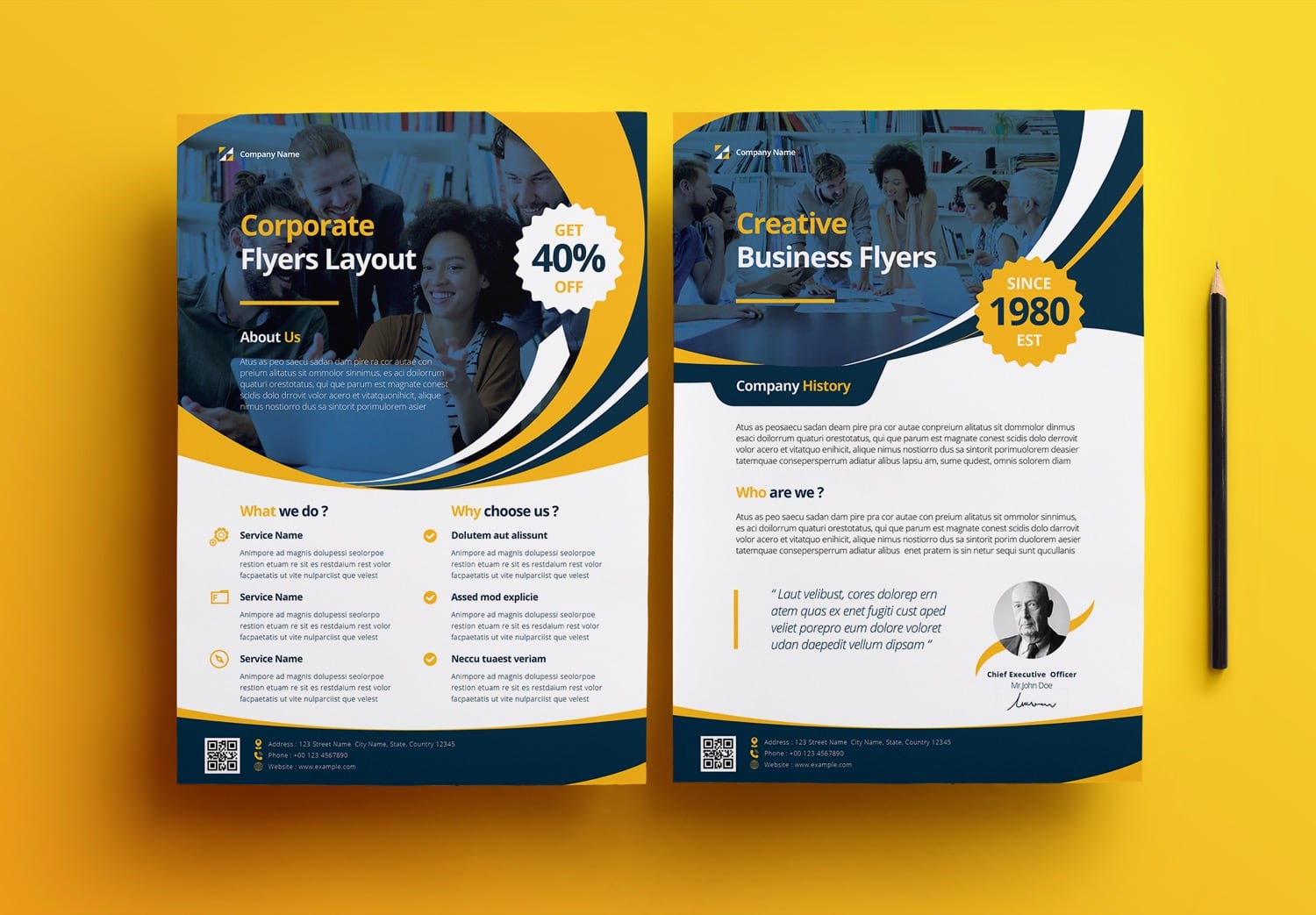
Present Your Company with Well-Organized Sections
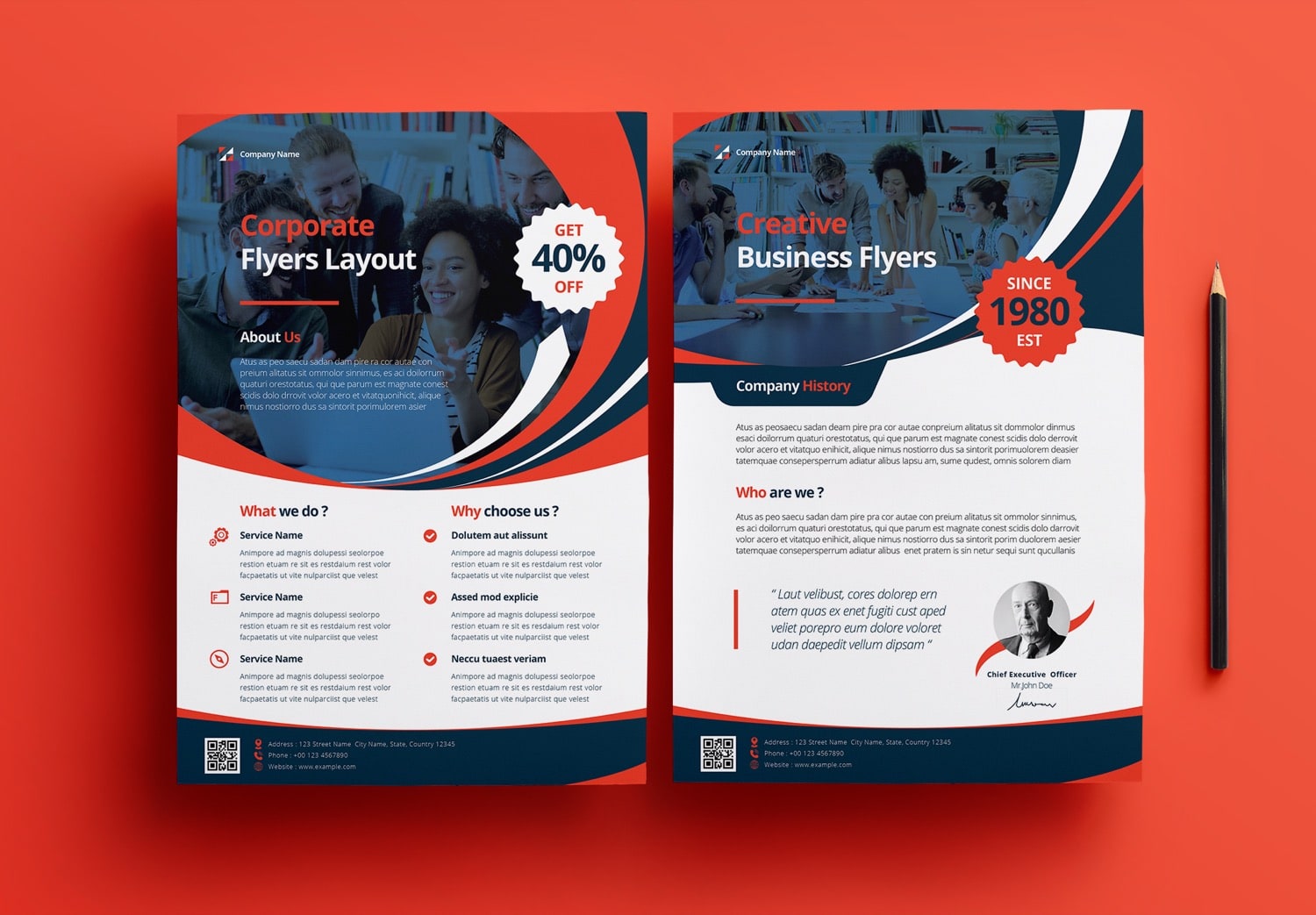
This flyer includes well-organized content sections that help present your business information clearly. The front page features a large image alongside your company name and headline, followed by an About Us section where you can introduce your business. Additional sections include What We Do, where you can present your products or services, and Why Choose Us, giving you space to highlight your strengths and key advantages.
The back page includes a Company History section to share your brand story, a Who Are We? section to introduce your team or company values, a featured customer or executive quote to build credibility, and a profile area for your CEO or company representative. The layout also provides space for your contact details and a QR code, making it easy for potential clients to connect with your business.
Customize Every Element Easily with Adobe InDesign
The template is fully editable in Adobe InDesign, making customization straightforward even when adapting it to your own brand identity. Replace the sample images with your own photography, update every text section, change colors to match your corporate branding, and modify fonts or graphic elements as needed. Because the layout is built using professional InDesign features, you can edit content efficiently while maintaining consistent spacing and alignment throughout the design. Whether you are creating promotional material for a startup, agency, consulting firm, or established company, this template provides a flexible foundation that saves valuable design time.
Easy to Download and Customize
The full version of this Corporate Flyer Layout Template is available on Adobe Stock. New Adobe Stock users can start with a 30-day free trial and Get 25 Free Assets during their first month*. This is a great opportunity to download professional design resources while exploring the Adobe Stock library. If you do not already have Adobe InDesign, you can also start with an Adobe Creative Cloud free trial to access the software and begin editing right away. *The number of free assets available during the Adobe Stock free trial may change depending on Adobe’s current promotional offers.
If you would like to explore the template before downloading the full version, you can first download our free sample. It includes an editable Adobe InDesign (.INDD) file, allowing you to try the editing tools, customize the layout, and experience how the template works before deciding to download the complete version.
New Templates